Sweet Home 3D Reviews 2026: Details, Pricing, & Features | Subscribed.fyi
Sign in to review
Join our community of software reviewers on Subscribed.fyi

Continue With Google
Continue With LinkedIn
Continue Review with Email
Continue with Email
Enter your email to continue.
Continue
Enter your password
Enter your password to finish setting up your account.
Continue
Activate your email
Enter activation code we sent to your email.
Submit
Reset your password
Enter activation code we sent to your email.
Submit
Set your new password
Enter a new password for your account.
Submit
Categories
For Business
Log in
Provide My Insights

Sweet Home 3D Reviews, Pricing, Features & Alternatives (2026)

5/5
(1)

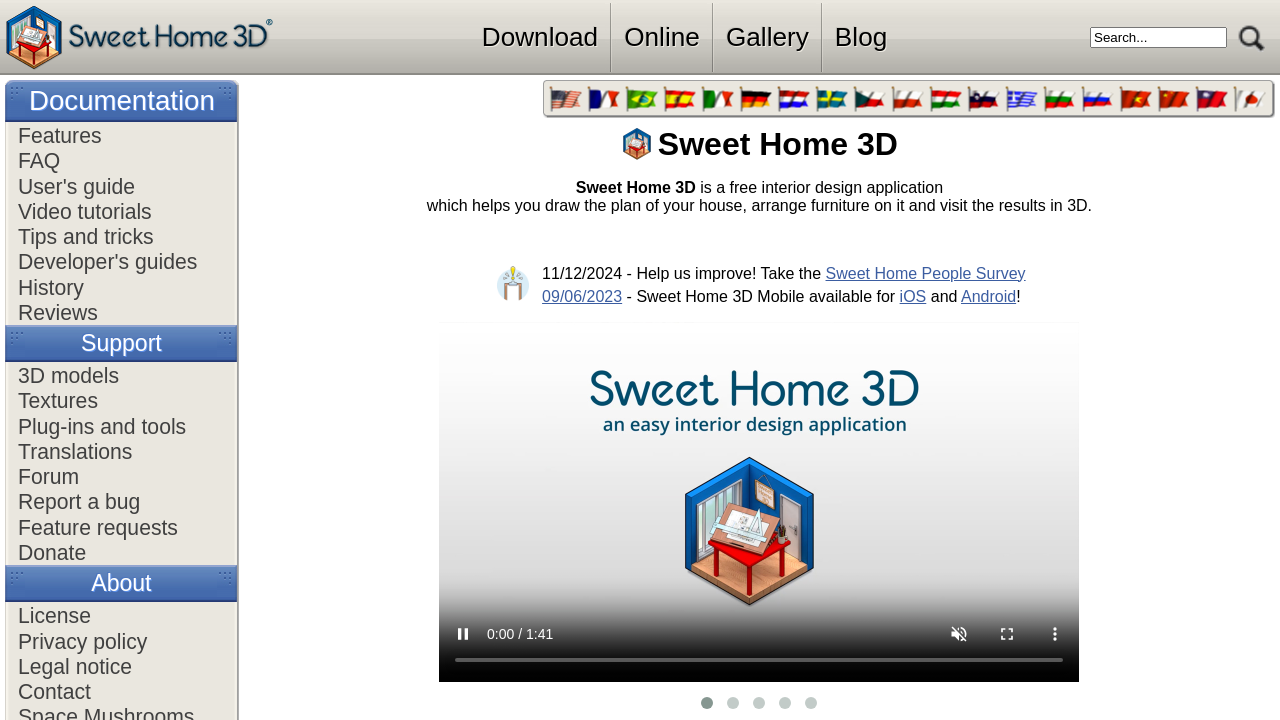
Sweet Home 3D is a user-friendly interior design software ideal for creating detailed floor plans and 3D layouts. It allows users to design spaces by drawing walls, arranging furniture, and visualizing changes in real time. Perfect for beginners and professionals alike, it supports customization of textures, colors, and dimensions to bring design concepts to life. Its open-source nature makes it free and accessible for diverse design needs.

Sweet Home 3D Overview

What is Sweet Home 3D?

5
1
Reviews
60%
Subscribed Score

Available for Claim - This listing is available to be claimed
Claim Profile For Free

Unclaimed

Manage profile with subsig, and unlock 23+ social and review monitoring. Get partnership options with

Claim Profile For Free

Why teams choose Sweet Home 3D

Key Features

Collaborate Easily
Collaborate Easily
Built for teams and communication.
Secure by Design
Secure by Design
Data protection and compliance built in.
Save Time
Save Time
Focus on impact, not repetitive tasks.

Who is Sweet Home 3D for?

Sweet Home 3D is a dynamic interior design software within the CAD category that simplifies the process of designing residential spaces. Whether you’re planning a home remodel, envisioning a new build, or experimenting with layout ideas, this intuitive tool provides powerful features for floor planning and 3D visualization. It is free to use and is ideal for both beginners and seasoned designers looking for a cost-effective, user-friendly solution. Check out exciting deals!

Why Use Sweet Home 3D?

Sweet Home 3D brings substantial benefits to anyone needing interior design capabilities:

  • Easy-to-Use Interface: Its split-screen design with 2D and 3D views makes it simple to visualize changes in real-time. Features like drag-and-drop furniture placement and customizable elements enhance usability.
  • Customization: Users can create multiple floor levels, update wall colors and textures, and import external 3D models to personalize designs further.
  • 3D Visualization: Experience your designs in photorealistic rendering with light variations and walkthrough options.
  • Multi-platform Support: Compatible with Windows, Mac, and Linux, Sweet Home 3D is accessible to users on diverse systems.
  • Advanced Features: Extend the tool’s capabilities by importing additional 3D libraries and exporting designs in various formats.

Who is Sweet Home 3D For?

This software caters to a variety of users:

  • Homeowners and DIY Enthusiasts: Perfect for planning renovation projects or visualizing interior layouts with ease.
  • Interior Designers: Gives designers the ability to conceptualize and present ideas effectively.
  • Architects: Enhances workflows with basic CAD features, enabling quick prototyping of ideas before diving into more complex software.

Sweet Home 3D is a cost-free and effective alternative for those seeking interior design flexibility and simplicity. For exclusive deals, explore here.

Top Alternatives to Sweet Home 3D

Sweet Home 3D Summary

Sweet Home 3D is a dynamic interior design software within the CAD category that simplifies the process of designing residential spaces. Whether you’re planning a home remodel, envisioning a new build, or experimenting with layout ideas, this intuitive tool provides powerful features for floor planning and 3D visualization. It is free to use and is ideal for both beginners and seasoned designers looking for a cost-effective, user-friendly solution. Check out exciting deals!

Why Use Sweet Home 3D?

Sweet Home 3D brings substantial benefits to anyone needing interior design capabilities:

  • Easy-to-Use Interface: Its split-screen design with 2D and 3D views makes it simple to visualize changes in real-time. Features like drag-and-drop furniture placement and customizable elements enhance usability.
  • Customization: Users can create multiple floor levels, update wall colors and textures, and import external 3D models to personalize designs further.
  • 3D Visualization: Experience your designs in photorealistic rendering with light variations and walkthrough options.
  • Multi-platform Support: Compatible with Windows, Mac, and Linux, Sweet Home 3D is accessible to users on diverse systems.
  • Advanced Features: Extend the tool’s capabilities by importing additional 3D libraries and exporting designs in various formats.

Who is Sweet Home 3D For?

This software caters to a variety of users:

  • Homeowners and DIY Enthusiasts: Perfect for planning renovation projects or visualizing interior layouts with ease.
  • Interior Designers: Gives designers the ability to conceptualize and present ideas effectively.
  • Architects: Enhances workflows with basic CAD features, enabling quick prototyping of ideas before diving into more complex software.

Sweet Home 3D is a cost-free and effective alternative for those seeking interior design flexibility and simplicity. For exclusive deals, explore here.

Top Alternatives to Sweet Home 3D

Sweet Home 3D reviews and insights

Learn what people say about Sweet Home 3D

5
1 Reviews
60%
Subscribed Score

Lear more here about the Subscribed score on how it is composed. Learn more Click here

Overall rating

5
4
3
2
1
CX 4/6

How good is the customer support based on subscribed’s assessment

CX Icon
Security 3/6

How secure is the product based on Subscribed’s assessment?

Security Icon
Ease of Use 5/6

How easy is the product to use, based on Subscribed’s assessment?

EOU Icon
Value 5/6

What is the value for money based on Subscribed’s assessment?

coin Icon
Integration 2/6

How many integrations does the product offer?

gear Icon
Popularity 3/6

How popular is the product?

star
(Aus) Aya Odeh Invitation
Medical Receptionist
2 months ago
Share
What feature do you use most often?
I like the building features
What slows you down when using it?
It freezes a bit while using it otherwise this product works well
What problem did this product solve for you?
It’s fun to do and simple for when designing what you need.
Final thoughts, wrap up what you think
It’s simple and is free to use. I would recommend this to friends
Upvote

Sweet Home 3D User Reviews

1 User Reviews

Reviews from G2, Capterra, Trustpilot
info Icon

These ratings come directly from third-party platforms like G2, Capterra, and Trustpilot. They reflect real user feedback collected independently on those sites.

Sweet Home 3D pricing

Pricing model

Pricing Range
info Icon

This only an estimated pricing range, visit Sweet Home 3D pricing page to access all the information by clicking “Visit Now”.

Not specified
Deals Available

This product comes with a special deal, see details

Visit Now
✨ Ask AI about pricing
60% Subscribed Score
info Icon

The Subscribed Score is an independent rating that combines user reviews, features, and value-for-money from multiple trusted sources. It’s designed as a quick benchmark, not a guarantee of individual experience.

Overview

Sweet Home 3D is a dynamic interior design software within the CAD category that simplifies the process of designing residential spaces. Whether you’re planning a home remodel, envisioning a new build, or experimenting with layout ideas, this intuitive tool provides powerful features for floor planning and 3D visualization. It is free to use and is ideal for both beginners and seasoned designers looking for a cost-effective, user-friendly solution. Check out exciting deals!

Why Use Sweet Home 3D?

Sweet Home 3D brings substantial benefits to anyone needing interior design capabilities:

  • Easy-to-Use Interface: Its split-screen design with 2D and 3D views makes it simple to visualize changes in real-time. Features like drag-and-drop furniture placement and customizable elements enhance usability.
  • Customization: Users can create multiple floor levels, update wall colors and textures, and import external 3D models to personalize designs further.
  • 3D Visualization: Experience your designs in photorealistic rendering with light variations and walkthrough options.
  • Multi-platform Support: Compatible with Windows, Mac, and Linux, Sweet Home 3D is accessible to users on diverse systems.
  • Advanced Features: Extend the tool’s capabilities by importing additional 3D libraries and exporting designs in various formats.

Who is Sweet Home 3D For?

This software caters to a variety of users:

  • Homeowners and DIY Enthusiasts: Perfect for planning renovation projects or visualizing interior layouts with ease.
  • Interior Designers: Gives designers the ability to conceptualize and present ideas effectively.
  • Architects: Enhances workflows with basic CAD features, enabling quick prototyping of ideas before diving into more complex software.

Sweet Home 3D is a cost-free and effective alternative for those seeking interior design flexibility and simplicity. For exclusive deals, explore here.

Top Alternatives to Sweet Home 3D

Where Sweet Home 3D performs best

What users like
  • Free and open-source tool.
  • Easy to use for beginners.
  • Real-time 3D rendering.
  • Extensive furniture libraries.

Where Sweet Home 3D falls short

What users dislike
  • Limited professional features.
  • Rendering can be slow.
  • Needs more plugins and libraries.
  • Walls can't curve freely.
Subscribed Score Metrics
22/36 Metric achieved
MetricsScore
Customer Support4/6
Security3/6
Ease of Use5/6
Value of Money5/6
Integration2/6
Popularity3/6
Radar Chart Table View
Ease of Use
Measures how simple and intuitive the product is to use, including setup, navigation, and overall user experience
5/6 Metric Checks
Security
Compares the product`s features, quality, and pricing to determine its overall cost-effectiveness.
3/6 Metric Checks
Value of Money
Assesses the product`s ability to protect data, prevent breaches, and comply with industry standards.
5/6 Metric Checks
Customer Support
Reflects the responsiveness, helpfulness, and quality of assistance provided by the product`s support team.
4/6 Metric Checks
Integrations
Evaluates how well the product connects with other tools and platforms, enabling seamless workflows.
2/6 Metric Checks
Sweet Home 3D Pricing Range
Not specified

Sweet Home 3D in action
info Icon

A curated gallery of real screenshots and use cases from the product, so you can see how it works before trying it.

Sweet Home 3D Full Screen Icon
https://www.youtube.com/watch?v=iWk9-mKE9G8
Full Screen Icon
https://www.youtube.com/watch?v=ngSHLJ5IQ3g
Full Screen Icon
Sweet Home 3D
Video thumbnail
Video thumbnail
Sweet Home 3D

Alternatives to Sweet Home 3D
info Icon

A list of platforms similar to Sweet Home 3D, helping you evaluate which tool best matches your needs.

How to cancel Sweet Home 3D

Need to cancel Sweet Home 3D? Here is how
info Icon

Thinking about how to cancel Sweet Home 3D this is how you do it!

To cancel or refund a Sweet Home 3D product, you generally need to:

  • Request a refund within a specified time frame (typically 30 days).
  • Use the contact form or email address provided by the vendor.
  • Specify the order number and reason for the refund.
  • Note that refunds may invalidate the software license.

How to Cancel the Sweet Home 3D

To cancel or refund a Sweet Home 3D product, you generally need to:

  • Request a refund within a specified time frame (typically 30 days).
  • Use the contact form or email address provided by the vendor.
  • Specify the order number and reason for the refund.
  • Note that refunds may invalidate the software license.

FAQs about Sweet Home 3D

Every else you need to know about Sweet Home 3D
info Icon

A collection of FAQs, guides, alternatives, and comparisons to help you quickly understand if Sweet Home 3D is right for you.

Manage your Sweet Home 3D profile

Create profile

Want to list your product on Subscribed.fyi? Create a profile to reach more buyers.

Pricing Range
info Icon

This only an estimated pricing range, visit Sweet Home 3D pricing page to access all the information by clicking “Visit Now”.

Not specified
Visit Now
Deals Available

This product comes with a special deal, see details

This product comes with a special deal, see details