Sign in to review
Join our community of software reviewers on Subscribed.fyi

Continue With Google
Continue With LinkedIn
Continue Review with Email
Continue with Email
Enter your email to continue.
Continue
Enter your password
Enter your password to finish setting up your account.
Continue
Activate your email
Enter activation code we sent to your email.
Submit
Reset your password
Enter activation code we sent to your email.
Submit
Set your new password
Enter a new password for your account.
Submit
Log in
Provide My Insights
Timeero logo
Timeero logo

Timeero Reviews, Pricing, Features & Alternatives (2026)

Timeero is an all-in-one GPS, time, and mileage tracking solution designed to streamline workforce management for businesses of any size. It features real-time location tracking, route replay, employee scheduling, PTO tracking, and automated timecards. Timeero simplifies payroll, ensures compliance with labor laws, and improves productivity while reducing costs. Its intuitive interface, mobile accessibility, and stellar customer support make it a valuable tool for optimizing field operations.

Timeero logo
Timeero logo
Timeero logo

Timeero Overview

What is Timeero?

N/A
★ ★ ★ ★ ★
0
Reviews

Available for Claim - This listing is available to be claimed
Claim Profile

Unclaimed

Claim this profile to manage it.

Claim Profile

Why teams choose Timeero

Key Features

Seamless Integrations
Connect easily with your favorite tools.
Built for Flexibility
Adaptable for multiple use cases.
Scales with You
Scales with You
Grows with your business needs.

Who is Timeero for?

Timeero is a comprehensive solution in the Time Tracking category, offering powerful GPS-based time and mileage tracking software for businesses of all sizes. Designed to streamline workforce management, Timeero combines features like real-time tracking, geofencing, and mileage reimbursement, all accessible through an easy-to-use mobile app or desktop platform. It simplifies employee scheduling, PTO tracking, payroll processing, and compliance with labor laws, empowering companies to operate more efficiently. For exclusive offers, explore the deals page. For alternatives, consider Connecteam or Zoho Expense.

Why Use Timeero?

Choosing Timeero brings several advantages:

  • Accurate Time and Mileage Tracking: Timeero automatically tracks hours worked and miles traveled, ensuring precise payroll and mileage reimbursements, with features like custom rates, geolocation, and segmented tracking.
  • Real-Time GPS Location: Easily monitor employee locations and routes in real-time. GPS route replay and geofencing help businesses maintain transparency and accountability.
  • Streamlined Scheduling: Create and assign schedules effortlessly with notifications to employees about any updates. Automate task management and avoid scheduling conflicts.
  • Compliance Support: Track breaks, overtime, and PTO while adhering to labor laws, including DOL, FLSA, and California-specific break regulations. Daily sign-off forms ensure a verified record of employee activity.
  • Fully Integrated Platform: Provides reporting features, API integration, and compatibility with payroll systems, making it an all-in-one management tool.

Who is Timeero For?

Timeero is built for:

  • Field Teams: Perfect for mobile workforces, Timeero enables effortless time tracking and route monitoring, ensuring operational efficiency.
  • Small to Medium Enterprises: Affordable plans with robust features make it ideal for businesses looking to optimize payroll and scheduling.
  • Business Managers: Real-time insights into employee activity allow managers to supervise remote teams seamlessly.
  • HR Professionals: Automated PTO tracking, break compliance, and payroll processing save time and reduce administrative workload.

Timeero is a smart choice for businesses aiming to streamline time and mileage tracking while maintaining compliance. From real-time GPS monitoring to customizable reporting, Timeero provides tools that enhance productivity and reduce operational costs. Explore the latest deals to get started!

Timeero Summary

Timeero is a comprehensive solution in the Time Tracking category, offering powerful GPS-based time and mileage tracking software for businesses of all sizes. Designed to streamline workforce management, Timeero combines features like real-time tracking, geofencing, and mileage reimbursement, all accessible through an easy-to-use mobile app or desktop platform. It simplifies employee scheduling, PTO tracking, payroll processing, and compliance with labor laws, empowering companies to operate more efficiently. For exclusive offers, explore the deals page. For alternatives, consider Connecteam or Zoho Expense.

Why Use Timeero?

Choosing Timeero brings several advantages:

  • Accurate Time and Mileage Tracking: Timeero automatically tracks hours worked and miles traveled, ensuring precise payroll and mileage reimbursements, with features like custom rates, geolocation, and segmented tracking.
  • Real-Time GPS Location: Easily monitor employee locations and routes in real-time. GPS route replay and geofencing help businesses maintain transparency and accountability.
  • Streamlined Scheduling: Create and assign schedules effortlessly with notifications to employees about any updates. Automate task management and avoid scheduling conflicts.
  • Compliance Support: Track breaks, overtime, and PTO while adhering to labor laws, including DOL, FLSA, and California-specific break regulations. Daily sign-off forms ensure a verified record of employee activity.
  • Fully Integrated Platform: Provides reporting features, API integration, and compatibility with payroll systems, making it an all-in-one management tool.

Who is Timeero For?

Timeero is built for:

  • Field Teams: Perfect for mobile workforces, Timeero enables effortless time tracking and route monitoring, ensuring operational efficiency.
  • Small to Medium Enterprises: Affordable plans with robust features make it ideal for businesses looking to optimize payroll and scheduling.
  • Business Managers: Real-time insights into employee activity allow managers to supervise remote teams seamlessly.
  • HR Professionals: Automated PTO tracking, break compliance, and payroll processing save time and reduce administrative workload.

Timeero is a smart choice for businesses aiming to streamline time and mileage tracking while maintaining compliance. From real-time GPS monitoring to customizable reporting, Timeero provides tools that enhance productivity and reduce operational costs. Explore the latest deals to get started!

Timeero reviews and insights

Learn what people say about Timeero

N/A ★ ★ ★ ★ ★
0 Reviews

No Reviews Yet!

Be the first to share your experience and help others in the community.

Timeero logo

Timeero User Reviews

0 User Reviews

Reviews from G2, Capterra, Trustpilot
info Icon

These ratings come directly from third-party platforms like G2, Capterra, and Trustpilot. They reflect real user feedback collected independently on those sites.

Timeero pricing

Pricing model

Timeero logo
Pricing Range
info Icon

This only an estimated pricing range, visit Timeero pricing page to access all the information by clicking “Visit Now”.

Not specified
Deals Available

This product comes with a special deal, see details

Visit Now

Overview

Timeero is a comprehensive solution in the Time Tracking category, offering powerful GPS-based time and mileage tracking software for businesses of all sizes. Designed to streamline workforce management, Timeero combines features like real-time tracking, geofencing, and mileage reimbursement, all accessible through an easy-to-use mobile app or desktop platform. It simplifies employee scheduling, PTO tracking, payroll processing, and compliance with labor laws, empowering companies to operate more efficiently. For exclusive offers, explore the deals page. For alternatives, consider Connecteam or Zoho Expense.

Why Use Timeero?

Choosing Timeero brings several advantages:

  • Accurate Time and Mileage Tracking: Timeero automatically tracks hours worked and miles traveled, ensuring precise payroll and mileage reimbursements, with features like custom rates, geolocation, and segmented tracking.
  • Real-Time GPS Location: Easily monitor employee locations and routes in real-time. GPS route replay and geofencing help businesses maintain transparency and accountability.
  • Streamlined Scheduling: Create and assign schedules effortlessly with notifications to employees about any updates. Automate task management and avoid scheduling conflicts.
  • Compliance Support: Track breaks, overtime, and PTO while adhering to labor laws, including DOL, FLSA, and California-specific break regulations. Daily sign-off forms ensure a verified record of employee activity.
  • Fully Integrated Platform: Provides reporting features, API integration, and compatibility with payroll systems, making it an all-in-one management tool.

Who is Timeero For?

Timeero is built for:

  • Field Teams: Perfect for mobile workforces, Timeero enables effortless time tracking and route monitoring, ensuring operational efficiency.
  • Small to Medium Enterprises: Affordable plans with robust features make it ideal for businesses looking to optimize payroll and scheduling.
  • Business Managers: Real-time insights into employee activity allow managers to supervise remote teams seamlessly.
  • HR Professionals: Automated PTO tracking, break compliance, and payroll processing save time and reduce administrative workload.

Timeero is a smart choice for businesses aiming to streamline time and mileage tracking while maintaining compliance. From real-time GPS monitoring to customizable reporting, Timeero provides tools that enhance productivity and reduce operational costs. Explore the latest deals to get started!

Where Timeero performs best

What users like
  • Ease of time tracking and scheduling.
  • GPS tracking improves accountability.
  • Great customer support.
  • Affordable for small businesses.

Where Timeero falls short

What users dislike
  • Inaccurate mileage tracking.
  • Issues with Android compatibility.
  • Integration limitations with other tools.
  • Occasional app glitches.
Timeero Pricing Range
Not specified

Timeero in action
info Icon

A curated gallery of real screenshots and use cases from the product, so you can see how it works before trying it.

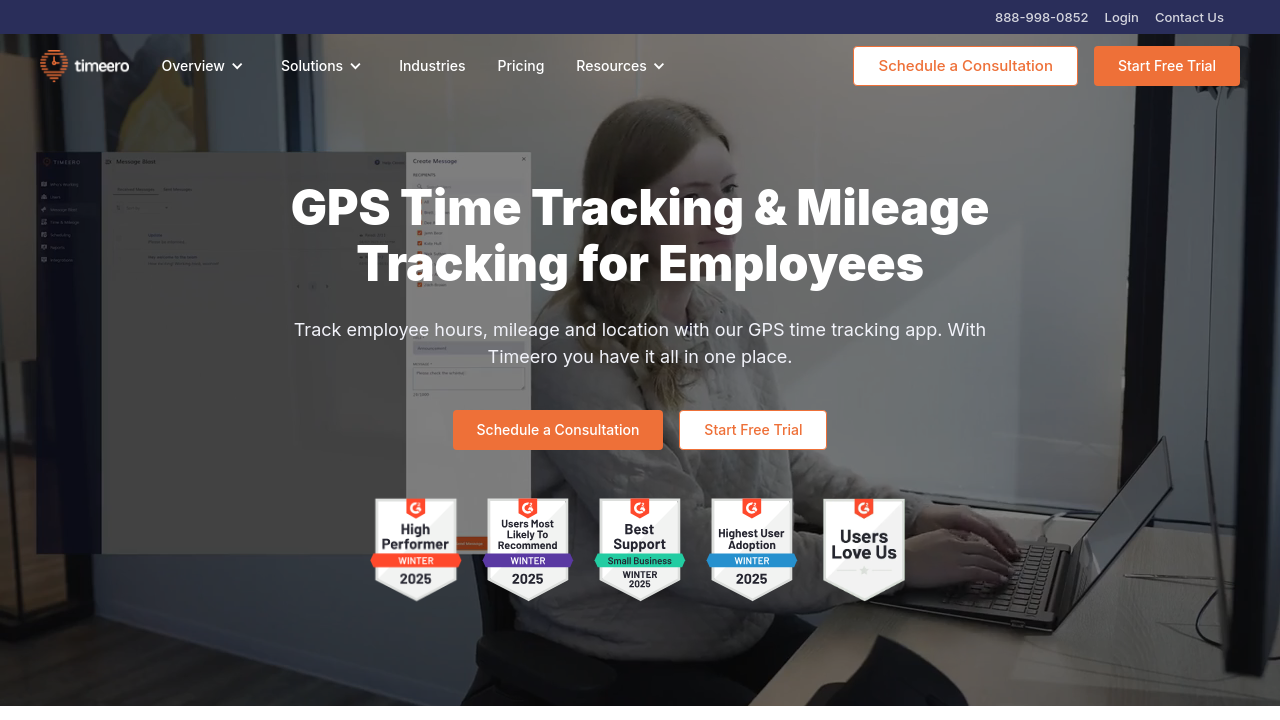
Timeero screenshot 1 Full Screen Icon
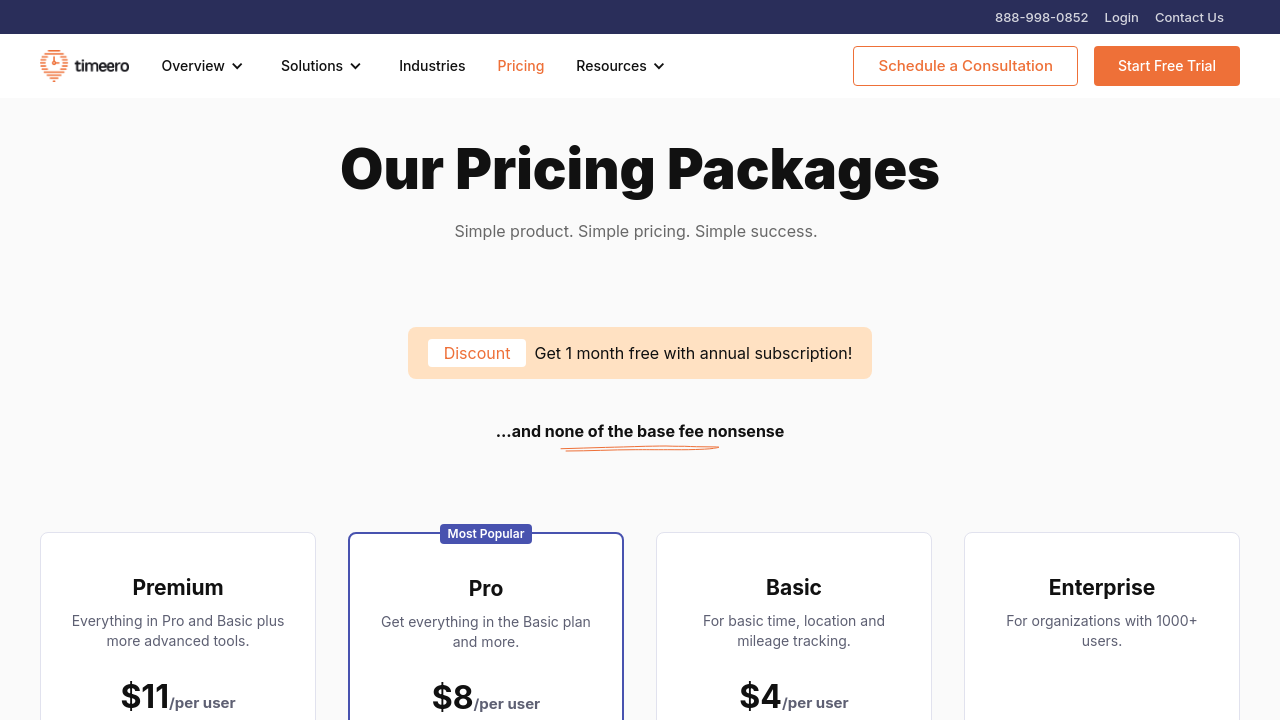
Timeero screenshot 2 Full Screen Icon
https://www.youtube.com/watch?v=9M2h9I6Ens8
Full Screen Icon
https://www.youtube.com/watch?v=zz2jjWKtsek
Full Screen Icon
Timeero screenshot 1
Timeero screenshot 2
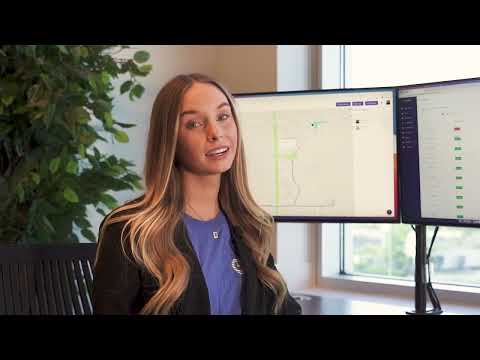
Video thumbnail
Video thumbnail
Timeero screenshot 1
Timeero screenshot 2

Alternatives to Timeero
info Icon

A list of platforms similar to Timeero, helping you evaluate which tool best matches your needs.

How to cancel Timeero

Need to cancel Timeero? Here is how
info Icon

Thinking about how to cancel Timeero this is how you do it!

To cancel Timeero, log into the web portal and click "Cancel Plan" in the Account & Billing menu. Alternatively, contact support via email to request cancellation. Manage subscriptions through app stores if necessary.

How to Cancel the Timeero

To cancel Timeero, log into the web portal and click "Cancel Plan" in the Account & Billing menu. Alternatively, contact support via email to request cancellation. Manage subscriptions through app stores if necessary.

Manage your Timeero profile

Create profile

Want to list your product on Subscribed.fyi? Create a profile to reach more buyers.

Pricing Range
info Icon

This only an estimated pricing range, visit Timeero pricing page to access all the information by clicking “Visit Now”.

Not specified
Visit Now
Deals Available

This product comes with a special deal, see details

This product comes with a special deal, see details