Top software categories
Business Intelligence, Data Integration and SEO Analytics.
Fintech and Banking and Financial Management.
Project Management, Time Tracking and Collaboration Tools.
AI Tools, Video Editing, AI Writing Assistant and Audio Editing Software.
CRM, Call Center Software and Customer Feedback Software.
Web Development & Design, Software Testing Tools and API Tools.
Medical Practice Management and Digital Health Solutions.
HR Management, Recruiting and Payroll Software.
Marketing Automation, Email Marketing and SMS Marketing.
Cybersecurity, Data Protection and Email Security.
Create Your Product Profile
Buyers and AI assistants check what others say about your product long before they talk to sales. Own that reputation and turn it into pipeline.
Want help? we set it up with you, Book a call
Top service categories
Oracle Cloud, AWS and Azure partners for migration, DevOps and managed cloud.
Webflow, Framer and Shopify agencies, and UX/UI studios.
Oracle, NetSuite, SAP and Microsoft Dynamics implementation partners.
Workday and BambooHR implementers, payroll and HR outsourcing.
AI implementation, data engineering and BI teams.
Fractional CFOs, bookkeeping and QuickBooks or Xero advisors.
Salesforce, HubSpot and Zoho partners for setup, migration and RevOps.
Branding, design and video production studios.
Cybersecurity, SOC 2 and ISO 27001 consultants.
Zapier, Make and n8n experts who build and maintain workflows.
SEO, paid ads, content and marketing automation agencies.
Custom software, mobile apps, QA and low-code builds.

Create Your Company Profile
Show up as the verified expert on the products you work with, and get calls booked by teams ready to buy.
Want help? we set it up with you, Book a call

Claim this profile to manage it.
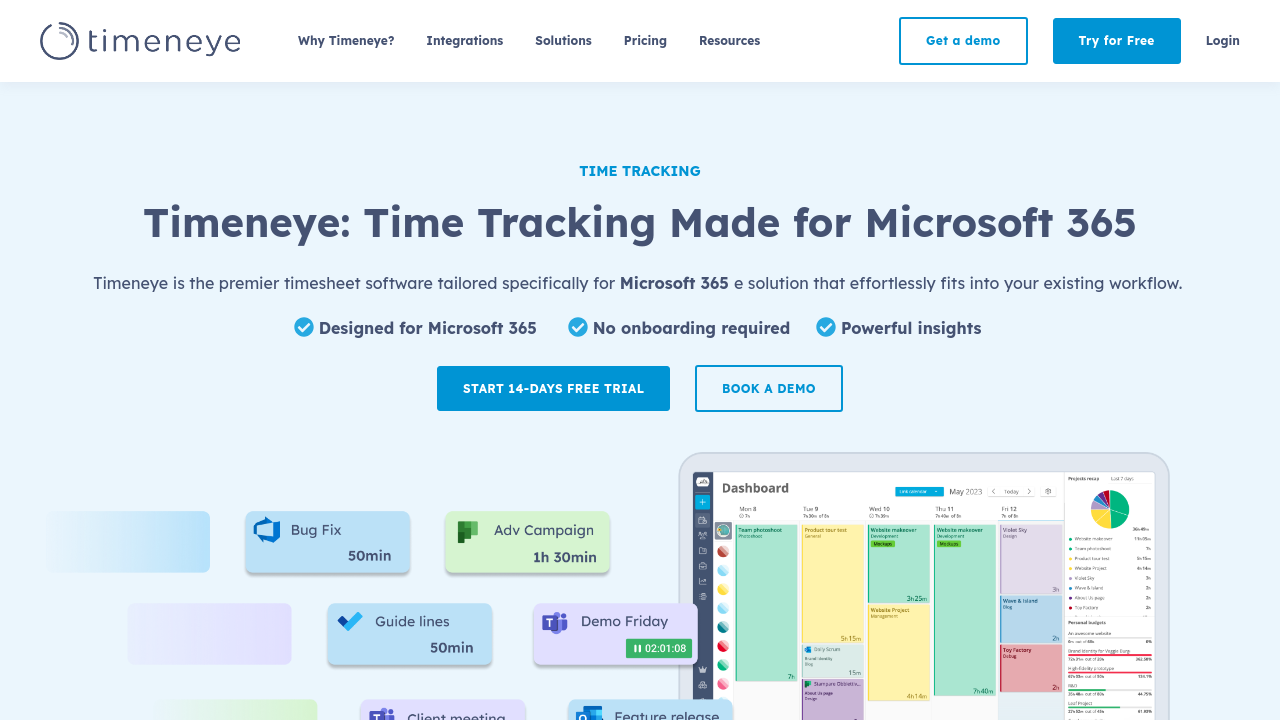
Timeneye is a simple and intelligent time‐tracking tool designed to boost both personal and team productivity. Seamlessly integrating with the Microsoft Suite – including Microsoft Planner, Teams, Outlook Calendar, and Microsoft To Do – Timeneye offers an effortless way to manage project time, optimize resource allocation, and streamline daily workflows. Whether you’re a freelancer or part of a growing team, Timeneye works hand in hand with your favorite productivity tools to help you stay on top of your tasks.
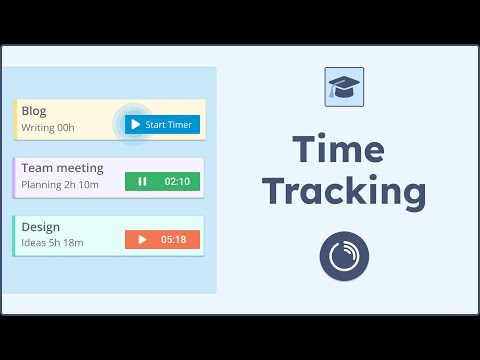
At its core, Timeneye is built around the principle of simplicity without sacrificing functionality. Its intuitive dashboard displays insights that allow users to easily track time spent on each task or project. Timeneye’s unique automated time entry suggestions learn from your recent activity and integrations with popular project management tools such as Trello, Asana, and Basecamp. This forward-thinking approach minimizes manual time entry and helps ensure accuracy while saving you valuable time.
Why Choose Timeneye?
Positioned in the Time Tracking category, Timeneye offers a second-generation solution that transforms time management into a streamlined, intelligent process. The tool is engineered to reveal inefficiencies, enabling both individuals and teams to reallocate time more effectively and complete tasks on schedule. Whether you need to manage simple freelance projects or complex team assignments, Timeneye scales to meet your needs effortlessly.
Ready for an instant productivity boost? Explore exclusive deals at our Timeneye Deals page, and discover how this innovative tool can revolutionize your workday. For further details and to get started, visit the Timeneye Homepage.
Not sure if Timeneye is right for you? Consider these alternatives:
Timeneye is an essential tool that empowers professionals with the insights and efficiency they need to optimize every minute of their workday. Discover the power of smart time tracking today!
Learn what people say about Timeneye
Be the first to share your experience and help others in the community.
Timeneye is a simple and intelligent time‐tracking tool designed to boost both personal and team productivity. Seamlessly integrating with the Microsoft Suite – including Microsoft Planner, Teams, Outlook Calendar, and Microsoft To Do – Timeneye offers an effortless way to manage project time, optimize resource allocation, and streamline daily workflows. Whether you’re a freelancer or part of a growing team, Timeneye works hand in hand with your favorite productivity tools to help you stay on top of your tasks.
At its core, Timeneye is built around the principle of simplicity without sacrificing functionality. Its intuitive dashboard displays insights that allow users to easily track time spent on each task or project. Timeneye’s unique automated time entry suggestions learn from your recent activity and integrations with popular project management tools such as Trello, Asana, and Basecamp. This forward-thinking approach minimizes manual time entry and helps ensure accuracy while saving you valuable time.
Why Choose Timeneye?
Positioned in the Time Tracking category, Timeneye offers a second-generation solution that transforms time management into a streamlined, intelligent process. The tool is engineered to reveal inefficiencies, enabling both individuals and teams to reallocate time more effectively and complete tasks on schedule. Whether you need to manage simple freelance projects or complex team assignments, Timeneye scales to meet your needs effortlessly.
Ready for an instant productivity boost? Explore exclusive deals at our Timeneye Deals page, and discover how this innovative tool can revolutionize your workday. For further details and to get started, visit the Timeneye Homepage.
Not sure if Timeneye is right for you? Consider these alternatives:
Timeneye is an essential tool that empowers professionals with the insights and efficiency they need to optimize every minute of their workday. Discover the power of smart time tracking today!
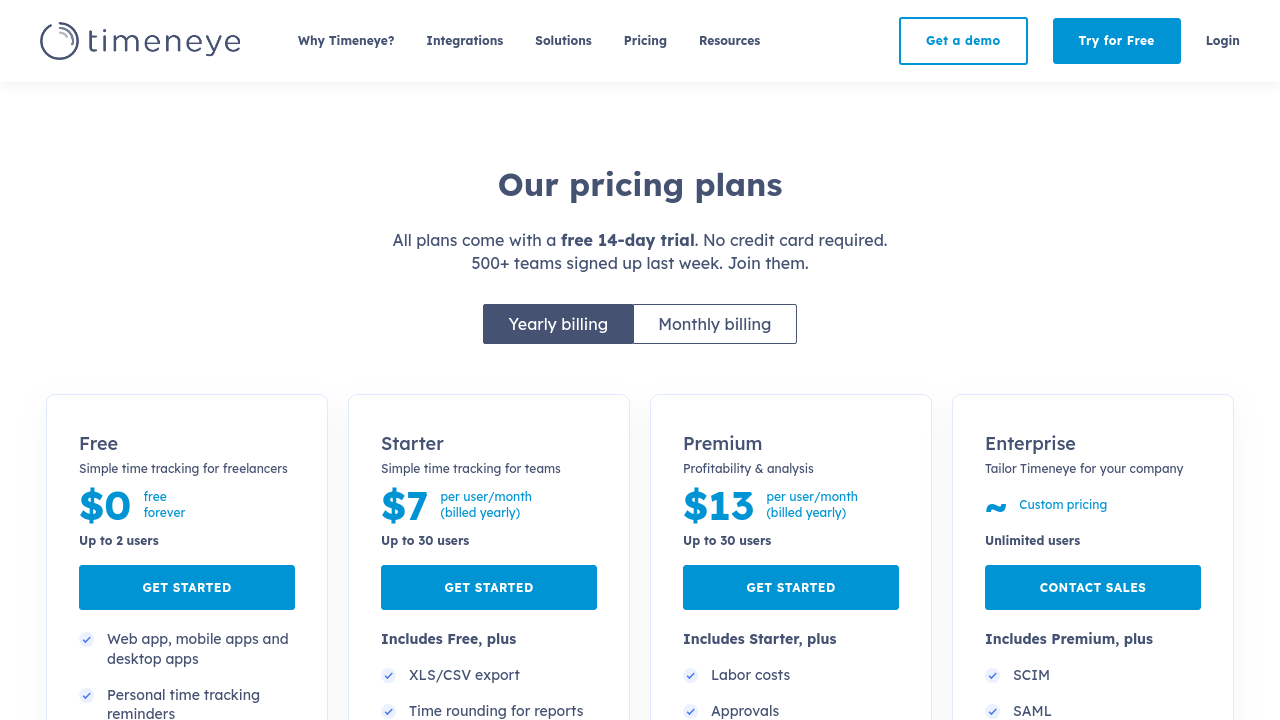
To cancel a Timeneye subscription, go to the Subscription section and click Manage subscription. Then, find and click the Cancel subscription button. Note that canceling does not delete your workspace.
Want to list your product on Subscribed.fyi? Create a profile to reach more buyers.