TinyMDM Reviews 2026: Details, Pricing, & Features | Subscribed.fyi
Sign in to review
Join our community of software reviewers on Subscribed.fyi

Continue With Google
Continue With LinkedIn
Continue Review with Email
Continue with Email
Enter your email to continue.
Continue
Enter your password
Enter your password to finish setting up your account.
Continue
Activate your email
Enter activation code we sent to your email.
Submit
Reset your password
Enter activation code we sent to your email.
Submit
Set your new password
Enter a new password for your account.
Submit
Categories
For Business
Log in
Provide My Insights

TinyMDM Reviews, Pricing, Features & Alternatives (2026)

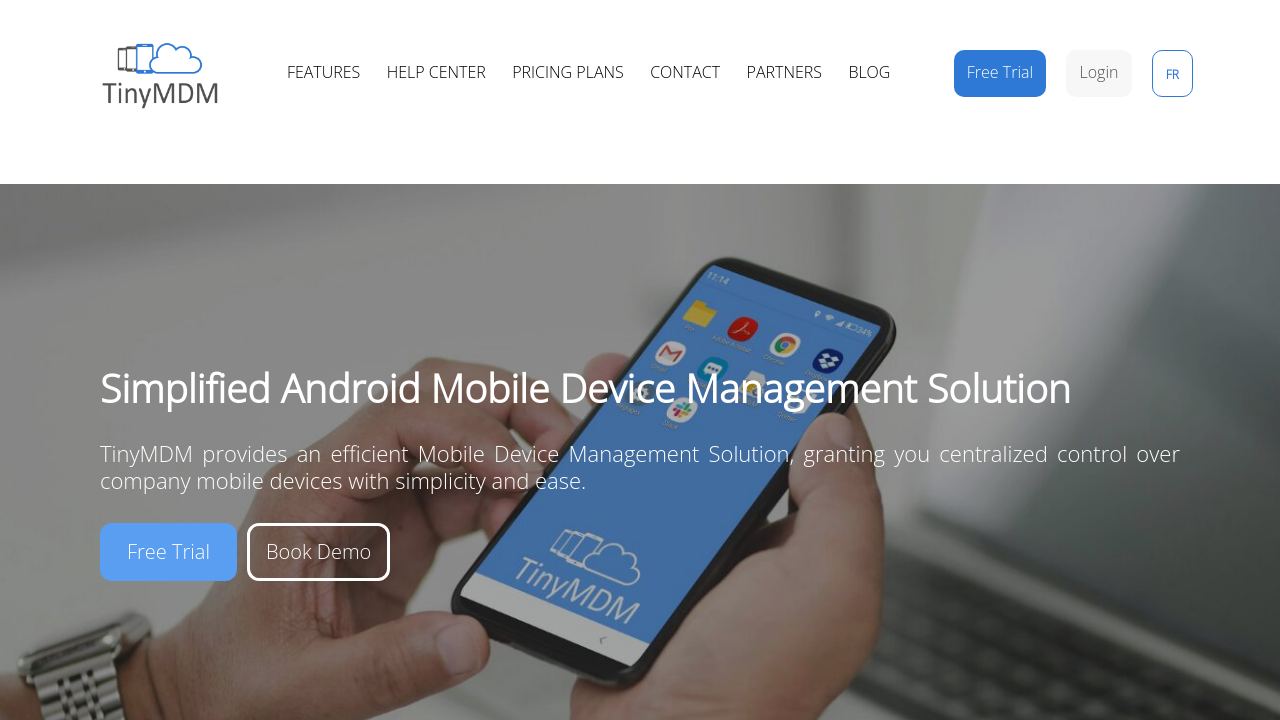
TinyMDM is a user-friendly Mobile Device Management (MDM) solution designed for Android devices. Approved as an official Android Enterprise partner, it offers features like app management, security compliance, kiosk mode, internet filtering, and real-time tracking. Tailored for small and medium-sized organizations across industries, TinyMDM ensures centralized control with simplicity and efficiency. It provides flexible, cost-effective plans and customer-focused support.

TinyMDM Overview

What is TinyMDM?

N/A
0
Reviews
79%
Subscribed Score

Available for Claim - This listing is available to be claimed
Claim Profile For Free

Unclaimed

Manage profile with subsig, and unlock 23+ social and review monitoring. Get partnership options with

Claim Profile For Free

Why teams choose TinyMDM

Key Features

Eco-Friendly
Eco-Friendly
Designed with sustainability in mind.
Fast & Efficient
Fast & Efficient
Optimized for speed and performance.
Fully Customizable
Fully Customizable
Tailor it to your brand and workflow.

Who is TinyMDM for?

TinyMDM is an intuitive Android Mobile Device Management solution designed exclusively for Android devices. As an official Android Enterprise partner, it offers centralized control with three distinct management modes – fully managed, kiosk mode, and work profile options for both BYOD and company-owned devices. TinyMDM empowers organizations of all sizes and industries, such as warehouses, local authorities, hospitals, schools, and retail stores, to effectively manage their mobile fleets and enhance operational efficiency.

This solution simplifies everyday mobile management tasks by providing a comprehensive suite of features. With TinyMDM, administrators can remotely deploy, uninstall, and update applications across all devices. The platform also facilitates robust security compliance through password management, remote wipe, lock and reboot, OS update management, and even the ability to block factory resets. Its remote view and control capabilities allow IT teams to troubleshoot or configure devices from afar, ensuring minimal downtime and quick issue resolution.

TinyMDM also shines with its specialized kiosk mode functionality. This feature enables organizations to lock down devices to a single or multiple applications, restrict access to the home screen and taskbar, and apply custom branding. Additionally, advanced internet filtering (with multiple restriction levels), content synchronization for files and contacts, and connectivity management of Wi‑Fi, Bluetooth, hotspot, roaming, and airplane mode further streamline device operations. The solution even supports physical tracking, providing real‑time visibility and a 3‑day geolocation history, keeping you informed about your mobile assets at all times.

Why Choose TinyMDM?

  • Centralized Management: Easily control applications, security settings, and device configurations from a single platform.
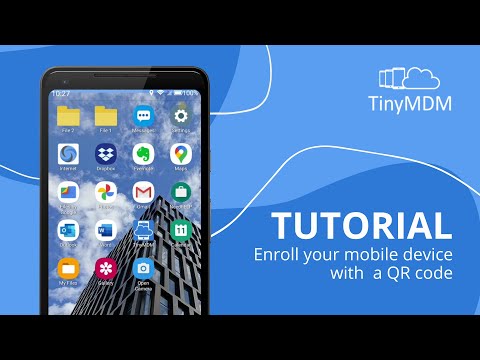
  • Intuitive Interface: A user‑friendly console minimizes training time and streamlines deployment procedures, including QR code activation for new devices.
  • Flexible Deployment: Available on a 30‑day free trial, with flexible monthly and annual pricing plans tailored for small to medium organizations.
  • Enhanced Security: Enforce robust security policies to safeguard data and ensure compliance across your mobile fleet.
  • Advanced Kiosk Mode: Perfect for setting up dedicated devices, limiting access to essential apps only.

TinyMDM falls under the Remote Device Management category, providing versatile solutions to manage mobile devices remotely and efficiently. With a dedicated focus on Android, it fills the gap by offering extensive management features without unnecessary complexity. Whether you are looking to optimize the interface of kiosks or secure sensitive business data through work profiles, TinyMDM delivers a streamlined, cost‑effective management tool that reduces administrative overhead and boosts productivity.

Try out exclusive deals on TinyMDM by visiting the deal page and experience the simplicity and power of a solution built for modern mobile device management. For organizations exploring alternatives, consider solutions like Jamf Pro, Rippling, and Applivery.


TinyMDM Summary

TinyMDM is an intuitive Android Mobile Device Management solution designed exclusively for Android devices. As an official Android Enterprise partner, it offers centralized control with three distinct management modes – fully managed, kiosk mode, and work profile options for both BYOD and company-owned devices. TinyMDM empowers organizations of all sizes and industries, such as warehouses, local authorities, hospitals, schools, and retail stores, to effectively manage their mobile fleets and enhance operational efficiency.

This solution simplifies everyday mobile management tasks by providing a comprehensive suite of features. With TinyMDM, administrators can remotely deploy, uninstall, and update applications across all devices. The platform also facilitates robust security compliance through password management, remote wipe, lock and reboot, OS update management, and even the ability to block factory resets. Its remote view and control capabilities allow IT teams to troubleshoot or configure devices from afar, ensuring minimal downtime and quick issue resolution.

TinyMDM also shines with its specialized kiosk mode functionality. This feature enables organizations to lock down devices to a single or multiple applications, restrict access to the home screen and taskbar, and apply custom branding. Additionally, advanced internet filtering (with multiple restriction levels), content synchronization for files and contacts, and connectivity management of Wi‑Fi, Bluetooth, hotspot, roaming, and airplane mode further streamline device operations. The solution even supports physical tracking, providing real‑time visibility and a 3‑day geolocation history, keeping you informed about your mobile assets at all times.

Why Choose TinyMDM?

  • Centralized Management: Easily control applications, security settings, and device configurations from a single platform.
  • Intuitive Interface: A user‑friendly console minimizes training time and streamlines deployment procedures, including QR code activation for new devices.
  • Flexible Deployment: Available on a 30‑day free trial, with flexible monthly and annual pricing plans tailored for small to medium organizations.
  • Enhanced Security: Enforce robust security policies to safeguard data and ensure compliance across your mobile fleet.
  • Advanced Kiosk Mode: Perfect for setting up dedicated devices, limiting access to essential apps only.

TinyMDM falls under the Remote Device Management category, providing versatile solutions to manage mobile devices remotely and efficiently. With a dedicated focus on Android, it fills the gap by offering extensive management features without unnecessary complexity. Whether you are looking to optimize the interface of kiosks or secure sensitive business data through work profiles, TinyMDM delivers a streamlined, cost‑effective management tool that reduces administrative overhead and boosts productivity.

Try out exclusive deals on TinyMDM by visiting the deal page and experience the simplicity and power of a solution built for modern mobile device management. For organizations exploring alternatives, consider solutions like Jamf Pro, Rippling, and Applivery.

TinyMDM reviews and insights

Learn what people say about TinyMDM

N/A
0 Reviews
79%
Subscribed Score

Lear more here about the Subscribed score on how it is composed. Learn more Click here

Overall rating

5
4
3
2
1
CX 6/6

How good is the customer support based on subscribed’s assessment

CX Icon
Security 5/6

How secure is the product based on Subscribed’s assessment?

Security Icon
Ease of Use 6/6

How easy is the product to use, based on Subscribed’s assessment?

EOU Icon
Value 5/6

What is the value for money based on Subscribed’s assessment?

coin Icon
Integration 3/6

How many integrations does the product offer?

gear Icon
Popularity 4/6

How popular is the product?

star

No Reviews Yet!

Be the first to share your experience and help others in the community.

TinyMDM User Reviews

0 User Reviews

Reviews from G2, Capterra, Trustpilot
info Icon

These ratings come directly from third-party platforms like G2, Capterra, and Trustpilot. They reflect real user feedback collected independently on those sites.

TinyMDM pricing

Pricing model

Pricing Range
info Icon

This only an estimated pricing range, visit TinyMDM pricing page to access all the information by clicking “Visit Now”.

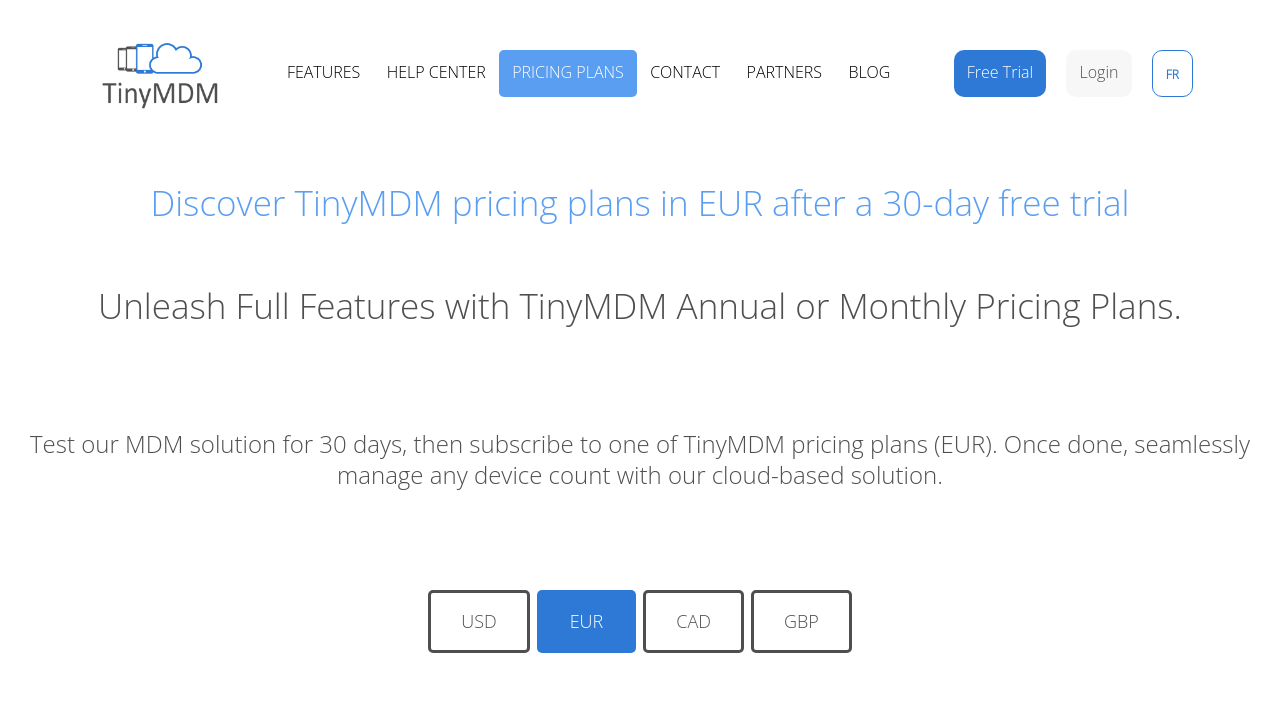
$1.73-$2.07 / Month
Deals Available

This product comes with a special deal, see details

Visit Now
✨ Ask AI about pricing
79% Subscribed Score
info Icon

The Subscribed Score is an independent rating that combines user reviews, features, and value-for-money from multiple trusted sources. It’s designed as a quick benchmark, not a guarantee of individual experience.

Overview

TinyMDM is an intuitive Android Mobile Device Management solution designed exclusively for Android devices. As an official Android Enterprise partner, it offers centralized control with three distinct management modes – fully managed, kiosk mode, and work profile options for both BYOD and company-owned devices. TinyMDM empowers organizations of all sizes and industries, such as warehouses, local authorities, hospitals, schools, and retail stores, to effectively manage their mobile fleets and enhance operational efficiency.

This solution simplifies everyday mobile management tasks by providing a comprehensive suite of features. With TinyMDM, administrators can remotely deploy, uninstall, and update applications across all devices. The platform also facilitates robust security compliance through password management, remote wipe, lock and reboot, OS update management, and even the ability to block factory resets. Its remote view and control capabilities allow IT teams to troubleshoot or configure devices from afar, ensuring minimal downtime and quick issue resolution.

TinyMDM also shines with its specialized kiosk mode functionality. This feature enables organizations to lock down devices to a single or multiple applications, restrict access to the home screen and taskbar, and apply custom branding. Additionally, advanced internet filtering (with multiple restriction levels), content synchronization for files and contacts, and connectivity management of Wi‑Fi, Bluetooth, hotspot, roaming, and airplane mode further streamline device operations. The solution even supports physical tracking, providing real‑time visibility and a 3‑day geolocation history, keeping you informed about your mobile assets at all times.

Why Choose TinyMDM?

  • Centralized Management: Easily control applications, security settings, and device configurations from a single platform.
  • Intuitive Interface: A user‑friendly console minimizes training time and streamlines deployment procedures, including QR code activation for new devices.
  • Flexible Deployment: Available on a 30‑day free trial, with flexible monthly and annual pricing plans tailored for small to medium organizations.
  • Enhanced Security: Enforce robust security policies to safeguard data and ensure compliance across your mobile fleet.
  • Advanced Kiosk Mode: Perfect for setting up dedicated devices, limiting access to essential apps only.

TinyMDM falls under the Remote Device Management category, providing versatile solutions to manage mobile devices remotely and efficiently. With a dedicated focus on Android, it fills the gap by offering extensive management features without unnecessary complexity. Whether you are looking to optimize the interface of kiosks or secure sensitive business data through work profiles, TinyMDM delivers a streamlined, cost‑effective management tool that reduces administrative overhead and boosts productivity.

Try out exclusive deals on TinyMDM by visiting the deal page and experience the simplicity and power of a solution built for modern mobile device management. For organizations exploring alternatives, consider solutions like Jamf Pro, Rippling, and Applivery.

Where TinyMDM performs best

What users like
  • Easy to use and intuitive interface
  • Excellent customer support
  • Affordable pricing
  • Supports non-GMS devices

Where TinyMDM falls short

What users dislike
  • Old-fashioned interface design
  • Latency in app updates via Google Play
  • Some advanced features missing
  • Policies occasionally take time to update
Subscribed Score Metrics
29/36 Metric achieved
MetricsScore
Customer Support6/6
Security5/6
Ease of Use6/6
Value of Money5/6
Integration3/6
Popularity4/6
Radar Chart Table View
Ease of Use
Measures how simple and intuitive the product is to use, including setup, navigation, and overall user experience
6/6 Metric Checks
Security
Compares the product`s features, quality, and pricing to determine its overall cost-effectiveness.
5/6 Metric Checks
Value of Money
Assesses the product`s ability to protect data, prevent breaches, and comply with industry standards.
5/6 Metric Checks
Customer Support
Reflects the responsiveness, helpfulness, and quality of assistance provided by the product`s support team.
6/6 Metric Checks
Integrations
Evaluates how well the product connects with other tools and platforms, enabling seamless workflows.
3/6 Metric Checks
TinyMDM Pricing Range
$1.73-$2.07 / Month

TinyMDM in action
info Icon

A curated gallery of real screenshots and use cases from the product, so you can see how it works before trying it.

TinyMDM Full Screen Icon
https://www.youtube.com/watch?v=FbfbaP4qlrc
Full Screen Icon
https://www.youtube.com/watch?v=0K7JGqyZNgw
Full Screen Icon
TinyMDM
TinyMDM
Video thumbnail
Video thumbnail
TinyMDM
TinyMDM

Alternatives to TinyMDM
info Icon

A list of platforms similar to TinyMDM, helping you evaluate which tool best matches your needs.

How to cancel TinyMDM

Need to cancel TinyMDM? Here is how
info Icon

Thinking about how to cancel TinyMDM this is how you do it!

To cancel a TinyMDM subscription, go to the My Account tab and modify your subscription to cancel renewal. All sales are final, so you cannot remove licenses mid-subscription. You can only reduce licenses at renewal.

How to Cancel the TinyMDM

To cancel a TinyMDM subscription, go to the My Account tab and modify your subscription to cancel renewal. All sales are final, so you cannot remove licenses mid-subscription. You can only reduce licenses at renewal.

FAQs about TinyMDM

Every else you need to know about TinyMDM
info Icon

A collection of FAQs, guides, alternatives, and comparisons to help you quickly understand if TinyMDM is right for you.

Manage your TinyMDM profile

Create profile

Want to list your product on Subscribed.fyi? Create a profile to reach more buyers.

Pricing Range
info Icon

This only an estimated pricing range, visit TinyMDM pricing page to access all the information by clicking “Visit Now”.

$1.73-$2.07 / Month
Visit Now
Deals Available

This product comes with a special deal, see details

This product comes with a special deal, see details