Trimble Connect Reviews 2026: Details, Pricing, & Features | Subscribed.fyi
Sign in to review
Join our community of software reviewers on Subscribed.fyi

Continue With Google
Continue With LinkedIn
Continue Review with Email
Continue with Email
Enter your email to continue.
Continue
Enter your password
Enter your password to finish setting up your account.
Continue
Activate your email
Enter activation code we sent to your email.
Submit
Reset your password
Enter activation code we sent to your email.
Submit
Set your new password
Enter a new password for your account.
Submit
✨ Ask AI Search
Categories
For Business
Log in
Provide My Insights

Trimble Connect

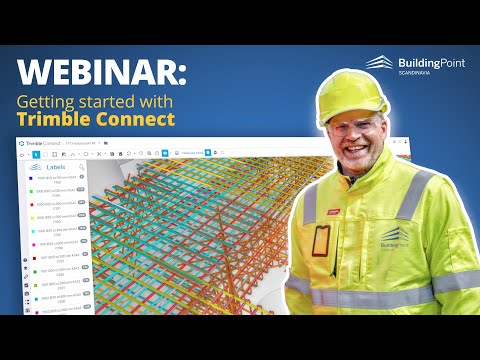
Trimble Connect is a cloud-based collaboration platform designed for construction and design professionals to share, review, and manage data-rich building models in real-time. It supports various 3D file formats and integrates with multiple tools, streamlining workflows and enhancing team coordination. With its robust model viewing and issue-tracking capabilities, it keeps projects on time and budget.

Trimble Connect

N/A
0
Reviews
59%
Subscribed Score

Available for Claim - This listing is available to be claimed
Claim For Free

Unclaimed

Curated and listed by Subscribed Team

Claim For Free
Affordable Pricing
Affordable Pricing
Transparent plans to fit any budget.
Works Anywhere
Works Anywhere
Accessible from any device, anytime.
Seamless Integrations
Connect easily with your favorite tools.

Trimble Connect is a robust software in the Project Collaboration category, designed to enhance collaboration among designers, builders, owners, and operators in construction projects. This cloud-based platform facilitates real-time data sharing, review, and management of building models, keeping all stakeholders aligned throughout the project lifecycle. Explore exclusive deals. For alternatives, consider Revit, Autodesk Construction Cloud, and Google Workspace.

Top Features of Trimble Connect

Trimble Connect offers a range of features tailored for the construction and design industries:

  • Extensive 3D Model Support: It supports a wide array of file formats, including SKP, IFC, DWG, DXF, OBJ, and STL, enabling users to view, combine, and coordinate complex models seamlessly.
  • Cloud-Based Collaboration: Store and share project data securely on the cloud, ensuring team members can access the latest information from anywhere.
  • Real-Time Interaction: Teams can review and comment on data-rich models in real time to streamline decision-making processes.
  • Integration with Third-Party Tools: The platform integrates with several proprietary and third-party extensions, enhancing workflows and reducing the need for multiple applications.

Why Use Trimble Connect?

Opting for Trimble Connect brings several benefits:

  • Improved Collaboration: Simplifies coordination among all parties involved in a project, reducing miscommunication and errors.
  • Real-Time Efficiency: Enables immediate updates, reviews, and feedback to keep projects on track and within budget.
  • Comprehensive File Compatibility: The extensive list of supported formats ensures compatibility with virtually any design or construction software.
  • Enhanced Productivity: Centralized data management reduces time spent searching for files or syncing updates, ensuring your teams remain productive.

Who Should Use Trimble Connect?

Trimble Connect is ideal for:

  • Construction Teams: Ensures that on-site and remote teams are aligned by providing instant access to model data and updates.
  • Design Professionals: Facilitates seamless model sharing, review, and collaboration during the design phase.
  • Project Managers: Helps maintain project timelines and budgets through optimized workflows.

With its versatile features and user-centric design, Trimble Connect is a valuable tool for managing complex projects efficiently and driving collaboration to new heights.


Trimble Connect Summary

Trimble Connect is a robust software in the Project Collaboration category, designed to enhance collaboration among designers, builders, owners, and operators in construction projects. This cloud-based platform facilitates real-time data sharing, review, and management of building models, keeping all stakeholders aligned throughout the project lifecycle. Explore exclusive deals. For alternatives, consider Revit, Autodesk Construction Cloud, and Google Workspace.

Top Features of Trimble Connect

Trimble Connect offers a range of features tailored for the construction and design industries:

  • Extensive 3D Model Support: It supports a wide array of file formats, including SKP, IFC, DWG, DXF, OBJ, and STL, enabling users to view, combine, and coordinate complex models seamlessly.
  • Cloud-Based Collaboration: Store and share project data securely on the cloud, ensuring team members can access the latest information from anywhere.
  • Real-Time Interaction: Teams can review and comment on data-rich models in real time to streamline decision-making processes.
  • Integration with Third-Party Tools: The platform integrates with several proprietary and third-party extensions, enhancing workflows and reducing the need for multiple applications.

Why Use Trimble Connect?

Opting for Trimble Connect brings several benefits:

  • Improved Collaboration: Simplifies coordination among all parties involved in a project, reducing miscommunication and errors.
  • Real-Time Efficiency: Enables immediate updates, reviews, and feedback to keep projects on track and within budget.
  • Comprehensive File Compatibility: The extensive list of supported formats ensures compatibility with virtually any design or construction software.
  • Enhanced Productivity: Centralized data management reduces time spent searching for files or syncing updates, ensuring your teams remain productive.

Who Should Use Trimble Connect?

Trimble Connect is ideal for:

  • Construction Teams: Ensures that on-site and remote teams are aligned by providing instant access to model data and updates.
  • Design Professionals: Facilitates seamless model sharing, review, and collaboration during the design phase.
  • Project Managers: Helps maintain project timelines and budgets through optimized workflows.

With its versatile features and user-centric design, Trimble Connect is a valuable tool for managing complex projects efficiently and driving collaboration to new heights.

Trimble Connect reviews

Learn what people say about Trimble Connect

N/A
0 Reviews
59%
Subscribed Score

Lear more here about the Subscribed score on how it is composed. Learn more Click here

Overall rating

5
4
3
2
1
CX 4/6

How good is the customer support based on subscribed’s assessment

CX Icon
Security 0/6

How secure is the product based on Subscribed’s assessment?

Security Icon
Ease of Use 5/6

How easy is the product to use, based on Subscribed’s assessment?

EOU Icon
Value 4/6

What is the value for money based on Subscribed’s assessment?

coin Icon
Integration 4/6

How many integrations does the product offer?

gear Icon
Popularity 4/6

How popular is the product?

star

No Reviews Yet!

Be the first to share your experience and help others in the community.

Trimble Connect User Reviews

0 User Reviews

Reviews from G2, Capterra, Trustpilot
info Icon

These ratings come directly from third-party platforms like G2, Capterra, and Trustpilot. They reflect real user feedback collected independently on those sites.

Trimble Connect

Pricing Range
info Icon

This only an estimated pricing range, visit Trimble Connect pricing page to access all the information by clicking “Visit Now”.

$12.99-$23.95 / Month
Deals Available

This product comes with a special deal, see details

Visit Now
✨ Ask AI about pricing
59% Subscribed Score
info Icon

The Subscribed Score is an independent rating that combines user reviews, features, and value-for-money from multiple trusted sources. It’s designed as a quick benchmark, not a guarantee of individual experience.

Analysis

Trimble Connect is a robust software in the Project Collaboration category, designed to enhance collaboration among designers, builders, owners, and operators in construction projects. This cloud-based platform facilitates real-time data sharing, review, and management of building models, keeping all stakeholders aligned throughout the project lifecycle. Explore exclusive deals. For alternatives, consider Revit, Autodesk Construction Cloud, and Google Workspace.

Top Features of Trimble Connect

Trimble Connect offers a range of features tailored for the construction and design industries:

  • Extensive 3D Model Support: It supports a wide array of file formats, including SKP, IFC, DWG, DXF, OBJ, and STL, enabling users to view, combine, and coordinate complex models seamlessly.
  • Cloud-Based Collaboration: Store and share project data securely on the cloud, ensuring team members can access the latest information from anywhere.
  • Real-Time Interaction: Teams can review and comment on data-rich models in real time to streamline decision-making processes.
  • Integration with Third-Party Tools: The platform integrates with several proprietary and third-party extensions, enhancing workflows and reducing the need for multiple applications.

Why Use Trimble Connect?

Opting for Trimble Connect brings several benefits:

  • Improved Collaboration: Simplifies coordination among all parties involved in a project, reducing miscommunication and errors.
  • Real-Time Efficiency: Enables immediate updates, reviews, and feedback to keep projects on track and within budget.
  • Comprehensive File Compatibility: The extensive list of supported formats ensures compatibility with virtually any design or construction software.
  • Enhanced Productivity: Centralized data management reduces time spent searching for files or syncing updates, ensuring your teams remain productive.

Who Should Use Trimble Connect?

Trimble Connect is ideal for:

  • Construction Teams: Ensures that on-site and remote teams are aligned by providing instant access to model data and updates.
  • Design Professionals: Facilitates seamless model sharing, review, and collaboration during the design phase.
  • Project Managers: Helps maintain project timelines and budgets through optimized workflows.

With its versatile features and user-centric design, Trimble Connect is a valuable tool for managing complex projects efficiently and driving collaboration to new heights.

Pros
  • Seamless real-time collaboration
  • Extensive 3D model compatibility
  • User-friendly interface
  • Large library of models
Cons
  • Requires constant internet connection
  • High cost for small projects
  • Limited offline functionality
  • Less effective for entire construction phase
Subscribed Score Metrics
21/36 Metric achieved
MetricsScore
Customer Support4/6
Security0/6
Ease of Use5/6
Value of Money4/6
Integration4/6
Popularity4/6
Radar Chart Table View
Ease of Use
Measures how simple and intuitive the product is to use, including setup, navigation, and overall user experience
5/6 Metric Checks
Security
Compares the product`s features, quality, and pricing to determine its overall cost-effectiveness.
0/6 Metric Checks
Value of Money
Assesses the product`s ability to protect data, prevent breaches, and comply with industry standards.
4/6 Metric Checks
Customer Support
Reflects the responsiveness, helpfulness, and quality of assistance provided by the product`s support team.
4/6 Metric Checks
Integrations
Evaluates how well the product connects with other tools and platforms, enabling seamless workflows.
4/6 Metric Checks
Trimble Connect Pricing Range
$12.99-$23.95 / Month

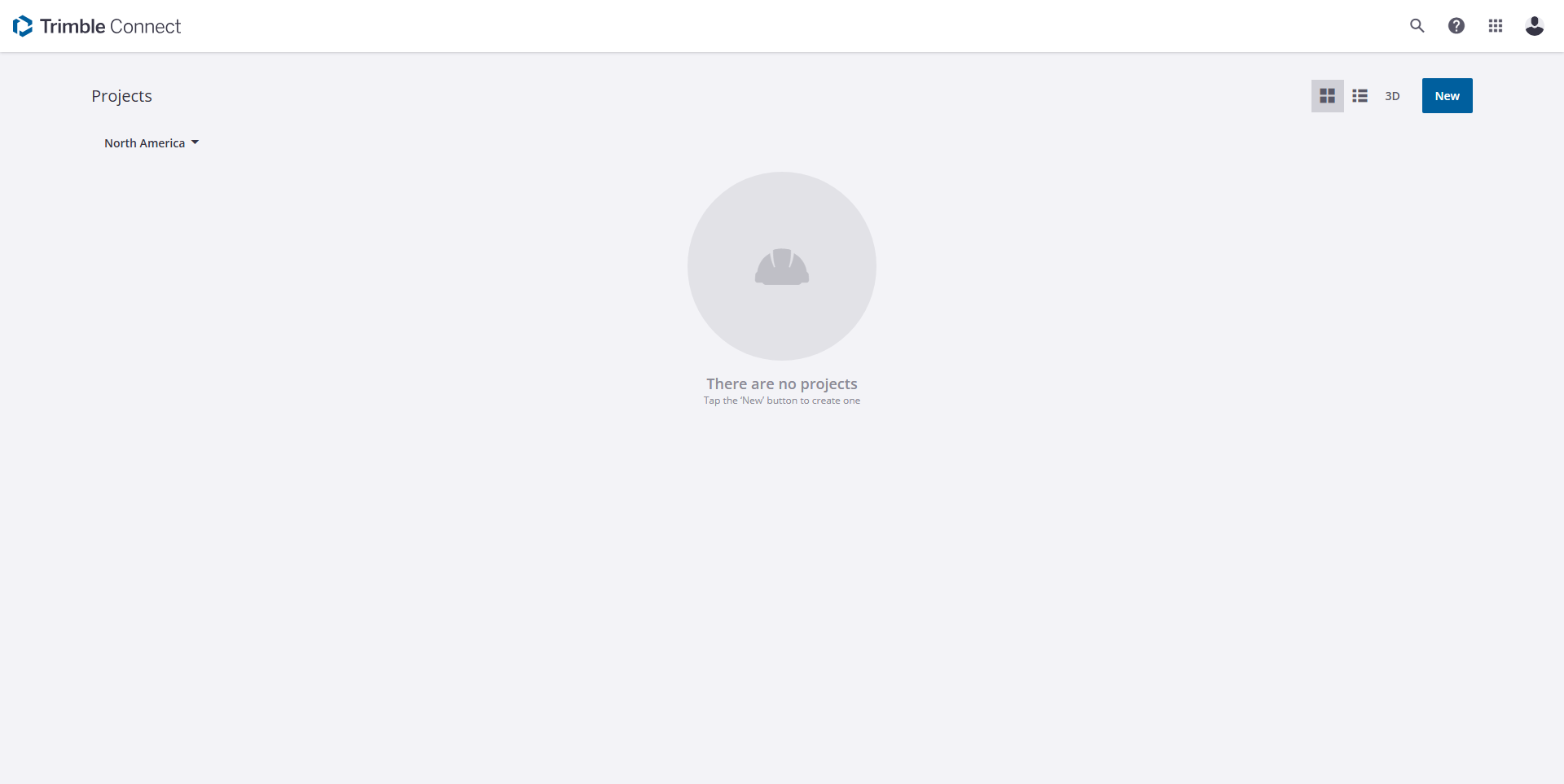
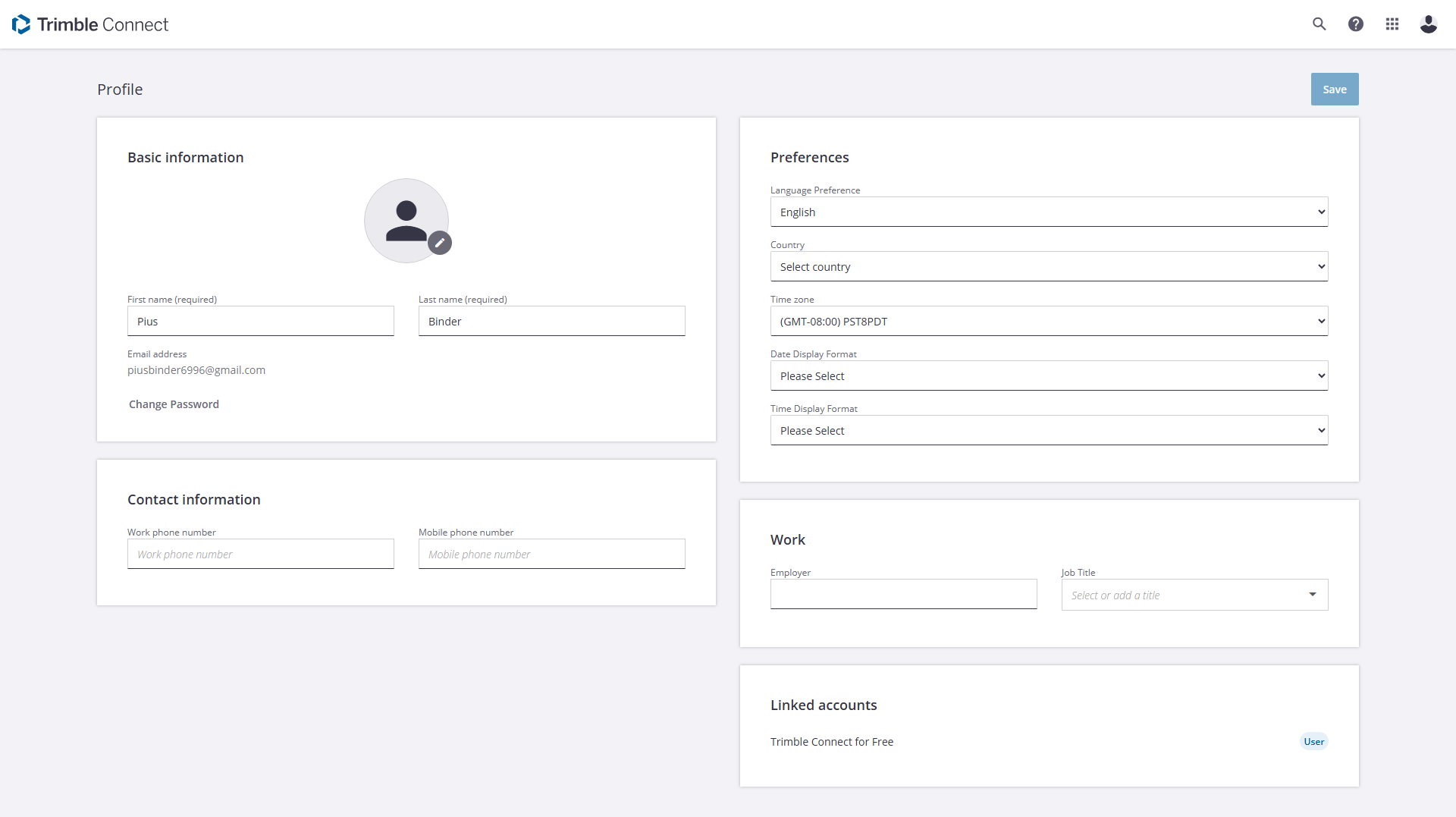
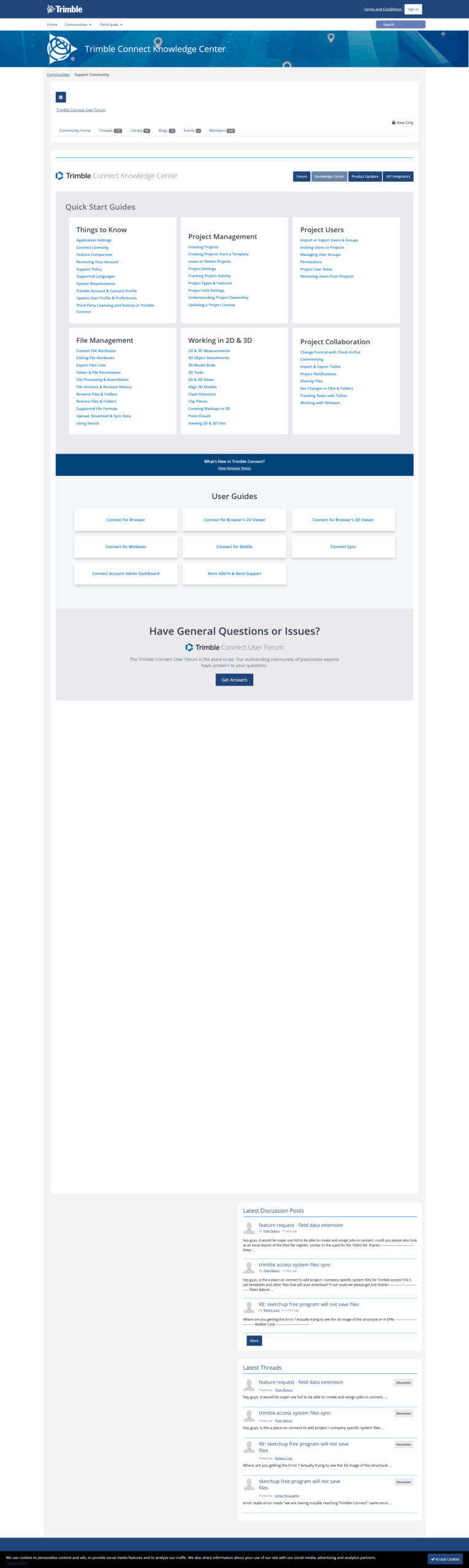
Trimble Connect Showcase
info Icon

A curated gallery of real screenshots and use cases from the product, so you can see how it works before trying it.

Full Screen Icon
Full Screen Icon
Full Screen Icon
Full Screen Icon
https://www.youtube.com/watch?v=OfUOYyWat24
Full Screen Icon
https://www.youtube.com/watch?v=dMB5T8CzQvM
Full Screen Icon

What else exists next to Trimble Connect
info Icon

A list of platforms similar to Trimble Connect, helping you evaluate which tool best matches your needs.

Need to cancel Trimble Connect? Here is how
info Icon

Thinking about how to cancel Trimble Connect this is how you do it!

To cancel a Trimble Connect product, you cannot disable or deactivate an account, but you can delete your Trimble Identity. Deleting projects involves selecting the project and confirming deletion. For full cancellation, contact Trimble support for assistance.

How to Cancel the Trimble Connect

To cancel a Trimble Connect product, you cannot disable or deactivate an account, but you can delete your Trimble Identity. Deleting projects involves selecting the project and confirming deletion. For full cancellation, contact Trimble support for assistance.

Every else you need to know about Trimble Connect
info Icon

A collection of FAQs, guides, alternatives, and comparisons to help you quickly understand if Trimble Connect is right for you.

Pricing Range
info Icon

This only an estimated pricing range, visit Trimble Connect pricing page to access all the information by clicking “Visit Now”.

$12.99-$23.95 / Month
Visit Now
Deals Available

This product comes with a special deal, see details

This product comes with a special deal, see details