Notion Reviews 2026: Details, Pricing, & Features | Subscribed.fyi
Sign in to review
Join our community of software reviewers on Subscribed.fyi

Continue With Google
Continue With LinkedIn
Continue Review with Email
Continue with Email
Enter your email to continue.
Continue
Enter your password
Enter your password to finish setting up your account.
Continue
Activate your email
Enter activation code we sent to your email.
Submit
Reset your password
Enter activation code we sent to your email.
Submit
Set your new password
Enter a new password for your account.
Submit
Categories
For Business
Log in
Provide My Insights

Notion Reviews, Pricing, Features & Alternatives (2026)

4.2/5
(5)

Notion is an all-in-one workspace and note-taking app, offering versatile and collaborative features for individuals and teams. With customization options and real-time collaboration, it caters to various users, including individuals, teams, students, and business professionals, providing a unified solution for note-taking, project management, and knowledge sharing.

Notion Overview

What is Notion?

4.2
5
Reviews
88%
Subscribed Score

Available for Claim - This listing is available to be claimed
Claim Profile For Free

Unclaimed

Manage profile with subsig, and unlock 23+ social and review monitoring. Get partnership options with

Claim Profile For Free

Why teams choose Notion

Key Features

Fast & Efficient
Fast & Efficient
Optimized for speed and performance.
Real-Time Updates
Real-Time Updates
See changes instantly, no delays.
Secure by Design
Secure by Design
Data protection and compliance built in.

Who is Notion for?

Unlock Seamless Collaboration with Notion – The All-in-One Worksuite Platform

Notion, a top player in the Worksuite category, combines note-taking, project management, and team collaboration into a single, versatile platform. Whether you’re organizing tasks, building databases, or collaborating on documents, Notion provides the flexibility you need. Don’t miss out on exclusive deals for Notion. For alternatives, check out CanvaGoogle Workspace, and Tactiq.io.

Why Use Notion?

In the realm of collaborative note-taking and workspace management, Notion excels by:

  • Versatile Workspace: Notion provides a versatile digital workspace where users can create pages, databases, and boards to organize information, tasks, and projects in a personalized and structured manner.
  • Collaborative Editing: Users can collaborate in real time on documents and databases, fostering seamless teamwork and ensuring that everyone is on the same page.
  • Customization: Notion offers a high degree of customization, allowing users to adapt the platform to their specific needs with a variety of templates, integrations, and the ability to create interconnected databases.
  • Knowledge Sharing: Notion serves as a knowledge-sharing hub, enabling users to create a centralized repository for documentation, project details, meeting notes, and more.

Who is Notion For?

Notion is suitable for a diverse range of users, including:

  • Individuals: Individuals use Notion as a personal productivity tool for note-taking, task management, and organizing various aspects of their lives.
  • Teams: Teams leverage Notion for collaborative project management, knowledge sharing, and maintaining a centralized workspace for team documentation.
  • Students: Students use Notion for note-taking, organizing research, and collaborating on group projects, creating a centralized digital space for academic work.
  • Business Professionals: Business professionals utilize Notion for project management, task tracking, and collaborative document editing, streamlining workflows and enhancing communication.

Notion stands out as a flexible and collaborative workspace, ideal for individuals and teams looking for an all-in-one solution for note-taking, project management, and knowledge sharing. Whether you’re an individual user, part of a team, a student, or a business professional, Notion provides a customizable and unified platform to enhance organization and productivity.


Notion Summary

Unlock Seamless Collaboration with Notion – The All-in-One Worksuite Platform

Notion, a top player in the Worksuite category, combines note-taking, project management, and team collaboration into a single, versatile platform. Whether you’re organizing tasks, building databases, or collaborating on documents, Notion provides the flexibility you need. Don’t miss out on exclusive deals for Notion. For alternatives, check out CanvaGoogle Workspace, and Tactiq.io.

Why Use Notion?

In the realm of collaborative note-taking and workspace management, Notion excels by:

  • Versatile Workspace: Notion provides a versatile digital workspace where users can create pages, databases, and boards to organize information, tasks, and projects in a personalized and structured manner.
  • Collaborative Editing: Users can collaborate in real time on documents and databases, fostering seamless teamwork and ensuring that everyone is on the same page.
  • Customization: Notion offers a high degree of customization, allowing users to adapt the platform to their specific needs with a variety of templates, integrations, and the ability to create interconnected databases.
  • Knowledge Sharing: Notion serves as a knowledge-sharing hub, enabling users to create a centralized repository for documentation, project details, meeting notes, and more.

Who is Notion For?

Notion is suitable for a diverse range of users, including:

  • Individuals: Individuals use Notion as a personal productivity tool for note-taking, task management, and organizing various aspects of their lives.
  • Teams: Teams leverage Notion for collaborative project management, knowledge sharing, and maintaining a centralized workspace for team documentation.
  • Students: Students use Notion for note-taking, organizing research, and collaborating on group projects, creating a centralized digital space for academic work.
  • Business Professionals: Business professionals utilize Notion for project management, task tracking, and collaborative document editing, streamlining workflows and enhancing communication.

Notion stands out as a flexible and collaborative workspace, ideal for individuals and teams looking for an all-in-one solution for note-taking, project management, and knowledge sharing. Whether you’re an individual user, part of a team, a student, or a business professional, Notion provides a customizable and unified platform to enhance organization and productivity.
Notion reviews and insights

Learn what people say about Notion

4.2
5 Reviews
88%
Subscribed Score

Lear more here about the Subscribed score on how it is composed. Learn more Click here

Overall rating

5
4
3
2
1
CX 5/6

How good is the customer support based on subscribed’s assessment

CX Icon
Security 4/6

How secure is the product based on Subscribed’s assessment?

Security Icon
Ease of Use 6/6

How easy is the product to use, based on Subscribed’s assessment?

EOU Icon
Value 6/6

What is the value for money based on Subscribed’s assessment?

coin Icon
Integration 4/6

How many integrations does the product offer?

gear Icon
Popularity 6/6

How popular is the product?

star
LAIRIN LACBAOAN Organic
Salesforce Administrator/Devops Support
3 weeks ago
Share
What exceeded your expectations?
The AI assistant easily created the database I told to do. Impressive. Easy to manage data and can be integrated to a lot of Automation tools.
What feels confusing or hard to use?
None. Every feature worked as expected. Has intuitive layout, easy to understand.
How could the product save you more time or money?
Saved a lot of time in manually creating fields on my database. I have my AI friend inside that could do the task for me so I can concentrate on more complex task.
Final thoughts, wrap up what you think
A must have tool to lessen manual creation of objects and fields on a database.
Upvote
Irfan Ali Invitation
Developer
3 months ago
Share
How has it made your work/life easier?
I used notion for my task management , of keeping my career goals, it has nice and some awesome features for task management, have portfolio like features as well for showing you portfolio through public url accessible by anyone, works well on website version as well.
What do you dislike about this product?
It is not available in linux, there is no official native desktop app for linux distros so make me solely rely on web version which results in proper internect connection for working, no offline support, in native version it has offline support for limited features only , it definitely got a lot of features but learning these all features takes time
What could make it even better?
By making it available for all platforms and make sure it runs smoothly, making offline mode more for frequently using features, the learning curve blocks most of users from using it, providing tutorial for understanding notion and its features will help beginners a lot
Final thoughts, wrap up what you think
a good tool for managing tasks efficiently, it has a nice table board where we can easily adjust our tasks, the recommended app for students, helps in note taking, organizing assignments, tracking tasks and homework managing schedules and timetables .
Upvote
Kris Castillo Invitation
Quality Assurance Engineer
See My Portfolio
4 months ago
Share
What do you like best about this product?
I use it to keep everything in one place. Mostly for personal planning, and organizing YouTube travel ideas. The flexibility to works well for different use cases.
What’s been frustrating in your experience?
Offline access is unreliable, which is annoying when traveling. Sometimes I spend more time organizing than doing actual work.
What could make it even better?
Stronger support whereby I can confirm how some features work, it may not be as clear sometimes
Final thoughts, wrap up what you think
Notion is powerful and flexible for my personal projects. It helps me alot to manage all my tasks that I need to do
Upvote
Melville Invitation
4 months ago
Share
What was your first impression when you started using it?
Easy to pick up. I liked being able to mix docs, tables, and checklists in one place.
What’s been frustrating in your experience?
Harder to keep things organized. Pages can get buried several levels deep. Search is okay but not great for large workspaces.
What could make it even better?
Stronger structure and permissions would help for team use. Maybe better ways to enforce templates or page standards.
Final thoughts, wrap up what you think
8/10. It is great for lightweight documentation and planning.
Upvote (1)

Notion User Reviews

5 User Reviews

Reviews from G2, Capterra, Trustpilot
info Icon

These ratings come directly from third-party platforms like G2, Capterra, and Trustpilot. They reflect real user feedback collected independently on those sites.

Notion pricing

Pricing model

Pricing Range
info Icon

This only an estimated pricing range, visit Notion pricing page to access all the information by clicking “Visit Now”.

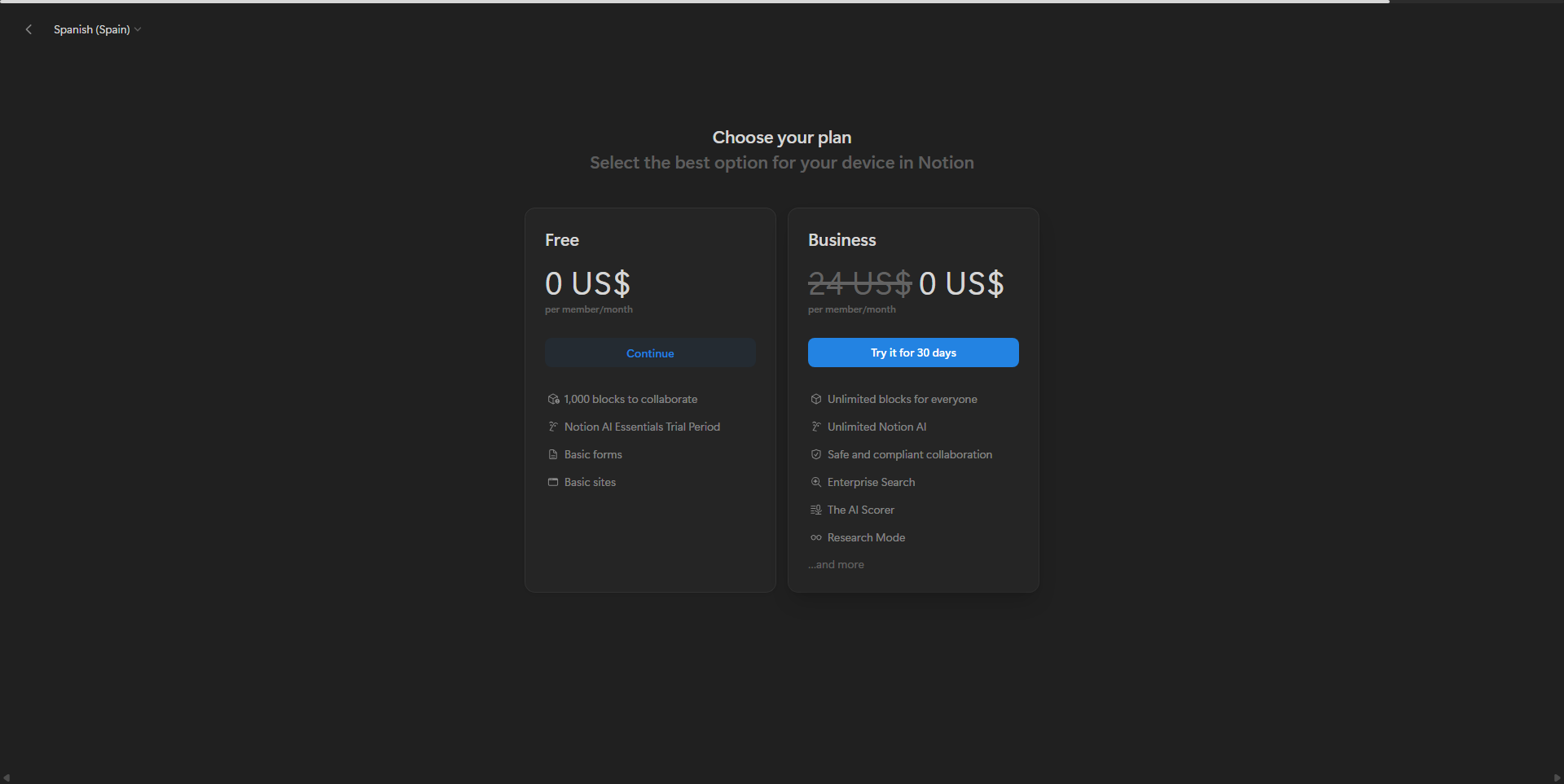
$0-$15 / Month
Deals Available

This product comes with a special deal, see details

Visit Now
✨ Ask AI about pricing
88% Subscribed Score
info Icon

The Subscribed Score is an independent rating that combines user reviews, features, and value-for-money from multiple trusted sources. It’s designed as a quick benchmark, not a guarantee of individual experience.

Overview

Unlock Seamless Collaboration with Notion – The All-in-One Worksuite Platform

Notion, a top player in the Worksuite category, combines note-taking, project management, and team collaboration into a single, versatile platform. Whether you’re organizing tasks, building databases, or collaborating on documents, Notion provides the flexibility you need. Don’t miss out on exclusive deals for Notion. For alternatives, check out CanvaGoogle Workspace, and Tactiq.io.

Why Use Notion?

In the realm of collaborative note-taking and workspace management, Notion excels by:

  • Versatile Workspace: Notion provides a versatile digital workspace where users can create pages, databases, and boards to organize information, tasks, and projects in a personalized and structured manner.
  • Collaborative Editing: Users can collaborate in real time on documents and databases, fostering seamless teamwork and ensuring that everyone is on the same page.
  • Customization: Notion offers a high degree of customization, allowing users to adapt the platform to their specific needs with a variety of templates, integrations, and the ability to create interconnected databases.
  • Knowledge Sharing: Notion serves as a knowledge-sharing hub, enabling users to create a centralized repository for documentation, project details, meeting notes, and more.

Who is Notion For?

Notion is suitable for a diverse range of users, including:

  • Individuals: Individuals use Notion as a personal productivity tool for note-taking, task management, and organizing various aspects of their lives.
  • Teams: Teams leverage Notion for collaborative project management, knowledge sharing, and maintaining a centralized workspace for team documentation.
  • Students: Students use Notion for note-taking, organizing research, and collaborating on group projects, creating a centralized digital space for academic work.
  • Business Professionals: Business professionals utilize Notion for project management, task tracking, and collaborative document editing, streamlining workflows and enhancing communication.

Notion stands out as a flexible and collaborative workspace, ideal for individuals and teams looking for an all-in-one solution for note-taking, project management, and knowledge sharing. Whether you’re an individual user, part of a team, a student, or a business professional, Notion provides a customizable and unified platform to enhance organization and productivity.

Where Notion performs best

What users like
  • Highly customizable features
  • Effective for collaboration and planning
  • Combines multiple tools in one
  • Numerous templates for productivity

Where Notion falls short

What users dislike
  • Steep learning curve for beginners
  • Interface can feel cluttered
  • Limited offline functionality
  • Free plan has constraints
Subscribed Score Metrics
31/36 Metric achieved
MetricsScore
Customer Support5/6
Security4/6
Ease of Use6/6
Value of Money6/6
Integration4/6
Popularity6/6
Radar Chart Table View
Ease of Use
Measures how simple and intuitive the product is to use, including setup, navigation, and overall user experience
6/6 Metric Checks
Security
Compares the product`s features, quality, and pricing to determine its overall cost-effectiveness.
4/6 Metric Checks
Value of Money
Assesses the product`s ability to protect data, prevent breaches, and comply with industry standards.
6/6 Metric Checks
Customer Support
Reflects the responsiveness, helpfulness, and quality of assistance provided by the product`s support team.
5/6 Metric Checks
Integrations
Evaluates how well the product connects with other tools and platforms, enabling seamless workflows.
4/6 Metric Checks
Notion Pricing Range
$0-$15 / Month

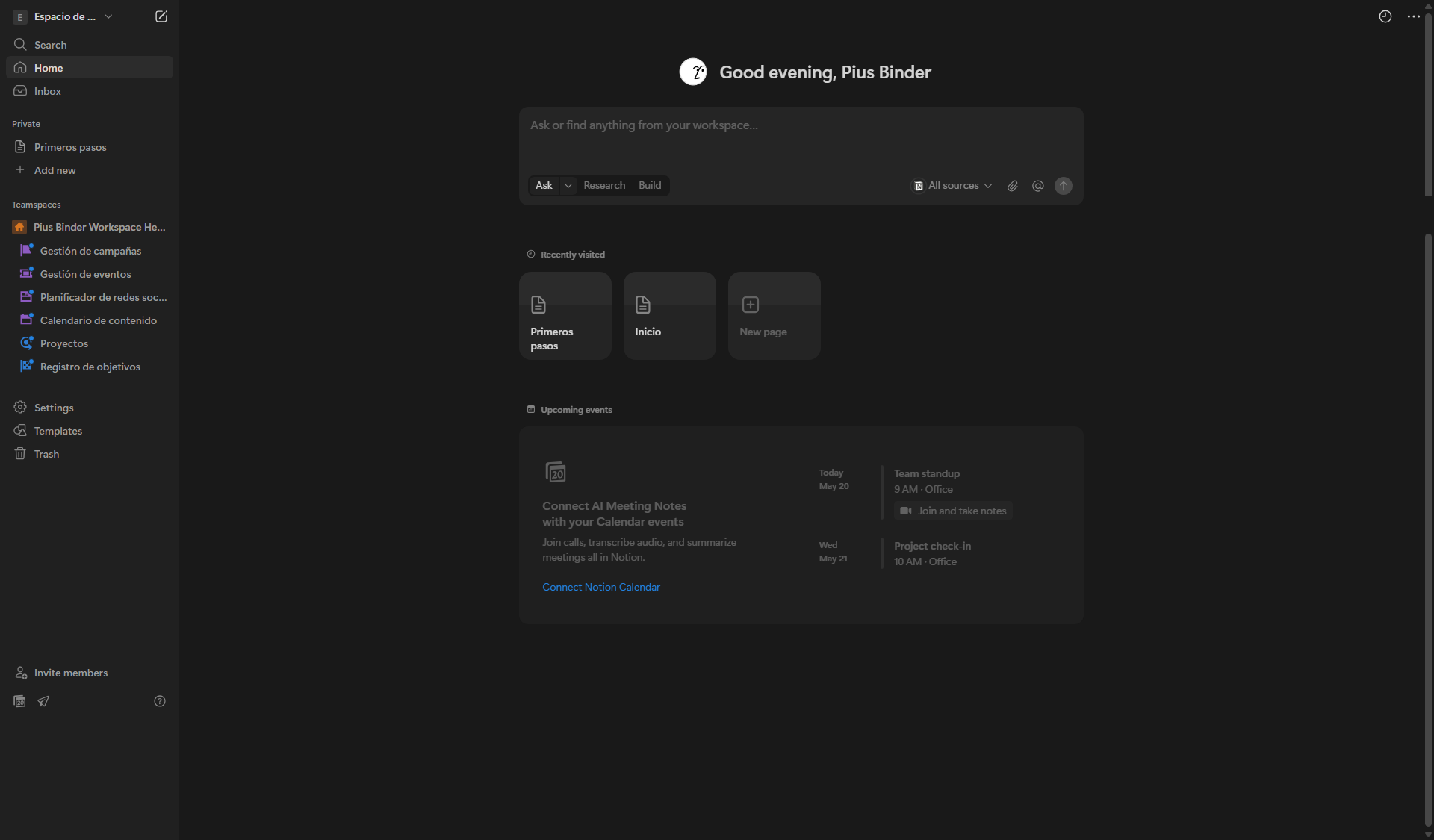
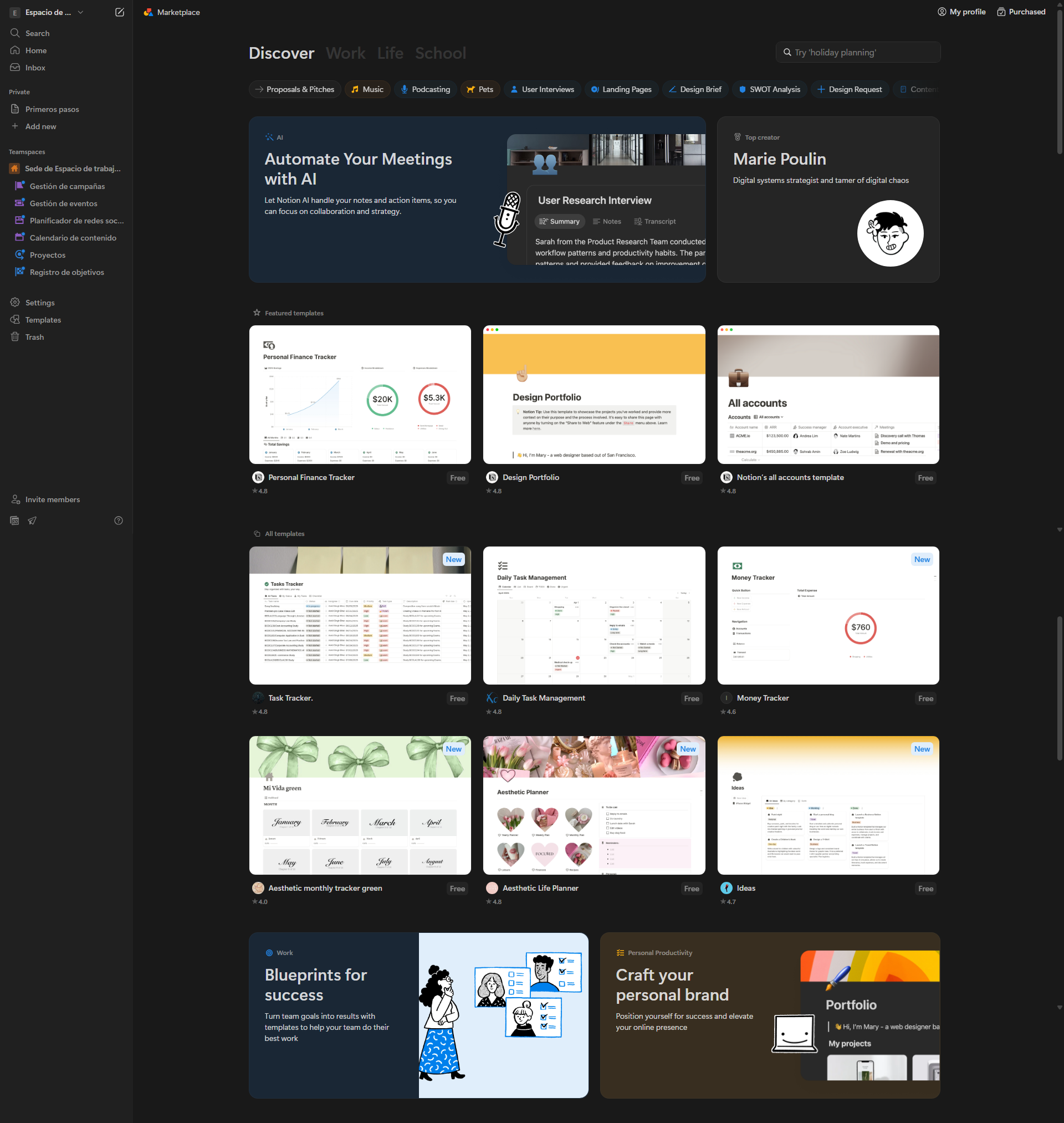
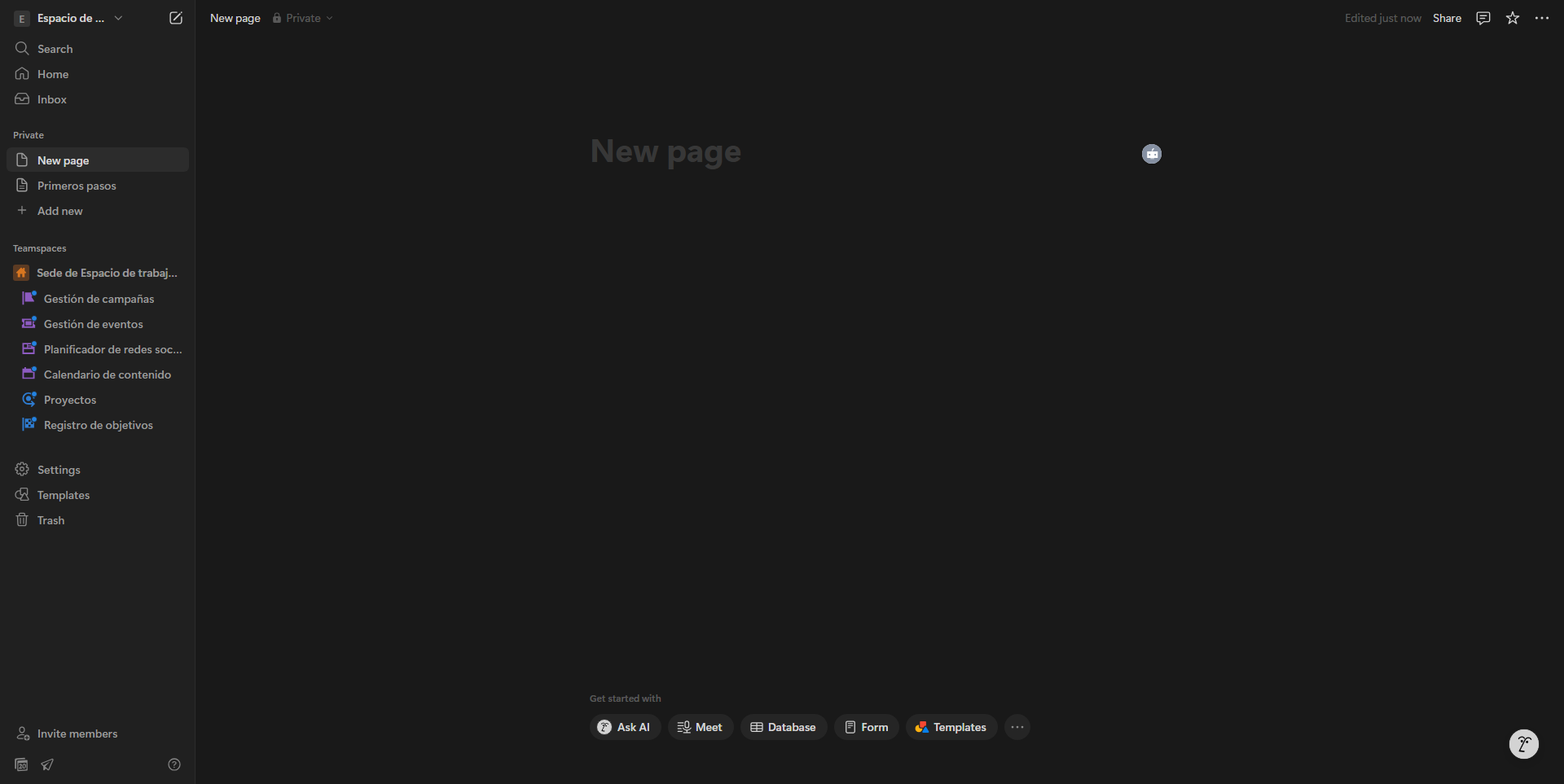
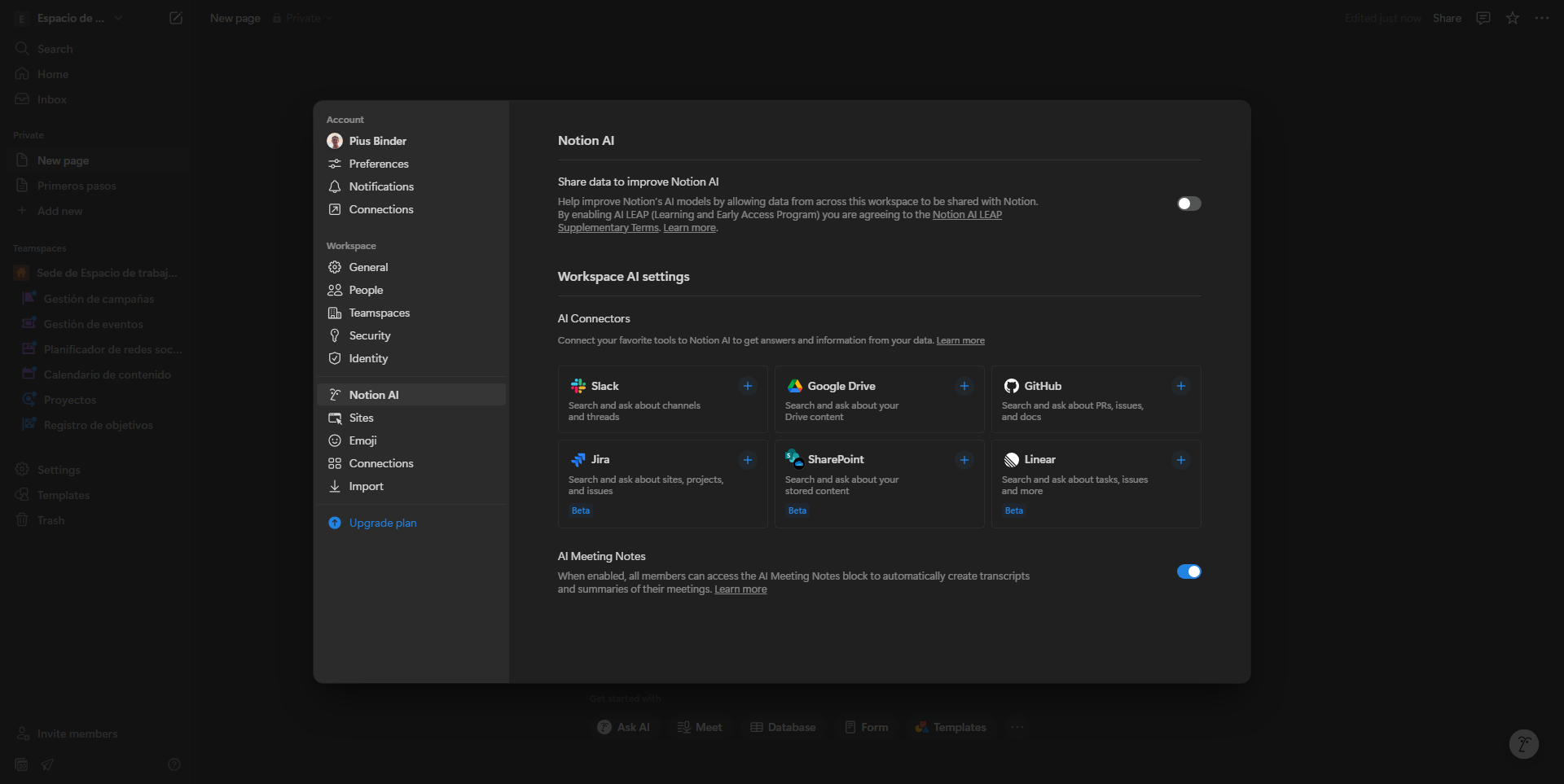
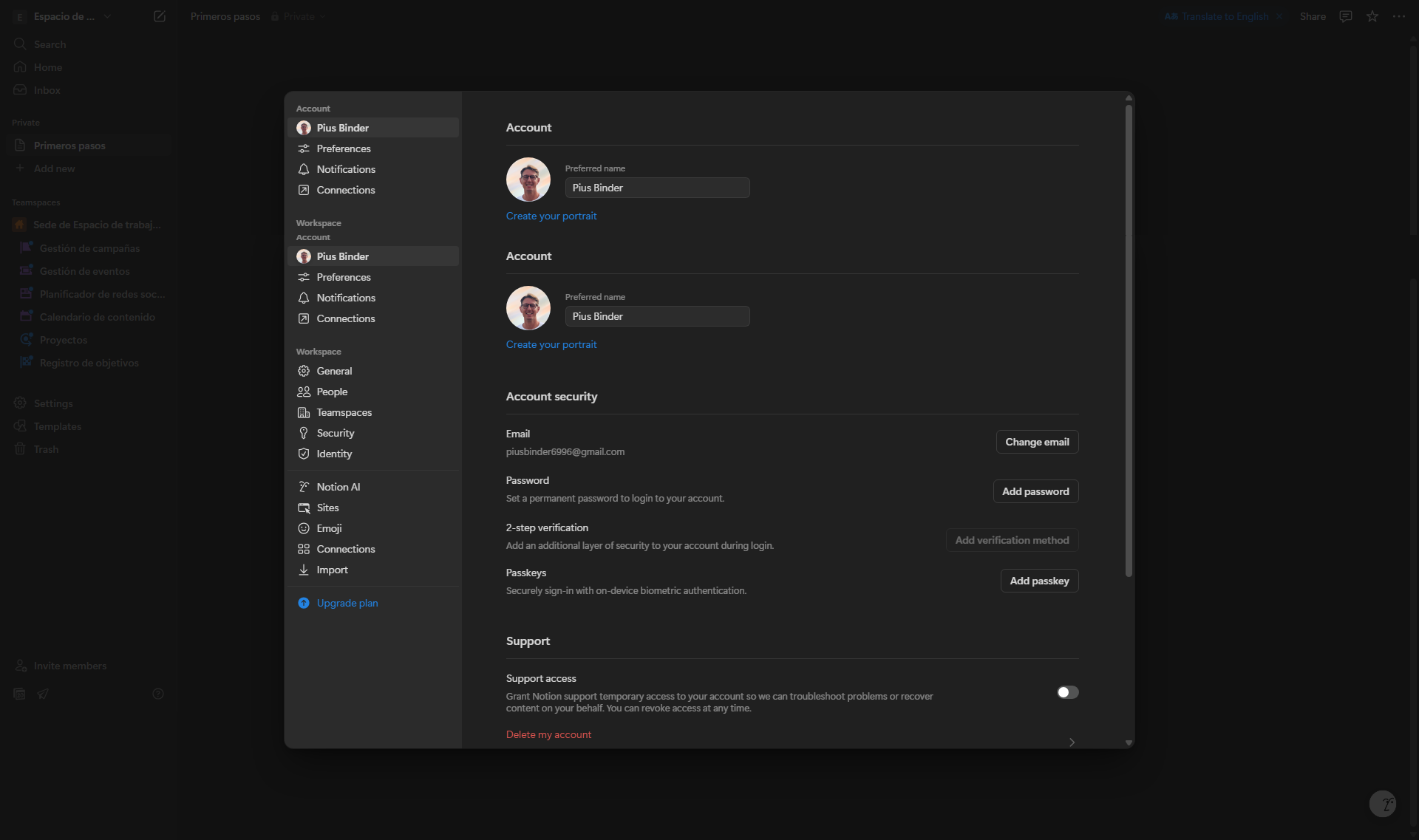
Notion in action
info Icon

A curated gallery of real screenshots and use cases from the product, so you can see how it works before trying it.

Notion screenshot Full Screen Icon
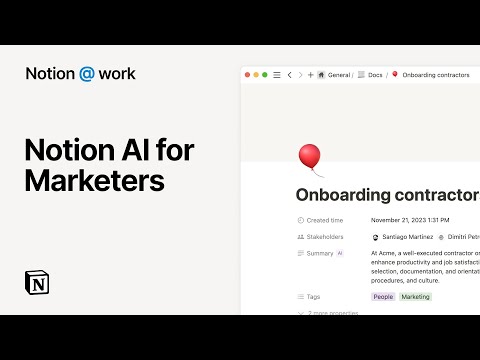
https://www.youtube.com/watch?v=q8c9dmjMatw?feature=oembed
Full Screen Icon
Video thumbnail
Notion screenshot
Notion screenshot
Notion screenshot
Notion screenshot
Notion screenshot
Notion screenshot

Alternatives to Notion
info Icon

A list of platforms similar to Notion, helping you evaluate which tool best matches your needs.

How to cancel Notion

Need to cancel Notion? Here is how
info Icon

Thinking about how to cancel Notion this is how you do it!

Steps to Cancel Notion Subscription.

Canceling your Notion subscription is a straightforward process. For detailed instructions, please refer to the official Notion support page: Notion Subscription Cancellation Guide.

How to Cancel the Notion

Steps to Cancel Notion Subscription.

Canceling your Notion subscription is a straightforward process. For detailed instructions, please refer to the official Notion support page: Notion Subscription Cancellation Guide.

FAQs about Notion

Every else you need to know about Notion
info Icon

A collection of FAQs, guides, alternatives, and comparisons to help you quickly understand if Notion is right for you.

Manage your Notion profile

Create profile

Want to list your product on Subscribed.fyi? Create a profile to reach more buyers.

Pricing Range
info Icon

This only an estimated pricing range, visit Notion pricing page to access all the information by clicking “Visit Now”.

$0-$15 / Month
Visit Now
Deals Available

This product comes with a special deal, see details

This product comes with a special deal, see details