Build and Share with Ease on Google Sites – The Simple Website Creation Platform
Google Sites in the Project Management category empowers users to create websites effortlessly for team projects or personal use. With easy integration into Google Workspace, it’s perfect for collaboration. Check out exclusive Google Sites deals and explore similar tools like Jira, Trello, and Smartsheet.
Why Use Google Sites?
In the realm of website creation tools, Google Sites stands out by:
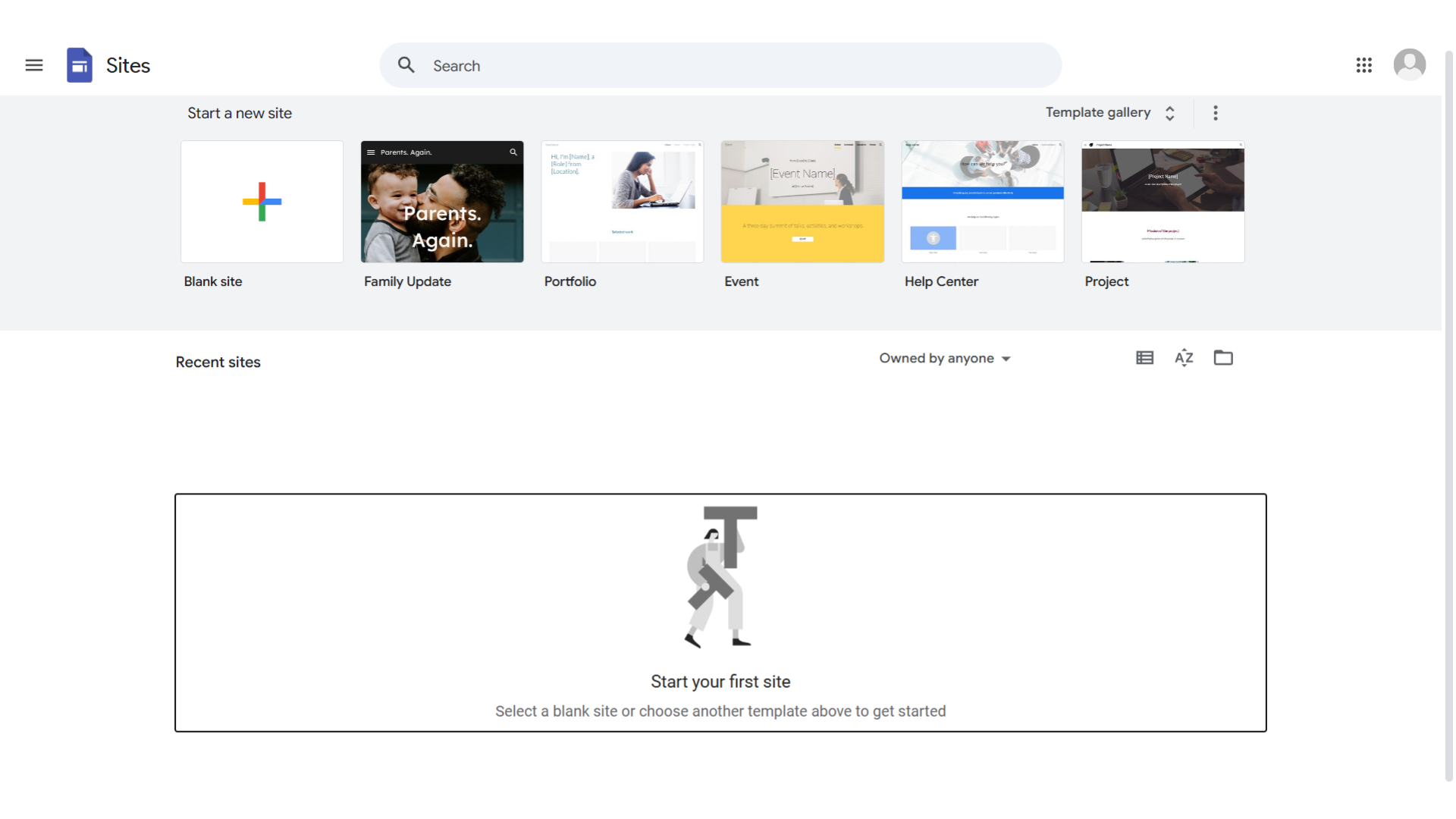
- Ease of Use: Google Sites offers an intuitive interface that allows users to create websites quickly without needing coding knowledge, making it accessible for everyone from beginners to experienced users.
- Seamless Integration: It integrates smoothly with Google Workspace, allowing users to easily incorporate documents, calendars, and other Google tools into their websites, enhancing collaboration and functionality.
- Customizable Templates: Google Sites provides a variety of customizable templates, enabling users to design professional-looking websites tailored to their specific needs and preferences.
- Responsive Design: Websites created with Google Sites are automatically optimized for different devices, ensuring a consistent and user-friendly experience across desktops, tablets, and smartphones.
Who is Google Sites For?
Google Sites caters to a wide range of users:
- Businesses: Businesses use Google Sites for creating internal team sites, project hubs, and company intranets, facilitating communication and collaboration within the organization.
- Educators: Educators leverage Google Sites to build class websites, share resources, and create interactive learning environments for students.
- Nonprofits: Nonprofits utilize Google Sites to create informative websites that promote their mission, share updates, and engage with supporters.
- Individuals: Individuals use Google Sites for personal projects, portfolios, and event websites, benefiting from its simplicity and integration with Google services.
In conclusion, Google Sites is a versatile tool for creating websites with ease and efficiency. Whether you’re a business, educator, nonprofit, or individual, Google Sites provides the tools needed to build and share impactful websites.