Arc Search Reviews 2026: Details, Pricing, & Features | Subscribed.fyi
Sign in to review
Join our community of software reviewers on Subscribed.fyi

Continue With Google
Continue With LinkedIn
Continue Review with Email
Continue with Email
Enter your email to continue.
Continue
Enter your password
Enter your password to finish setting up your account.
Continue
Activate your email
Enter activation code we sent to your email.
Submit
Reset your password
Enter activation code we sent to your email.
Submit
Set your new password
Enter a new password for your account.
Submit
Categories
For Business
Log in
Provide My Insights

Arc Search Reviews, Pricing, Features & Alternatives (2026)

4/5
(1)

Arc Browser is a modern, productivity-focused web browser that reimagines how users organize tabs, workflows, and web apps through a customizable, workspace-style interface.

Arc Search Overview

What is Arc Search?

4
1
Reviews
67%
Subscribed Score

Available for Claim - This listing is available to be claimed
Claim Profile For Free

Unclaimed

Manage profile with subsig, and unlock 23+ social and review monitoring. Get partnership options with

Claim Profile For Free

Why teams choose Arc Search

Key Features

Data-Driven Insights
Make better decisions with analytics.
Smart Automation
Smart Automation
Save time with AI-powered workflows.
Affordable Pricing
Affordable Pricing
Transparent plans to fit any budget.

Who is Arc Search for?

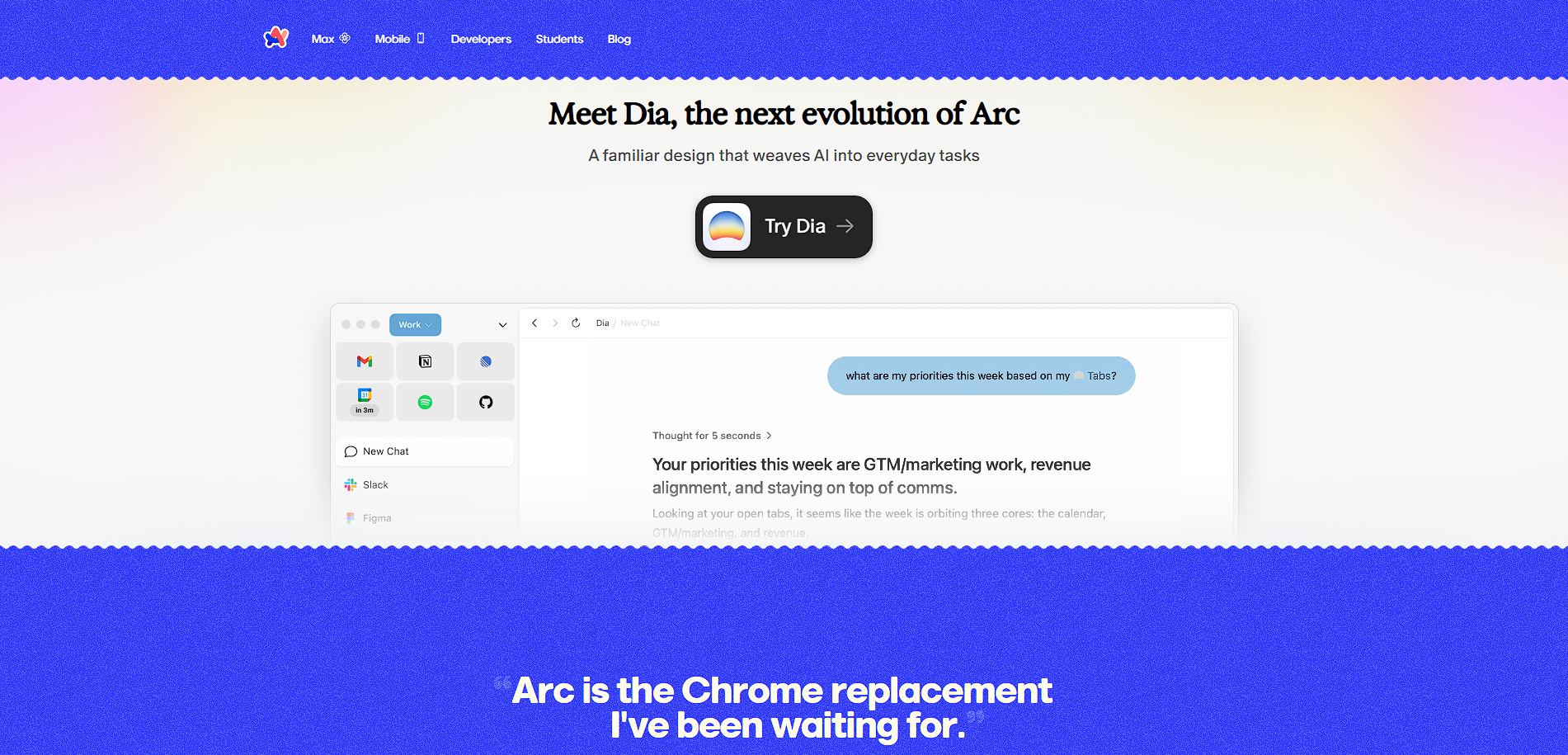
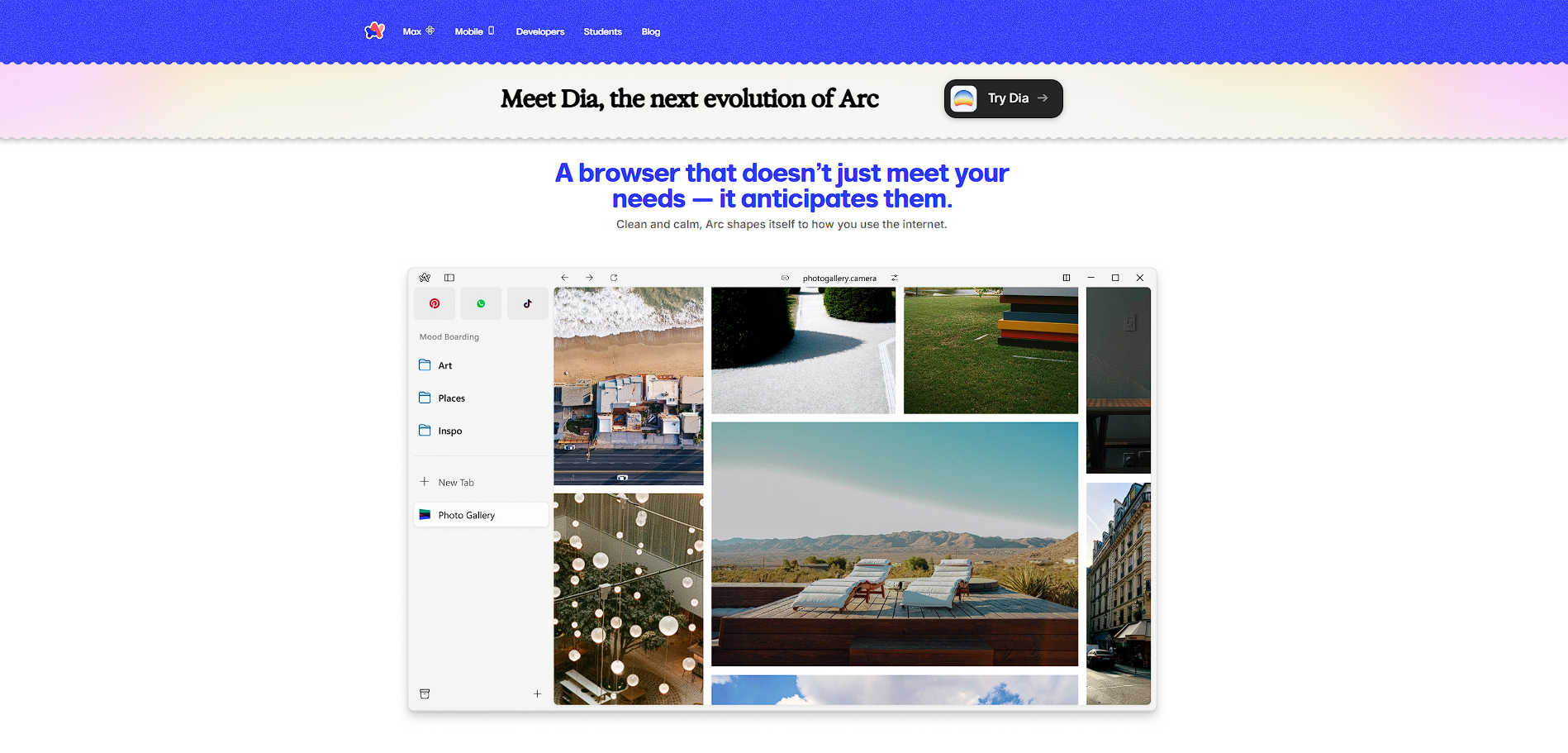
Arc Browser is a Chromium-based web browser developed by The Browser Company, designed to rethink how people interact with the internet. Instead of traditional horizontal tabs, it introduces a sidebar layout where tabs, apps, and workflows are organized into “Spaces,” making it feel more like a workspace than a browser.

The platform positions itself as a productivity tool rather than just a browsing tool. Users can group tabs, pin important pages, split screens, and manage different contexts (like work vs personal) all within a single interface. This makes it particularly appealing to power users who spend most of their time in the browser.

Arc also integrates lightweight AI features (like summarization and tab assistance) and built-in utilities such as notes and previews, reducing reliance on extensions. While the browser remains fully functional and free, the company has shifted focus toward newer AI-first products, meaning Arc is now more in a “stable and maintained” phase rather than rapidly evolving.

Key Features and Benefits

  • Spaces & tab organization: Separate workflows (work, personal, projects) into clean environments
  • Sidebar UI: Replace traditional tabs with a vertical, organized layout
  • Split view: Work on multiple pages side-by-side in one window
  • Built-in tools: Notes, previews, and media controls inside the browser
  • Arc Max (AI features): Summarization, tab renaming, and productivity enhancements
  • Chromium-based: Supports Chrome extensions and compatibility
  • Privacy-first model: No ads or selling user data

Who Can Benefit from Arc Browser

  • Power users: Manage dozens of tabs and workflows efficiently
  • Developers & designers: Organize tools, docs, and environments in one place
  • Remote workers: Separate workspaces for different tasks or clients
  • Students: Keep research, notes, and projects structured
  • Productivity enthusiasts: Replace multiple tools with one browser

Looking for alternative solutions?
If you are exploring alternatives, browsers like Google Chrome and Microsoft Edge offer simplicity and ecosystem support, while newer tools like SigmaOS or AI browsers like Dia focus more heavily on automation and AI-driven workflows.

Arc Search Summary

Arc Browser is a Chromium-based web browser developed by The Browser Company, designed to rethink how people interact with the internet. Instead of traditional horizontal tabs, it introduces a sidebar layout where tabs, apps, and workflows are organized into “Spaces,” making it feel more like a workspace than a browser.

The platform positions itself as a productivity tool rather than just a browsing tool. Users can group tabs, pin important pages, split screens, and manage different contexts (like work vs personal) all within a single interface. This makes it particularly appealing to power users who spend most of their time in the browser.

Arc also integrates lightweight AI features (like summarization and tab assistance) and built-in utilities such as notes and previews, reducing reliance on extensions. While the browser remains fully functional and free, the company has shifted focus toward newer AI-first products, meaning Arc is now more in a “stable and maintained” phase rather than rapidly evolving.

Key Features and Benefits

  • Spaces & tab organization: Separate workflows (work, personal, projects) into clean environments
  • Sidebar UI: Replace traditional tabs with a vertical, organized layout
  • Split view: Work on multiple pages side-by-side in one window
  • Built-in tools: Notes, previews, and media controls inside the browser
  • Arc Max (AI features): Summarization, tab renaming, and productivity enhancements
  • Chromium-based: Supports Chrome extensions and compatibility
  • Privacy-first model: No ads or selling user data

Who Can Benefit from Arc Browser

  • Power users: Manage dozens of tabs and workflows efficiently
  • Developers & designers: Organize tools, docs, and environments in one place
  • Remote workers: Separate workspaces for different tasks or clients
  • Students: Keep research, notes, and projects structured
  • Productivity enthusiasts: Replace multiple tools with one browser

Looking for alternative solutions?
If you are exploring alternatives, browsers like Google Chrome and Microsoft Edge offer simplicity and ecosystem support, while newer tools like SigmaOS or AI browsers like Dia focus more heavily on automation and AI-driven workflows.

Arc Search reviews and insights

Learn what people say about Arc Search

4
1 Reviews
67%
Subscribed Score

Lear more here about the Subscribed score on how it is composed. Learn more Click here

Overall rating

5
4
3
2
1
CX 3/6

How good is the customer support based on subscribed’s assessment

CX Icon
Security 4/6

How secure is the product based on Subscribed’s assessment?

Security Icon
Ease of Use 3/6

How easy is the product to use, based on Subscribed’s assessment?

EOU Icon
Value 5/6

What is the value for money based on Subscribed’s assessment?

coin Icon
Integration 5/6

How many integrations does the product offer?

gear Icon
Popularity 4/6

How popular is the product?

star
Mohan Shil User Test Enabled
QA Speacialist
See My Portfolio
3 weeks ago
Share
What’s the biggest benefit you’ve noticed?
It saves a lot of time by giving short and clear answers. Searching feels much faster and simpler.
Have you experienced any bugs or errors?
Sometimes the summaries miss small details or context. A few results may not be fully accurate.
If you could change one thing, what would it be?
I would improve accuracy and depth of the AI summaries. It should handle complex topics more reliably.
Final thoughts, wrap up what you think
I’d recommend Arc Search for users who do a lot of mobile research, comparison shopping, or quick information gathering and want a faster alternative to traditional search engines.
Upvote (15)

Arc Search User Reviews

1 User Reviews

Reviews from G2, Capterra, Trustpilot
info Icon

These ratings come directly from third-party platforms like G2, Capterra, and Trustpilot. They reflect real user feedback collected independently on those sites.

Arc Search pricing

Pricing model

Pricing Range
info Icon

This only an estimated pricing range, visit Arc Search pricing page to access all the information by clicking “Visit Now”.

Free
Visit Now
✨ Ask AI about pricing
67% Subscribed Score
info Icon

The Subscribed Score is an independent rating that combines user reviews, features, and value-for-money from multiple trusted sources. It’s designed as a quick benchmark, not a guarantee of individual experience.

Overview

Arc Browser is a Chromium-based web browser developed by The Browser Company, designed to rethink how people interact with the internet. Instead of traditional horizontal tabs, it introduces a sidebar layout where tabs, apps, and workflows are organized into “Spaces,” making it feel more like a workspace than a browser.

The platform positions itself as a productivity tool rather than just a browsing tool. Users can group tabs, pin important pages, split screens, and manage different contexts (like work vs personal) all within a single interface. This makes it particularly appealing to power users who spend most of their time in the browser.

Arc also integrates lightweight AI features (like summarization and tab assistance) and built-in utilities such as notes and previews, reducing reliance on extensions. While the browser remains fully functional and free, the company has shifted focus toward newer AI-first products, meaning Arc is now more in a “stable and maintained” phase rather than rapidly evolving.

Key Features and Benefits

  • Spaces & tab organization: Separate workflows (work, personal, projects) into clean environments
  • Sidebar UI: Replace traditional tabs with a vertical, organized layout
  • Split view: Work on multiple pages side-by-side in one window
  • Built-in tools: Notes, previews, and media controls inside the browser
  • Arc Max (AI features): Summarization, tab renaming, and productivity enhancements
  • Chromium-based: Supports Chrome extensions and compatibility
  • Privacy-first model: No ads or selling user data

Who Can Benefit from Arc Browser

  • Power users: Manage dozens of tabs and workflows efficiently
  • Developers & designers: Organize tools, docs, and environments in one place
  • Remote workers: Separate workspaces for different tasks or clients
  • Students: Keep research, notes, and projects structured
  • Productivity enthusiasts: Replace multiple tools with one browser

Looking for alternative solutions?
If you are exploring alternatives, browsers like Google Chrome and Microsoft Edge offer simplicity and ecosystem support, while newer tools like SigmaOS or AI browsers like Dia focus more heavily on automation and AI-driven workflows.

Where Arc Search performs best

What users like
  • Unique sidebar-based interface replaces traditional tab clutter
  • Powerful organization with Spaces, folders, and split views for workflows
  • Built-in tools like notes, previews, and AI features reduce need for extensions
  • Privacy-focused with no ads or data-selling business model
  • Completely free to use with full feature access

Where Arc Search falls short

What users dislike
  • Learning curve due to non-traditional browser design
  • Can feel complex or overwhelming for casual users
  • Windows version still lacks full feature parity with macOS
  • Active feature development has slowed as company shifts focus to new products
Subscribed Score Metrics
24/36 Metric achieved
MetricsScore
Customer Support3/6
Security4/6
Ease of Use3/6
Value of Money5/6
Integration5/6
Popularity4/6
Radar Chart Table View
Ease of Use
Measures how simple and intuitive the product is to use, including setup, navigation, and overall user experience
3/6 Metric Checks
Security
Compares the product`s features, quality, and pricing to determine its overall cost-effectiveness.
4/6 Metric Checks
Value of Money
Assesses the product`s ability to protect data, prevent breaches, and comply with industry standards.
5/6 Metric Checks
Customer Support
Reflects the responsiveness, helpfulness, and quality of assistance provided by the product`s support team.
3/6 Metric Checks
Integrations
Evaluates how well the product connects with other tools and platforms, enabling seamless workflows.
5/6 Metric Checks
Arc Search Pricing Range
Free

Arc Search in action
info Icon

A curated gallery of real screenshots and use cases from the product, so you can see how it works before trying it.

Arc Search Full Screen Icon
https://www.youtube.com/shorts/2nOo2q4jU_A
Full Screen Icon
Arc Search
Arc Search
Video thumbnail
Arc Search
Arc Search

Alternatives to Arc Search
info Icon

A list of platforms similar to Arc Search, helping you evaluate which tool best matches your needs.

How to cancel Arc Search

Need to cancel Arc Search? Here is how
info Icon

Thinking about how to cancel Arc Search this is how you do it!

  1. Stop using the Arc browser
  2. Uninstall it from your device
  3. Sign out of your account (if applicable)
  4. Disable sync or data storage settings
  5. Delete account via settings if needed

How to Cancel the Arc Search

  1. Stop using the Arc browser
  2. Uninstall it from your device
  3. Sign out of your account (if applicable)
  4. Disable sync or data storage settings
  5. Delete account via settings if needed

FAQs about Arc Search

Every else you need to know about Arc Search
info Icon

A collection of FAQs, guides, alternatives, and comparisons to help you quickly understand if Arc Search is right for you.

Manage your Arc Search profile

Create profile

Want to list your product on Subscribed.fyi? Create a profile to reach more buyers.

Pricing Range
info Icon

This only an estimated pricing range, visit Arc Search pricing page to access all the information by clicking “Visit Now”.

Free
Visit Now