Create and Collaborate with Google Slides – The Cloud-Based Presentation Platform
Google Slides, part of the Project Management category, allows users to design, edit, and share presentations in real-time across devices. With ready-to-use templates and integration with Google Workspace, it’s perfect for team collaboration. Explore exclusive Google Slides deals and similar tools like Jira, Trello, and Smartsheet.
Why Use Google Slides?
In the realm of presentation software, Google Slides stands out by:
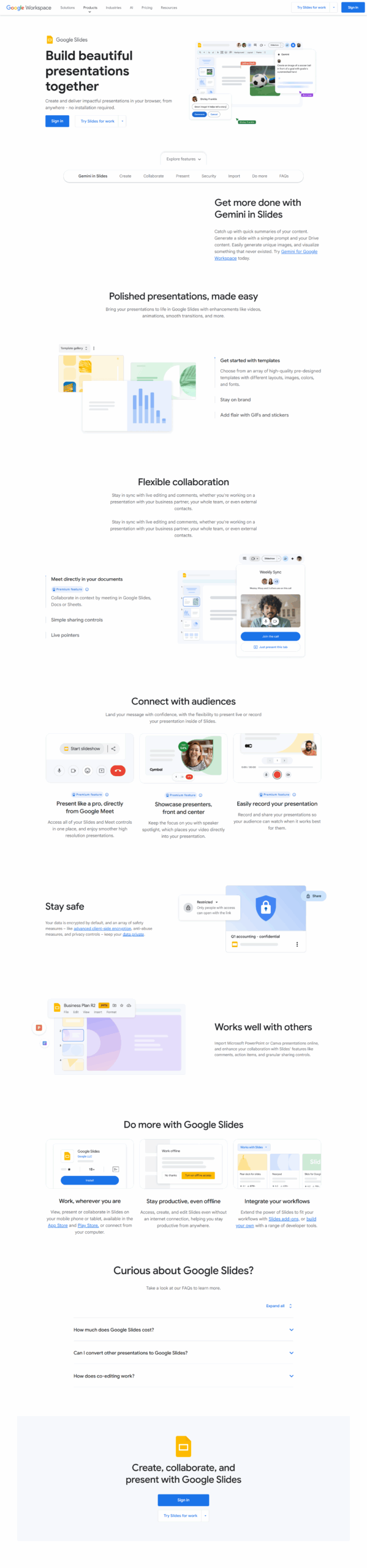
- Real-Time Collaboration: Google Slides allows multiple users to work on the same presentation simultaneously, facilitating seamless teamwork and instant feedback, regardless of location.
- Cloud Accessibility: As a cloud-based tool, Google Slides ensures that presentations are accessible from any device with internet connectivity, providing flexibility and convenience for users on the go.
- Integration with Google Workspace: Google Slides integrates smoothly with other Google Workspace applications like Google Drive, Docs, and Sheets, enhancing productivity and streamlining workflows.
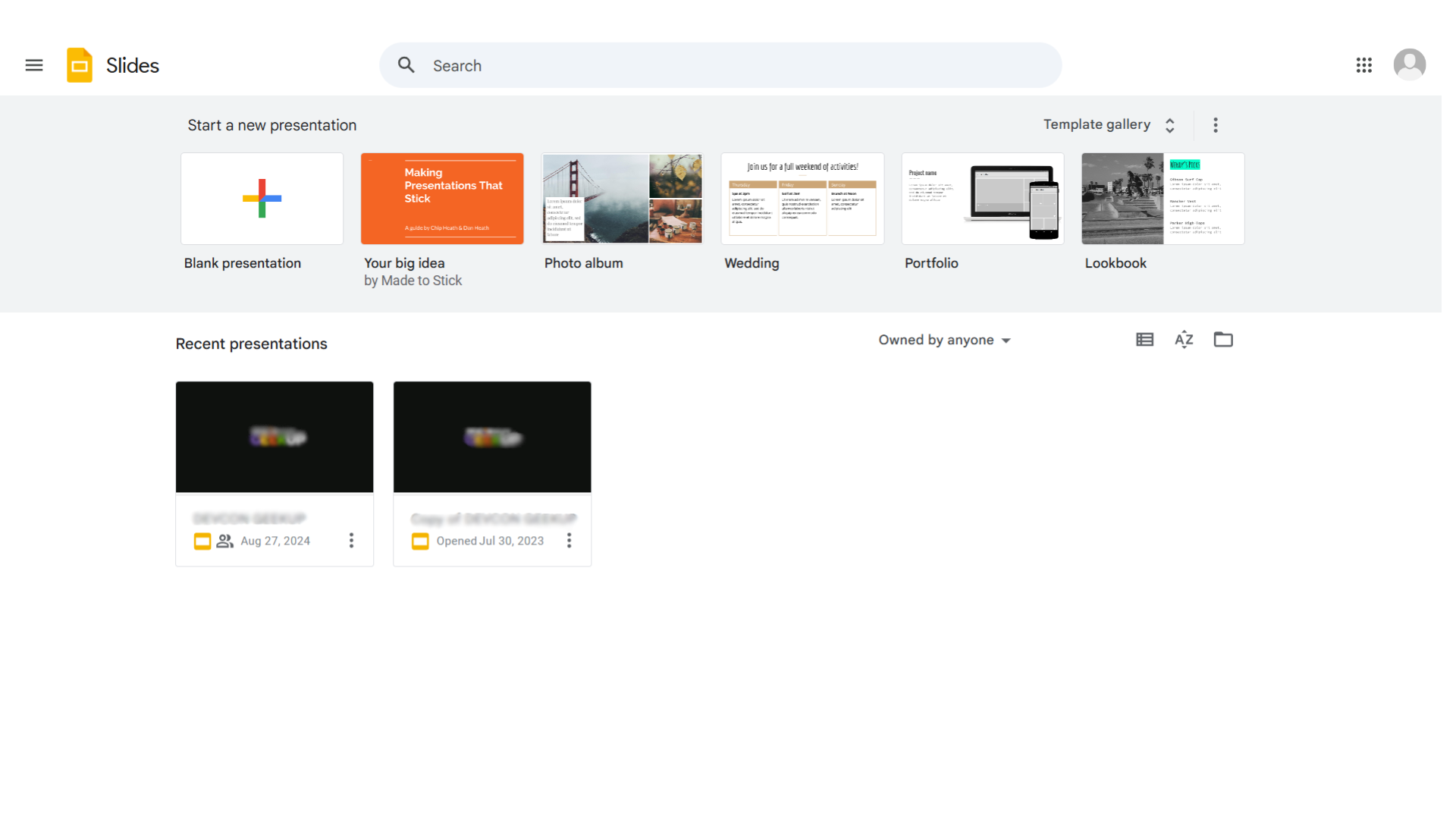
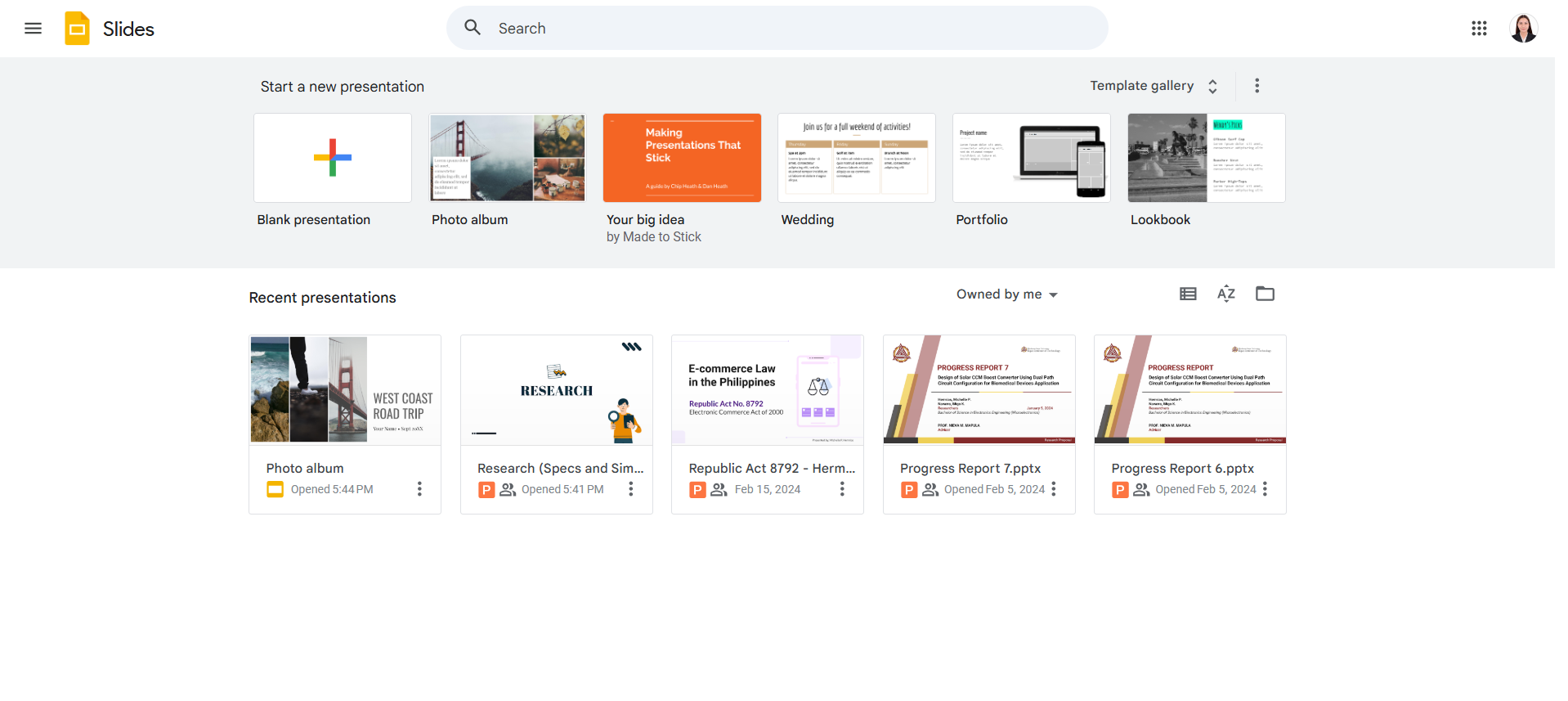
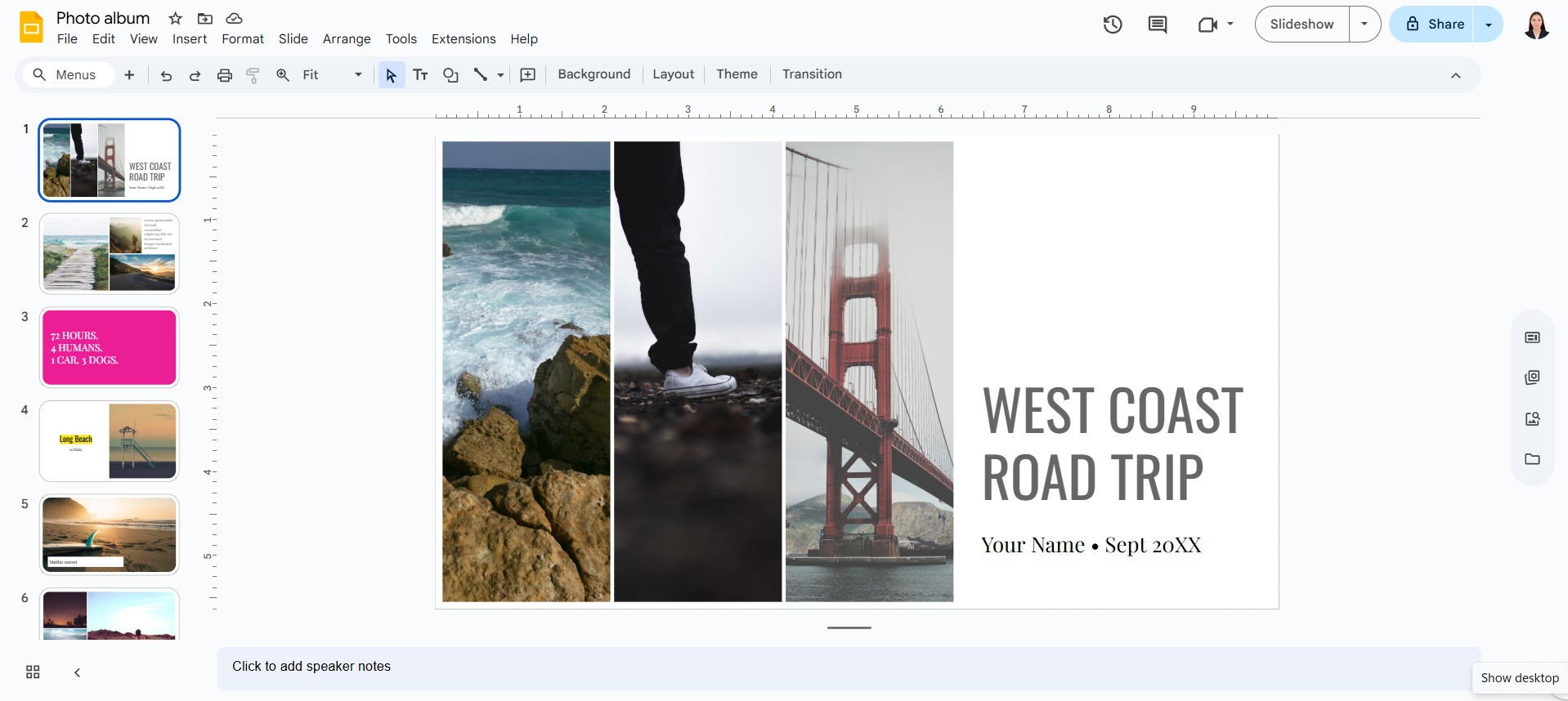
- Variety of Templates and Themes: With a diverse selection of templates and themes, Google Slides enables users to create visually appealing presentations quickly and easily, catering to various presentation needs.
Who is Google Slides For?
Google Slides caters to a wide range of users:
- Business Professionals: Business professionals use Google Slides for creating impactful presentations for meetings, pitches, and reports, benefiting from its collaborative features and professional design options.
- Educators and Students: Educators and students leverage Google Slides for creating and sharing educational content, presentations, and projects, fostering an interactive and engaging learning environment.
- Remote Teams: Remote teams utilize Google Slides for collaborative presentation development, ensuring alignment and effective communication across different locations.
- Event Planners: Event planners use Google Slides to design and present event proposals, schedules, and promotional materials, benefiting from its ease of use and collaborative capabilities.
In conclusion, Google Slides is an essential tool for anyone looking to create, collaborate, and present ideas effectively. Whether you’re a business professional, educator, student, remote team member, or event planner, Google Slides offers the features and flexibility needed to deliver compelling presentations.