Sign in to review
Join our community of software reviewers on Subscribed.fyi

Continue With Google
Continue With LinkedIn
Continue Review with Email
Continue with Email
Enter your email to continue.
Continue
Enter your password
Enter your password to finish setting up your account.
Continue
Activate your email
Enter activation code we sent to your email.
Submit
Reset your password
Enter activation code we sent to your email.
Submit
Set your new password
Enter a new password for your account.
Submit
Log in
Provide My Insights
RowShare logo
RowShare logo

RowShare Reviews, Pricing, Features & Alternatives (2026)

RowShare is a secure collaborative table that simplifies data collection and organization across teams. With easy customization, it supports real-time updates and offers unique features like line-specific access controls. Ideal for managing tasks, tracking projects, and enhancing productivity, it’s more efficient than traditional spreadsheets and simpler than specialized software. Perfect for businesses seeking a user-friendly and adaptable tool.

RowShare logo
RowShare logo
RowShare logo

RowShare Overview

What is RowShare?

N/A
★ ★ ★ ★ ★
0
Reviews

Available for Claim - This listing is available to be claimed
Claim Profile

Unclaimed

Claim this profile to manage it.

Claim Profile

Why teams choose RowShare

Key Features

Trusted by Thousands
Proven by professionals worldwide.
Data-Driven Insights
Make better decisions with analytics.
Scales with You
Scales with You
Grows with your business needs.

Who is RowShare for?

RowShare is a versatile solution in the Collaborative Tools category. Designed for efficient data collection and collaboration, it simplifies team workflows with secure, user-friendly tables. Centralize tasks, automate processes, and empower your team with a platform that blends flexibility and collaborative functionality. Leveraging Excel synchronization and unique discussion columns, RowShare ensures effective project tracking and data management. Explore exclusive deals. For alternatives, consider Trello, Tableau, and Wrike.

Key Advantages of RowShare

By selecting RowShare, you gain access to a robust platform with several outstanding features:

  • Secure Collaboration: RowShare ensures data confidentiality, allowing users to only view or modify rows assigned to them, safeguarding sensitive information.
  • Customizable Table Templates: The platform offers pre-built, easily customizable templates for faster setup and workflow standardization.
  • Excel Synchronization: Seamlessly connect with Excel for detailed data manipulation and integration into existing workflows.
  • Enhanced Productivity: Simplify collaborative workflows by reducing dependency on scattered Excel files, emails, or paper documents.
  • Row-Level Permissions: Efficiently control access with permissions tailored to individual rows, streamlining team responsibilities and oversight.

Who Uses RowShare?

RowShare caters to a wide range of professionals and industries:

  • Educators: Track student progress, organize feedback, and manage assignments collaboratively across schools and educational teams.
  • Project Managers: Centralize task management, monitor team progress, and simplify project tracking processes efficiently.
  • Nonprofits and Clubs: Organize day-to-day operations, from volunteer management to event planning, with intuitive, user-friendly tools.
  • Corporate Managers: Streamline workflows for HR, inventory, and sales tracking with functionalities adaptable to enterprise needs.

Whether for managing classroom feedback, streamlining inventory, or coordinating multisite teams, RowShare delivers enriched data organization and task control in any collaborative setting.

RowShare Summary

RowShare is a versatile solution in the Collaborative Tools category. Designed for efficient data collection and collaboration, it simplifies team workflows with secure, user-friendly tables. Centralize tasks, automate processes, and empower your team with a platform that blends flexibility and collaborative functionality. Leveraging Excel synchronization and unique discussion columns, RowShare ensures effective project tracking and data management. Explore exclusive deals. For alternatives, consider Trello, Tableau, and Wrike.

Key Advantages of RowShare

By selecting RowShare, you gain access to a robust platform with several outstanding features:

  • Secure Collaboration: RowShare ensures data confidentiality, allowing users to only view or modify rows assigned to them, safeguarding sensitive information.
  • Customizable Table Templates: The platform offers pre-built, easily customizable templates for faster setup and workflow standardization.
  • Excel Synchronization: Seamlessly connect with Excel for detailed data manipulation and integration into existing workflows.
  • Enhanced Productivity: Simplify collaborative workflows by reducing dependency on scattered Excel files, emails, or paper documents.
  • Row-Level Permissions: Efficiently control access with permissions tailored to individual rows, streamlining team responsibilities and oversight.

Who Uses RowShare?

RowShare caters to a wide range of professionals and industries:

  • Educators: Track student progress, organize feedback, and manage assignments collaboratively across schools and educational teams.
  • Project Managers: Centralize task management, monitor team progress, and simplify project tracking processes efficiently.
  • Nonprofits and Clubs: Organize day-to-day operations, from volunteer management to event planning, with intuitive, user-friendly tools.
  • Corporate Managers: Streamline workflows for HR, inventory, and sales tracking with functionalities adaptable to enterprise needs.

Whether for managing classroom feedback, streamlining inventory, or coordinating multisite teams, RowShare delivers enriched data organization and task control in any collaborative setting.

RowShare reviews and insights

Learn what people say about RowShare

N/A ★ ★ ★ ★ ★
0 Reviews

No Reviews Yet!

Be the first to share your experience and help others in the community.

RowShare logo

RowShare User Reviews

0 User Reviews

Reviews from G2, Capterra, Trustpilot
info Icon

These ratings come directly from third-party platforms like G2, Capterra, and Trustpilot. They reflect real user feedback collected independently on those sites.

RowShare pricing

Pricing model

RowShare logo
Pricing Range
info Icon

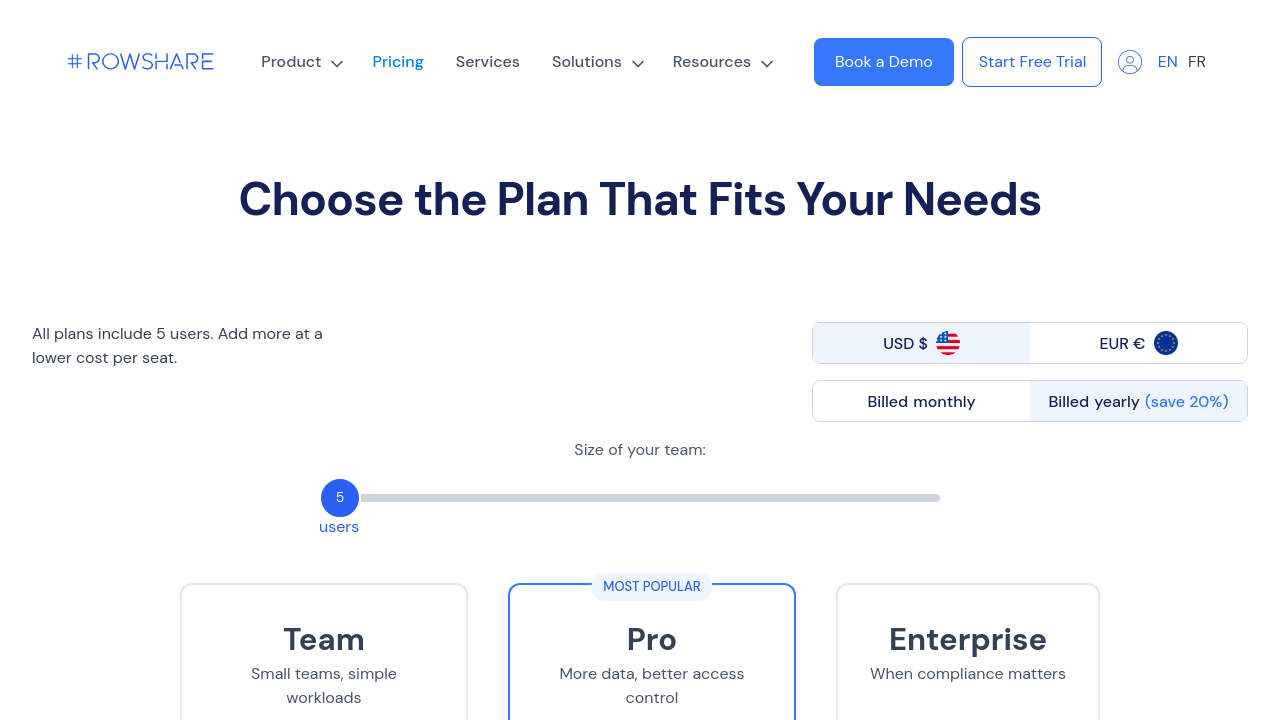
This only an estimated pricing range, visit RowShare pricing page to access all the information by clicking “Visit Now”.

Not specified.
Deals Available

This product comes with a special deal, see details

Visit Now

Overview

RowShare is a versatile solution in the Collaborative Tools category. Designed for efficient data collection and collaboration, it simplifies team workflows with secure, user-friendly tables. Centralize tasks, automate processes, and empower your team with a platform that blends flexibility and collaborative functionality. Leveraging Excel synchronization and unique discussion columns, RowShare ensures effective project tracking and data management. Explore exclusive deals. For alternatives, consider Trello, Tableau, and Wrike.

Key Advantages of RowShare

By selecting RowShare, you gain access to a robust platform with several outstanding features:

  • Secure Collaboration: RowShare ensures data confidentiality, allowing users to only view or modify rows assigned to them, safeguarding sensitive information.
  • Customizable Table Templates: The platform offers pre-built, easily customizable templates for faster setup and workflow standardization.
  • Excel Synchronization: Seamlessly connect with Excel for detailed data manipulation and integration into existing workflows.
  • Enhanced Productivity: Simplify collaborative workflows by reducing dependency on scattered Excel files, emails, or paper documents.
  • Row-Level Permissions: Efficiently control access with permissions tailored to individual rows, streamlining team responsibilities and oversight.

Who Uses RowShare?

RowShare caters to a wide range of professionals and industries:

  • Educators: Track student progress, organize feedback, and manage assignments collaboratively across schools and educational teams.
  • Project Managers: Centralize task management, monitor team progress, and simplify project tracking processes efficiently.
  • Nonprofits and Clubs: Organize day-to-day operations, from volunteer management to event planning, with intuitive, user-friendly tools.
  • Corporate Managers: Streamline workflows for HR, inventory, and sales tracking with functionalities adaptable to enterprise needs.

Whether for managing classroom feedback, streamlining inventory, or coordinating multisite teams, RowShare delivers enriched data organization and task control in any collaborative setting.

Where RowShare performs best

What users like
  • Easy to use and user-friendly interface
  • Supports collaboration and data sharing
  • Time-saving with customizable templates
  • Excel synchronization and integration features

Where RowShare falls short

What users dislike
  • Table permissions can be complicated to manage
  • Limited real-time interaction with users
  • Mobile functionality needs improvement
  • Recurring sign-in requirements
RowShare Pricing Range
Not specified.

RowShare in action
info Icon

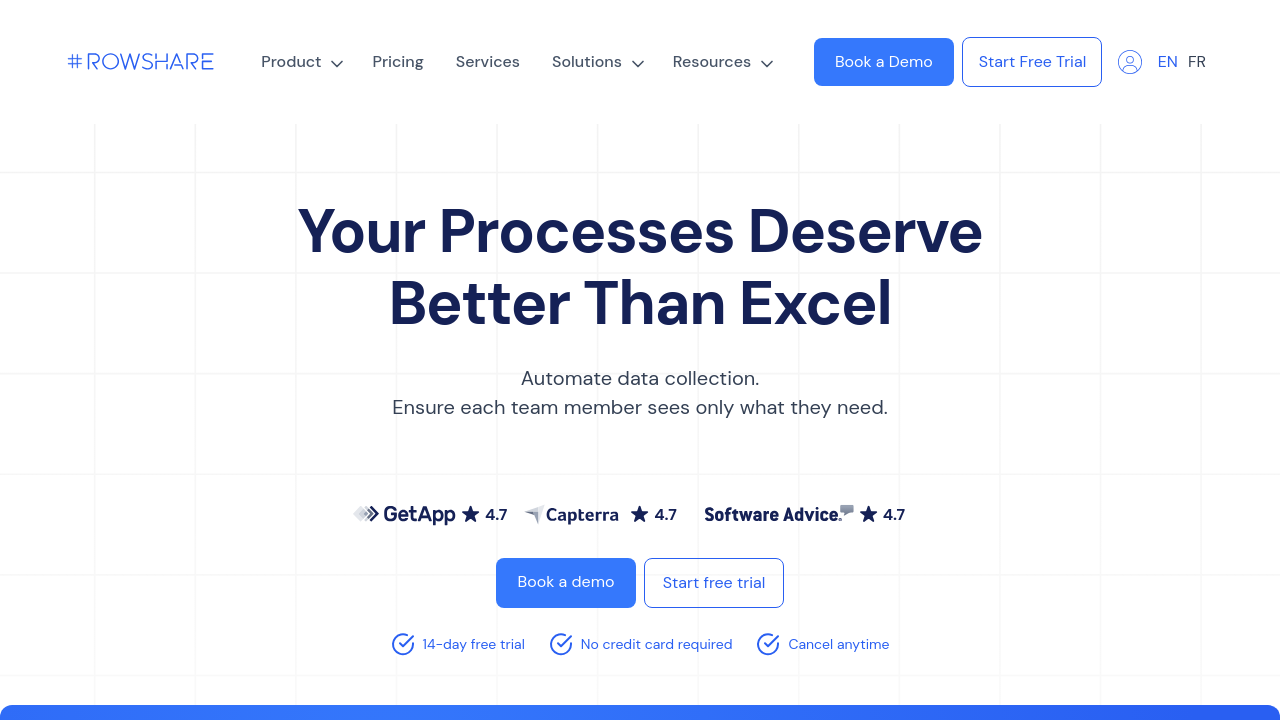
A curated gallery of real screenshots and use cases from the product, so you can see how it works before trying it.

RowShare screenshot 1 Full Screen Icon
RowShare screenshot 2 Full Screen Icon
RowShare screenshot 1
RowShare screenshot 2
RowShare screenshot 1
RowShare screenshot 2

Alternatives to RowShare
info Icon

A list of platforms similar to RowShare, helping you evaluate which tool best matches your needs.

How to cancel RowShare

Need to cancel RowShare? Here is how
info Icon

Thinking about how to cancel RowShare this is how you do it!

To cancel a RowShare subscription:

  • Go to the RowShare home page.
  • Click on Settings.
  • Select the Cancellation button.
  • Confirm to complete the cancellation.

How to Cancel the RowShare

To cancel a RowShare subscription:

  • Go to the RowShare home page.
  • Click on Settings.
  • Select the Cancellation button.
  • Confirm to complete the cancellation.

Manage your RowShare profile

Create profile

Want to list your product on Subscribed.fyi? Create a profile to reach more buyers.

Pricing Range
info Icon

This only an estimated pricing range, visit RowShare pricing page to access all the information by clicking “Visit Now”.

Not specified.
Visit Now
Deals Available

This product comes with a special deal, see details

This product comes with a special deal, see details