Sourcegraph Cody Reviews 2026: Details, Pricing, & Features | Subscribed.fyi
Sign in to review
Join our community of software reviewers on Subscribed.fyi

Continue With Google
Continue With LinkedIn
Continue Review with Email
Continue with Email
Enter your email to continue.
Continue
Enter your password
Enter your password to finish setting up your account.
Continue
Activate your email
Enter activation code we sent to your email.
Submit
Reset your password
Enter activation code we sent to your email.
Submit
Set your new password
Enter a new password for your account.
Submit
Categories
For Business
Log in
Provide My Insights

Sourcegraph Cody Reviews, Pricing, Features & Alternatives (2026)

Sourcegraph Cody is an enterprise-grade AI coding assistant that helps developers understand, generate, and refactor code using deep context from entire codebases.

Sourcegraph Cody Overview

What is Sourcegraph Cody?

N/A
0
Reviews
67%
Subscribed Score

Available for Claim - This listing is available to be claimed
Claim Profile For Free

Unclaimed

Manage profile with subsig, and unlock 23+ social and review monitoring. Get partnership options with

Claim Profile For Free

Why teams choose Sourcegraph Cody

Key Features

Save Time
Save Time
Focus on impact, not repetitive tasks.
Fully Customizable
Fully Customizable
Tailor it to your brand and workflow.
Fast & Efficient
Fast & Efficient
Optimized for speed and performance.

Who is Sourcegraph Cody for?

Sourcegraph Cody is an AI-powered coding assistant built on top of Sourcegraph’s code intelligence platform. It is designed to help developers write, understand, and maintain code by leveraging full-repository context rather than just the current file. This allows it to provide more accurate suggestions, explanations, and refactoring support, especially in large and complex codebases.

Positioned primarily for enterprise teams, Cody goes beyond typical autocomplete tools by integrating deeply with Sourcegraph’s code search and indexing capabilities. It enables developers to query entire codebases, understand dependencies, and automate large-scale code changes with confidence.

In real-world use, Cody is commonly applied in large engineering organizations where codebases span multiple repositories and teams. It helps reduce onboarding time, improve code quality, and accelerate development by providing context-aware assistance across the entire software lifecycle.

Key Features and Benefits

  • Context-aware AI chat: Understands entire repositories, not just single files
  • Code generation and editing: Write, refactor, and fix code with AI assistance
  • Deep code search integration: Navigate and analyze large codebases efficiently
  • Multi-file awareness: Links dependencies and references across projects
  • Enterprise security controls: Manage data access and compliance policies
  • IDE integrations: Works inside VS Code and JetBrains environments
  • Automation workflows: Handle refactoring, documentation, and maintenance tasks

Who Can Benefit from Sourcegraph Cody

  • Enterprise engineering teams: Manage and understand large-scale codebases
  • Backend developers: Navigate complex systems and dependencies
  • DevOps teams: Automate code changes across repositories
  • Tech leads: Improve code quality and enforce standards
  • Large SaaS companies: Scale development across distributed teams

Looking for alternative solutions?
If you are exploring similar AI coding assistants, tools like GitHub Copilot, Cursor, and Continue.dev offer comparable capabilities with differences in usability, pricing, and level of customization.

Sourcegraph Cody Summary

Sourcegraph Cody is an AI-powered coding assistant built on top of Sourcegraph’s code intelligence platform. It is designed to help developers write, understand, and maintain code by leveraging full-repository context rather than just the current file. This allows it to provide more accurate suggestions, explanations, and refactoring support, especially in large and complex codebases.

Positioned primarily for enterprise teams, Cody goes beyond typical autocomplete tools by integrating deeply with Sourcegraph’s code search and indexing capabilities. It enables developers to query entire codebases, understand dependencies, and automate large-scale code changes with confidence.

In real-world use, Cody is commonly applied in large engineering organizations where codebases span multiple repositories and teams. It helps reduce onboarding time, improve code quality, and accelerate development by providing context-aware assistance across the entire software lifecycle.

Key Features and Benefits

  • Context-aware AI chat: Understands entire repositories, not just single files
  • Code generation and editing: Write, refactor, and fix code with AI assistance
  • Deep code search integration: Navigate and analyze large codebases efficiently
  • Multi-file awareness: Links dependencies and references across projects
  • Enterprise security controls: Manage data access and compliance policies
  • IDE integrations: Works inside VS Code and JetBrains environments
  • Automation workflows: Handle refactoring, documentation, and maintenance tasks

Who Can Benefit from Sourcegraph Cody

  • Enterprise engineering teams: Manage and understand large-scale codebases
  • Backend developers: Navigate complex systems and dependencies
  • DevOps teams: Automate code changes across repositories
  • Tech leads: Improve code quality and enforce standards
  • Large SaaS companies: Scale development across distributed teams

Looking for alternative solutions?
If you are exploring similar AI coding assistants, tools like GitHub Copilot, Cursor, and Continue.dev offer comparable capabilities with differences in usability, pricing, and level of customization.

Sourcegraph Cody reviews and insights

Learn what people say about Sourcegraph Cody

N/A
0 Reviews
67%
Subscribed Score

Lear more here about the Subscribed score on how it is composed. Learn more Click here

Overall rating

5
4
3
2
1
CX 4/6

How good is the customer support based on subscribed’s assessment

CX Icon
Security 5/6

How secure is the product based on Subscribed’s assessment?

Security Icon
Ease of Use 3/6

How easy is the product to use, based on Subscribed’s assessment?

EOU Icon
Value 4/6

What is the value for money based on Subscribed’s assessment?

coin Icon
Integration 4/6

How many integrations does the product offer?

gear Icon
Popularity 4/6

How popular is the product?

star

No Reviews Yet!

Be the first to share your experience and help others in the community.

Sourcegraph Cody User Reviews

0 User Reviews

Reviews from G2, Capterra, Trustpilot
info Icon

These ratings come directly from third-party platforms like G2, Capterra, and Trustpilot. They reflect real user feedback collected independently on those sites.

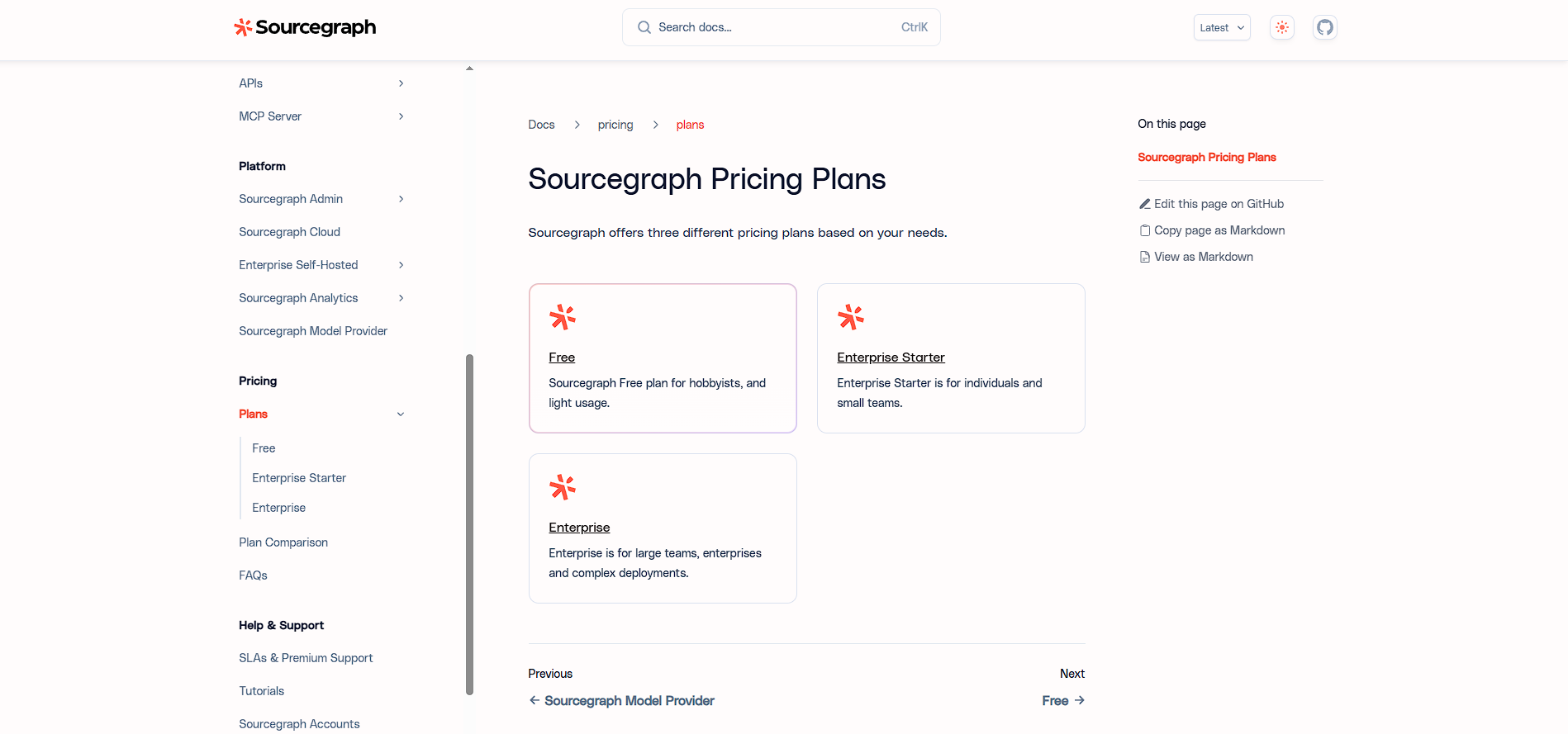
Sourcegraph Cody pricing

Pricing model

Pricing Range
info Icon

This only an estimated pricing range, visit Sourcegraph Cody pricing page to access all the information by clicking “Visit Now”.

$0–$9 / Month
Visit Now
✨ Ask AI about pricing
67% Subscribed Score
info Icon

The Subscribed Score is an independent rating that combines user reviews, features, and value-for-money from multiple trusted sources. It’s designed as a quick benchmark, not a guarantee of individual experience.

Overview

Sourcegraph Cody is an AI-powered coding assistant built on top of Sourcegraph’s code intelligence platform. It is designed to help developers write, understand, and maintain code by leveraging full-repository context rather than just the current file. This allows it to provide more accurate suggestions, explanations, and refactoring support, especially in large and complex codebases.

Positioned primarily for enterprise teams, Cody goes beyond typical autocomplete tools by integrating deeply with Sourcegraph’s code search and indexing capabilities. It enables developers to query entire codebases, understand dependencies, and automate large-scale code changes with confidence.

In real-world use, Cody is commonly applied in large engineering organizations where codebases span multiple repositories and teams. It helps reduce onboarding time, improve code quality, and accelerate development by providing context-aware assistance across the entire software lifecycle.

Key Features and Benefits

  • Context-aware AI chat: Understands entire repositories, not just single files
  • Code generation and editing: Write, refactor, and fix code with AI assistance
  • Deep code search integration: Navigate and analyze large codebases efficiently
  • Multi-file awareness: Links dependencies and references across projects
  • Enterprise security controls: Manage data access and compliance policies
  • IDE integrations: Works inside VS Code and JetBrains environments
  • Automation workflows: Handle refactoring, documentation, and maintenance tasks

Who Can Benefit from Sourcegraph Cody

  • Enterprise engineering teams: Manage and understand large-scale codebases
  • Backend developers: Navigate complex systems and dependencies
  • DevOps teams: Automate code changes across repositories
  • Tech leads: Improve code quality and enforce standards
  • Large SaaS companies: Scale development across distributed teams

Looking for alternative solutions?
If you are exploring similar AI coding assistants, tools like GitHub Copilot, Cursor, and Continue.dev offer comparable capabilities with differences in usability, pricing, and level of customization.

Where Sourcegraph Cody performs best

What users like
  • Deep codebase awareness enables highly context-rich suggestions across multiple files
  • Strong enterprise-grade security and compliance controls for sensitive codebases
  • Integrates with VS Code and JetBrains for seamless in-IDE workflows
  • Supports large-scale code search and navigation across complex repositories
  • Enables automation of refactoring, documentation, and code maintenance tasks

Where Sourcegraph Cody falls short

What users dislike
  • Primarily focused on enterprise use with limited availability for individual developers
  • Free and Pro tiers have been discontinued, reducing accessibility
  • Requires integration with Sourcegraph ecosystem for full functionality
  • Less intuitive setup compared to simpler AI coding assistants
Subscribed Score Metrics
24/36 Metric achieved
MetricsScore
Customer Support4/6
Security5/6
Ease of Use3/6
Value of Money4/6
Integration4/6
Popularity4/6
Radar Chart Table View
Ease of Use
Measures how simple and intuitive the product is to use, including setup, navigation, and overall user experience
3/6 Metric Checks
Security
Compares the product`s features, quality, and pricing to determine its overall cost-effectiveness.
5/6 Metric Checks
Value of Money
Assesses the product`s ability to protect data, prevent breaches, and comply with industry standards.
4/6 Metric Checks
Customer Support
Reflects the responsiveness, helpfulness, and quality of assistance provided by the product`s support team.
4/6 Metric Checks
Integrations
Evaluates how well the product connects with other tools and platforms, enabling seamless workflows.
4/6 Metric Checks
Sourcegraph Cody Pricing Range
$0–$9 / Month

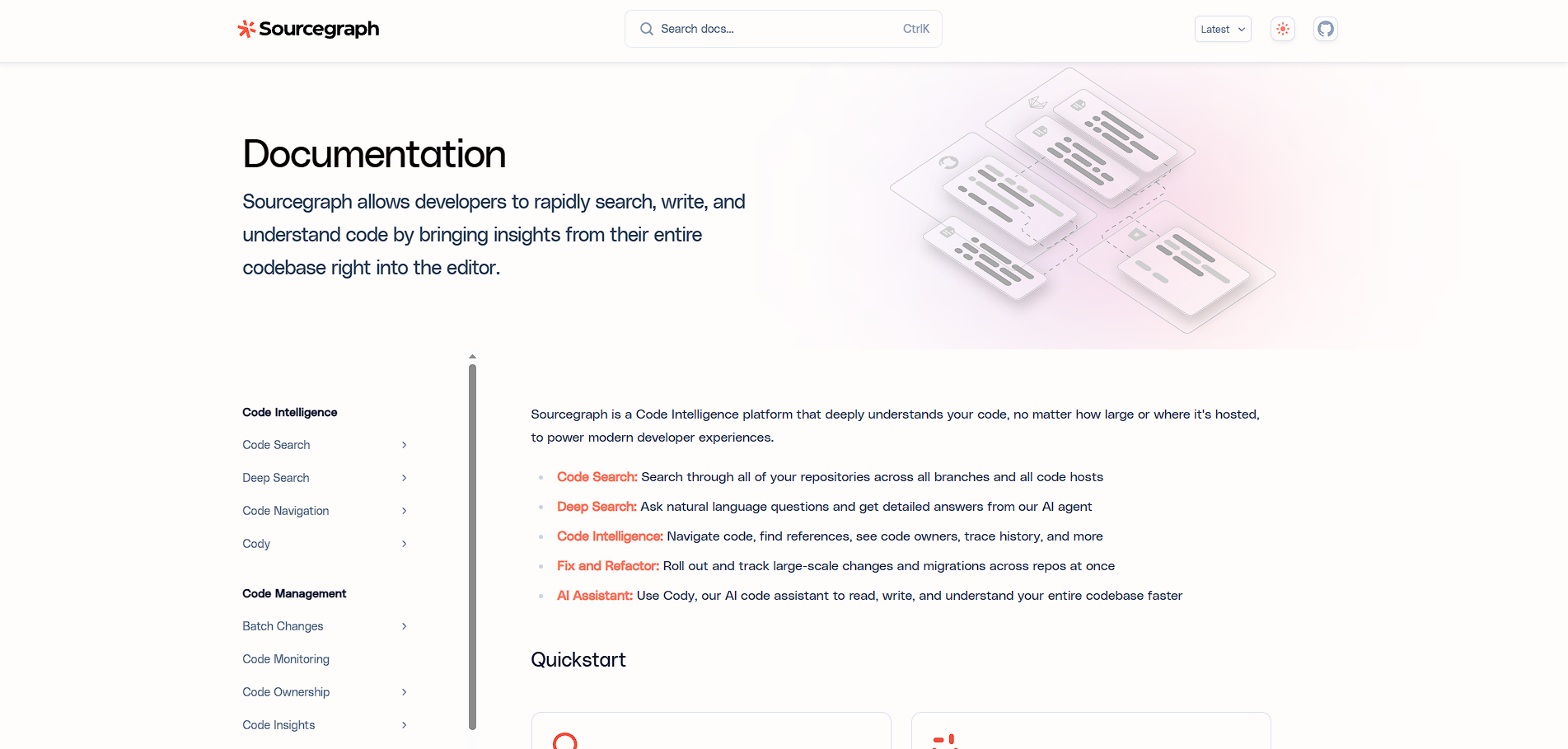
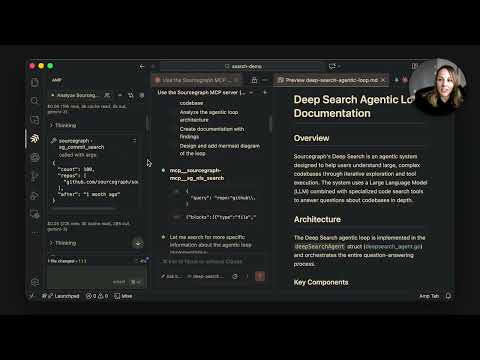
Sourcegraph Cody in action
info Icon

A curated gallery of real screenshots and use cases from the product, so you can see how it works before trying it.

Sourcegraph Cody Full Screen Icon
https://www.youtube.com/watch?v=0MDkTozps-o
Full Screen Icon
Sourcegraph Cody
Sourcegraph Cody
Video thumbnail
Sourcegraph Cody
Sourcegraph Cody

Alternatives to Sourcegraph Cody
info Icon

A list of platforms similar to Sourcegraph Cody, helping you evaluate which tool best matches your needs.

How to cancel Sourcegraph Cody

Need to cancel Sourcegraph Cody? Here is how
info Icon

Thinking about how to cancel Sourcegraph Cody this is how you do it!

  1. Contact your organization’s admin or Sourcegraph account manager
  2. Review your enterprise agreement and billing terms
  3. Disable Cody access within Sourcegraph settings
  4. Terminate or downgrade the subscription if applicable
  5. Confirm billing cessation with Sourcegraph support

How to Cancel the Sourcegraph Cody

  1. Contact your organization’s admin or Sourcegraph account manager
  2. Review your enterprise agreement and billing terms
  3. Disable Cody access within Sourcegraph settings
  4. Terminate or downgrade the subscription if applicable
  5. Confirm billing cessation with Sourcegraph support

FAQs about Sourcegraph Cody

Every else you need to know about Sourcegraph Cody
info Icon

A collection of FAQs, guides, alternatives, and comparisons to help you quickly understand if Sourcegraph Cody is right for you.

Manage your Sourcegraph Cody profile

Create profile

Want to list your product on Subscribed.fyi? Create a profile to reach more buyers.

Pricing Range
info Icon

This only an estimated pricing range, visit Sourcegraph Cody pricing page to access all the information by clicking “Visit Now”.

$0–$9 / Month
Visit Now