Spline, a notable player in the Web Development & Design category, offers a comprehensive guide on how to cancel your subscription. Whether you’re looking to streamline your design tools or explore new options, Spline provides a user-friendly experience. Don’t miss out on exclusive deals. For more web development tools, consider alternatives like Amazon Web Services, Figma, Adobe Creative Cloud, and Nullify.
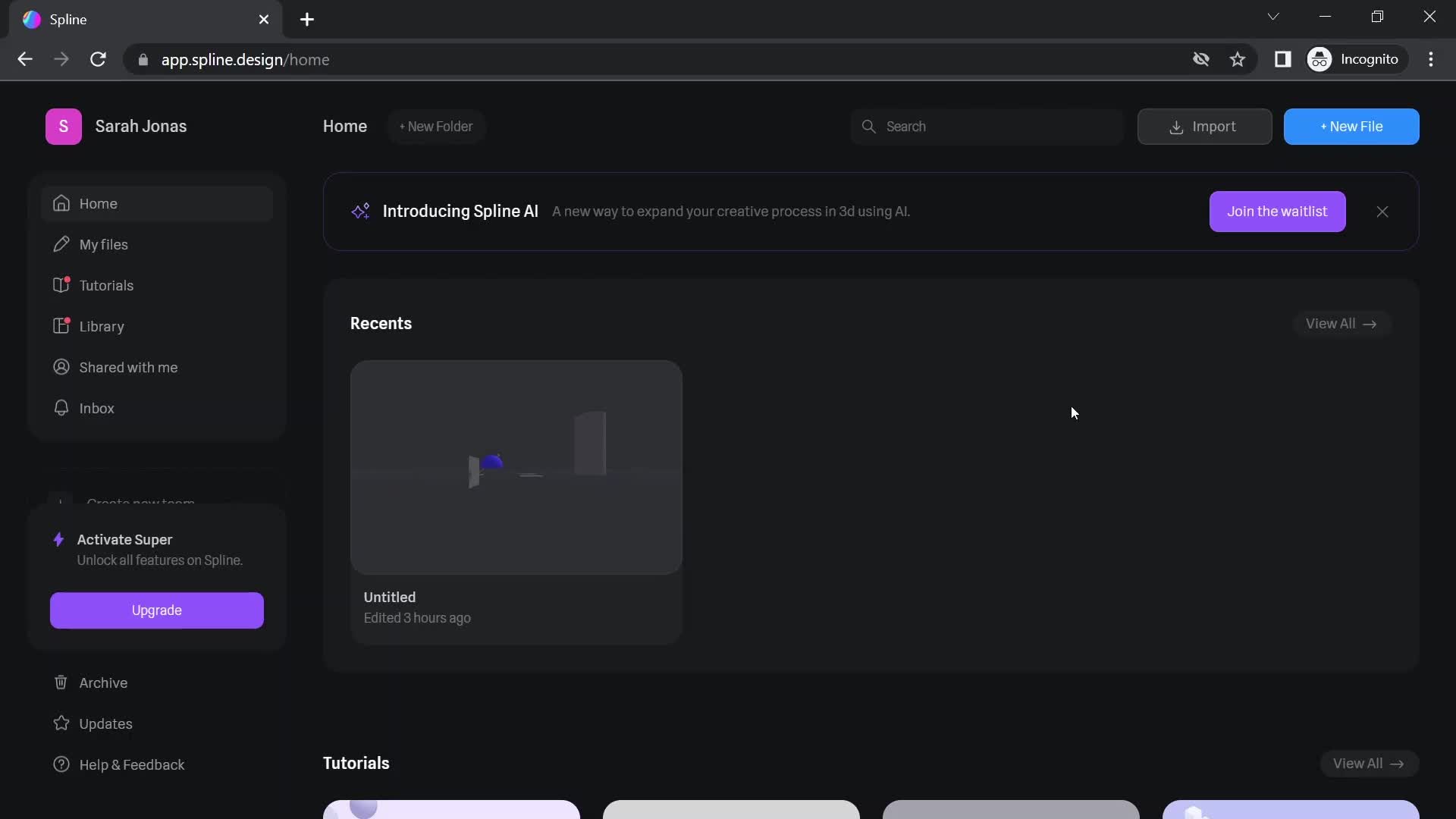
Step 1: Log In to Your Spline Account
Visit the Spline website and log in to your account using your credentials.
Step 2: Navigate to Account Settings
Once logged in, locate and click on the “Account” or “Settings” section. This is usually found in the top menu or user profile dropdown.
Step 3: Access Subscription Settings
Within the account settings, find the section related to your subscription. Look for options such as “Subscription” or “Billing.”
Step 4: Click “Cancel Plan”
Look for the “Cancel Plan” option. Click on this option to initiate the cancellation process.
Step 5: Confirm Cancellation
Spline may ask you to confirm your decision to cancel the subscription. Confirm the cancellation to proceed.
Step 6: Note Access Period
Be aware that even after canceling your subscription, you will still have access to your Super or Super Team benefits until the end of the active billing period. Spline does not provide prorated refunds if you cancel after starting a new billing cycle.
Step 7: Check for Confirmation
After confirming, check for a confirmation message to ensure that your Spline subscription has been successfully canceled.
Important Notes:
The “Cancel Plan” option is typically found in the account settings, under the subscription or billing section.
Familiarize yourself with Spline’s policy regarding access after cancellation and prorated refunds.
If you encounter any difficulties or have questions during the cancellation process, refer to Spline’s support documentation or contact their customer support for assistance. Always check for the latest information on Spline’s website to ensure accurate guidance on canceling your subscription.
Looking for Alternatives?
If you’re exploring other tools to assist with your design and 3D modeling projects, here are some top options to consider:
Blender: A free and open-source 3D creation suite that supports the entirety of the 3D pipeline, including modeling, rigging, animation, simulation, rendering, compositing, and motion tracking.
SketchUp: Known for its ease of use, SketchUp is a 3D modeling software that’s great for architectural, interior design, and engineering projects.
Weebly: A website builder that allows you to create and manage websites easily.
Figma: A collaborative interface design tool that helps teams create, test, and ship better designs from start to finish.
Vercel: A platform for frontend developers, providing the speed and reliability innovators need to create at the moment of inspiration.
GitHub Copilot: An AI-powered code completion tool that helps developers write code faster and with fewer errors.
Dub.co: A platform for creating and sharing short video content.
GitHub: A development platform for hosting and reviewing code, managing projects, and building software alongside millions of developers.
Adobe Photoshop: A powerful image editing and graphic design software used by professionals worldwide.
Webflow: A web design tool, CMS, and hosting platform in one, allowing designers to build responsive websites visually.
Adobe Creative Cloud: A suite of creative applications and services for photography, design, video, web, UX, and more.
Nullify: A platform for managing and nullifying unwanted digital content.
Each of these platforms offers unique capabilities to help you continue creating, modeling, and visualizing your projects effectively.