Tooljet Reviews 2026: Details, Pricing, & Features | Subscribed.fyi
Sign in to review
Join our community of software reviewers on Subscribed.fyi

Continue With Google
Continue With LinkedIn
Continue Review with Email
Continue with Email
Enter your email to continue.
Continue
Enter your password
Enter your password to finish setting up your account.
Continue
Activate your email
Enter activation code we sent to your email.
Submit
Reset your password
Enter activation code we sent to your email.
Submit
Set your new password
Enter a new password for your account.
Submit
Categories
For Business
Log in
Provide My Insights

Tooljet Reviews, Pricing, Features & Alternatives (2026)

4/5
(1)

AI-native low-code platform for building internal tools, dashboards, and business applications using visual builders, APIs, and natural language prompts.

Tooljet Overview

What is Tooljet?

4
1
Reviews
69%
Subscribed Score

Available for Claim - This listing is available to be claimed
Claim Profile For Free

Unclaimed

Manage profile with subsig, and unlock 23+ social and review monitoring. Get partnership options with

Claim Profile For Free

Why teams choose Tooljet

Key Features

Fast & Efficient
Fast & Efficient
Optimized for speed and performance.
Works Anywhere
Works Anywhere
Accessible from any device, anytime.
Affordable Pricing
Affordable Pricing
Transparent plans to fit any budget.

Who is Tooljet for?

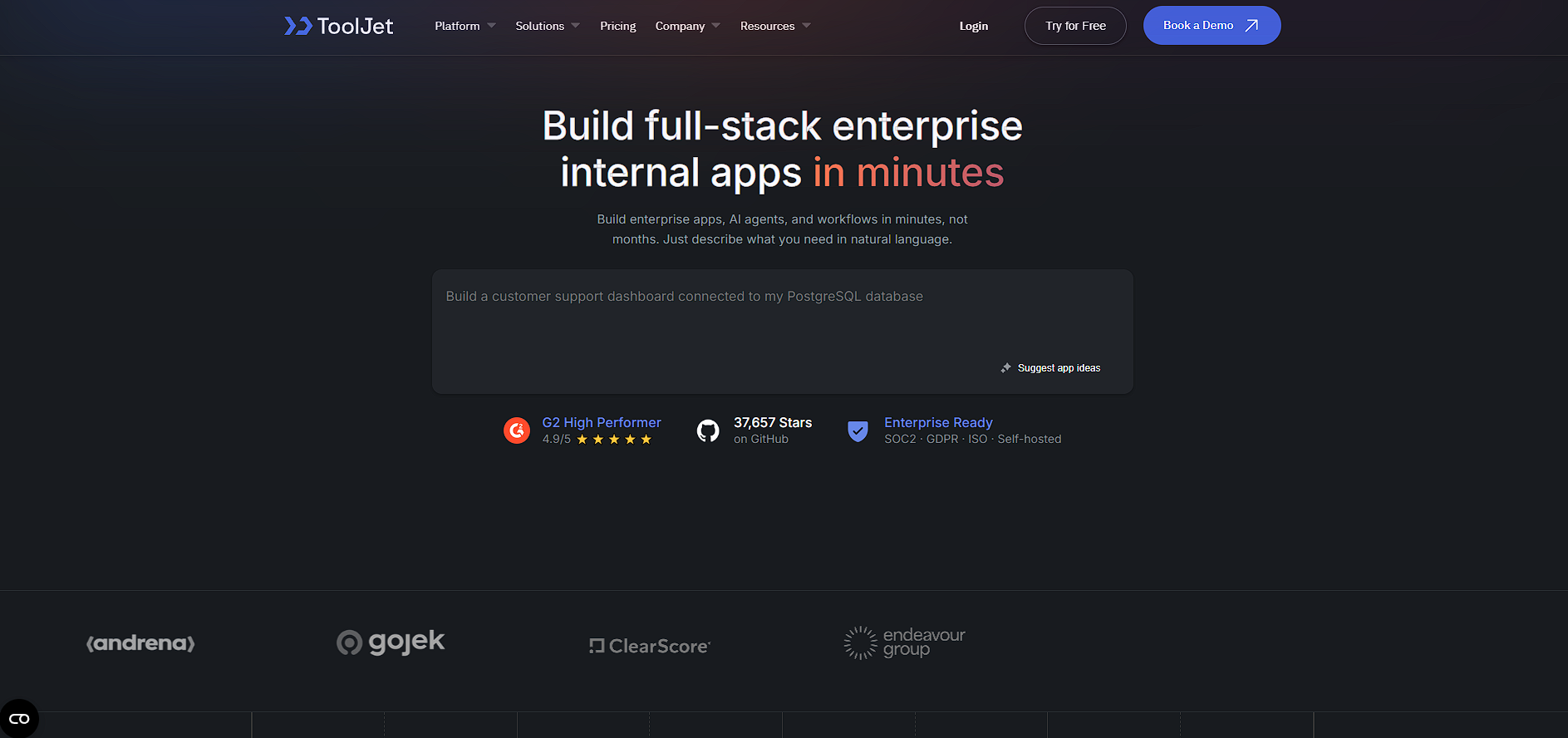
ToolJet is an AI-powered, open-source low-code platform designed to help teams build internal tools, dashboards, and business applications quickly. It combines natural language app generation, a drag-and-drop visual builder, and optional coding capabilities to streamline development workflows.

The platform allows users to create applications by describing requirements in plain English, which are then transformed into working interfaces, logic, and database structures. It integrates with a wide range of data sources, including APIs, databases, and SaaS tools, making it suitable for building internal systems like admin panels, approval workflows, and reporting dashboards.

ToolJet is positioned as a flexible alternative to traditional low-code tools, offering both cloud-hosted and self-hosted deployment. This makes it particularly attractive for organizations that require data control, compliance, and customization while still benefiting from faster development cycles.

Key Features and Benefits

  • AI-powered app generation: Build apps from natural language prompts in minutes 
  • Visual app builder: Drag-and-drop interface with 50+ UI components 
  • Extensive integrations: Connect with 50+ data sources including APIs and SaaS tools 
  • Custom logic support: Extend functionality using JavaScript and Python 
  • Built-in database: PostgreSQL-based no-code database for managing app data 
  • Self-hosting option: Deploy on your own infrastructure for full control 
  • Workflow automation: Automate processes and multi-step operations 

Who Can Benefit from ToolJet

  • Developers: Build internal tools faster with optional custom code
  • Engineering teams: Reduce time spent on internal dashboards and admin panels
  • Startups: Launch internal systems without large engineering resources
  • Enterprises: Maintain compliance with self-hosted deployments
  • Operations teams: Automate workflows and manage internal processes

Looking for alternative solutions?
Alternatives include Retool, Appsmith, Superblocks, and DronaHQ. These platforms also focus on internal tool development, with varying levels of customization, UI polish, and enterprise readiness.

Tooljet Summary

ToolJet is an AI-powered, open-source low-code platform designed to help teams build internal tools, dashboards, and business applications quickly. It combines natural language app generation, a drag-and-drop visual builder, and optional coding capabilities to streamline development workflows.

The platform allows users to create applications by describing requirements in plain English, which are then transformed into working interfaces, logic, and database structures. It integrates with a wide range of data sources, including APIs, databases, and SaaS tools, making it suitable for building internal systems like admin panels, approval workflows, and reporting dashboards.

ToolJet is positioned as a flexible alternative to traditional low-code tools, offering both cloud-hosted and self-hosted deployment. This makes it particularly attractive for organizations that require data control, compliance, and customization while still benefiting from faster development cycles.

Key Features and Benefits

  • AI-powered app generation: Build apps from natural language prompts in minutes 
  • Visual app builder: Drag-and-drop interface with 50+ UI components 
  • Extensive integrations: Connect with 50+ data sources including APIs and SaaS tools 
  • Custom logic support: Extend functionality using JavaScript and Python 
  • Built-in database: PostgreSQL-based no-code database for managing app data 
  • Self-hosting option: Deploy on your own infrastructure for full control 
  • Workflow automation: Automate processes and multi-step operations 

Who Can Benefit from ToolJet

  • Developers: Build internal tools faster with optional custom code
  • Engineering teams: Reduce time spent on internal dashboards and admin panels
  • Startups: Launch internal systems without large engineering resources
  • Enterprises: Maintain compliance with self-hosted deployments
  • Operations teams: Automate workflows and manage internal processes

Looking for alternative solutions?
Alternatives include Retool, Appsmith, Superblocks, and DronaHQ. These platforms also focus on internal tool development, with varying levels of customization, UI polish, and enterprise readiness.

Tooljet reviews and insights

Learn what people say about Tooljet

4
1 Reviews
69%
Subscribed Score

Lear more here about the Subscribed score on how it is composed. Learn more Click here

Overall rating

5
4
3
2
1
CX 3/6

How good is the customer support based on subscribed’s assessment

CX Icon
Security 5/6

How secure is the product based on Subscribed’s assessment?

Security Icon
Ease of Use 3/6

How easy is the product to use, based on Subscribed’s assessment?

EOU Icon
Value 5/6

What is the value for money based on Subscribed’s assessment?

coin Icon
Integration 5/6

How many integrations does the product offer?

gear Icon
Popularity 4/6

How popular is the product?

star
monikakumar2108 Organic
software tester
3 weeks ago
Share
What do you like best about this product?
Tool jet is a open source and like the ease of use and it's drag and drop interface .It has good tat for customer support.
Is there something that almost made you stop using it?
Should work on their documentation part and it's take time in configuration process.
If you could change one thing, what would it be?
Can improve the documentation part .
Final thoughts, wrap up what you think
Most likely
Upvote

Tooljet User Reviews

1 User Reviews

Reviews from G2, Capterra, Trustpilot
info Icon

These ratings come directly from third-party platforms like G2, Capterra, and Trustpilot. They reflect real user feedback collected independently on those sites.

Tooljet pricing

Pricing model

Pricing Range
info Icon

This only an estimated pricing range, visit Tooljet pricing page to access all the information by clicking “Visit Now”.

Custom (No Public plans)
Visit Now
✨ Ask AI about pricing
69% Subscribed Score
info Icon

The Subscribed Score is an independent rating that combines user reviews, features, and value-for-money from multiple trusted sources. It’s designed as a quick benchmark, not a guarantee of individual experience.

Overview

ToolJet is an AI-powered, open-source low-code platform designed to help teams build internal tools, dashboards, and business applications quickly. It combines natural language app generation, a drag-and-drop visual builder, and optional coding capabilities to streamline development workflows.

The platform allows users to create applications by describing requirements in plain English, which are then transformed into working interfaces, logic, and database structures. It integrates with a wide range of data sources, including APIs, databases, and SaaS tools, making it suitable for building internal systems like admin panels, approval workflows, and reporting dashboards.

ToolJet is positioned as a flexible alternative to traditional low-code tools, offering both cloud-hosted and self-hosted deployment. This makes it particularly attractive for organizations that require data control, compliance, and customization while still benefiting from faster development cycles.

Key Features and Benefits

  • AI-powered app generation: Build apps from natural language prompts in minutes 
  • Visual app builder: Drag-and-drop interface with 50+ UI components 
  • Extensive integrations: Connect with 50+ data sources including APIs and SaaS tools 
  • Custom logic support: Extend functionality using JavaScript and Python 
  • Built-in database: PostgreSQL-based no-code database for managing app data 
  • Self-hosting option: Deploy on your own infrastructure for full control 
  • Workflow automation: Automate processes and multi-step operations 

Who Can Benefit from ToolJet

  • Developers: Build internal tools faster with optional custom code
  • Engineering teams: Reduce time spent on internal dashboards and admin panels
  • Startups: Launch internal systems without large engineering resources
  • Enterprises: Maintain compliance with self-hosted deployments
  • Operations teams: Automate workflows and manage internal processes

Looking for alternative solutions?
Alternatives include Retool, Appsmith, Superblocks, and DronaHQ. These platforms also focus on internal tool development, with varying levels of customization, UI polish, and enterprise readiness.

Where Tooljet performs best

What users like
  • Combines AI prompt-based app generation with a visual builder for rapid development
  • Open-source foundation allows self-hosting and full control over infrastructure
  • Supports 50+ integrations including databases, APIs, and SaaS tools
  • Flexible development with support for JavaScript and Python customization
  • Enables fast creation of internal tools, dashboards, and workflows

Where Tooljet falls short

What users dislike
  • Requires technical understanding for advanced customization and integrations
  • UI and UX are less polished compared to premium competitors like Retool
  • Setup and deployment can be complex for self-hosted environments
  • Limited pre-built templates compared to some no-code platforms
Subscribed Score Metrics
25/36 Metric achieved
MetricsScore
Customer Support3/6
Security5/6
Ease of Use3/6
Value of Money5/6
Integration5/6
Popularity4/6
Radar Chart Table View
Ease of Use
Measures how simple and intuitive the product is to use, including setup, navigation, and overall user experience
3/6 Metric Checks
Security
Compares the product`s features, quality, and pricing to determine its overall cost-effectiveness.
5/6 Metric Checks
Value of Money
Assesses the product`s ability to protect data, prevent breaches, and comply with industry standards.
5/6 Metric Checks
Customer Support
Reflects the responsiveness, helpfulness, and quality of assistance provided by the product`s support team.
3/6 Metric Checks
Integrations
Evaluates how well the product connects with other tools and platforms, enabling seamless workflows.
5/6 Metric Checks
Tooljet Pricing Range
Custom (No Public plans)

Tooljet in action
info Icon

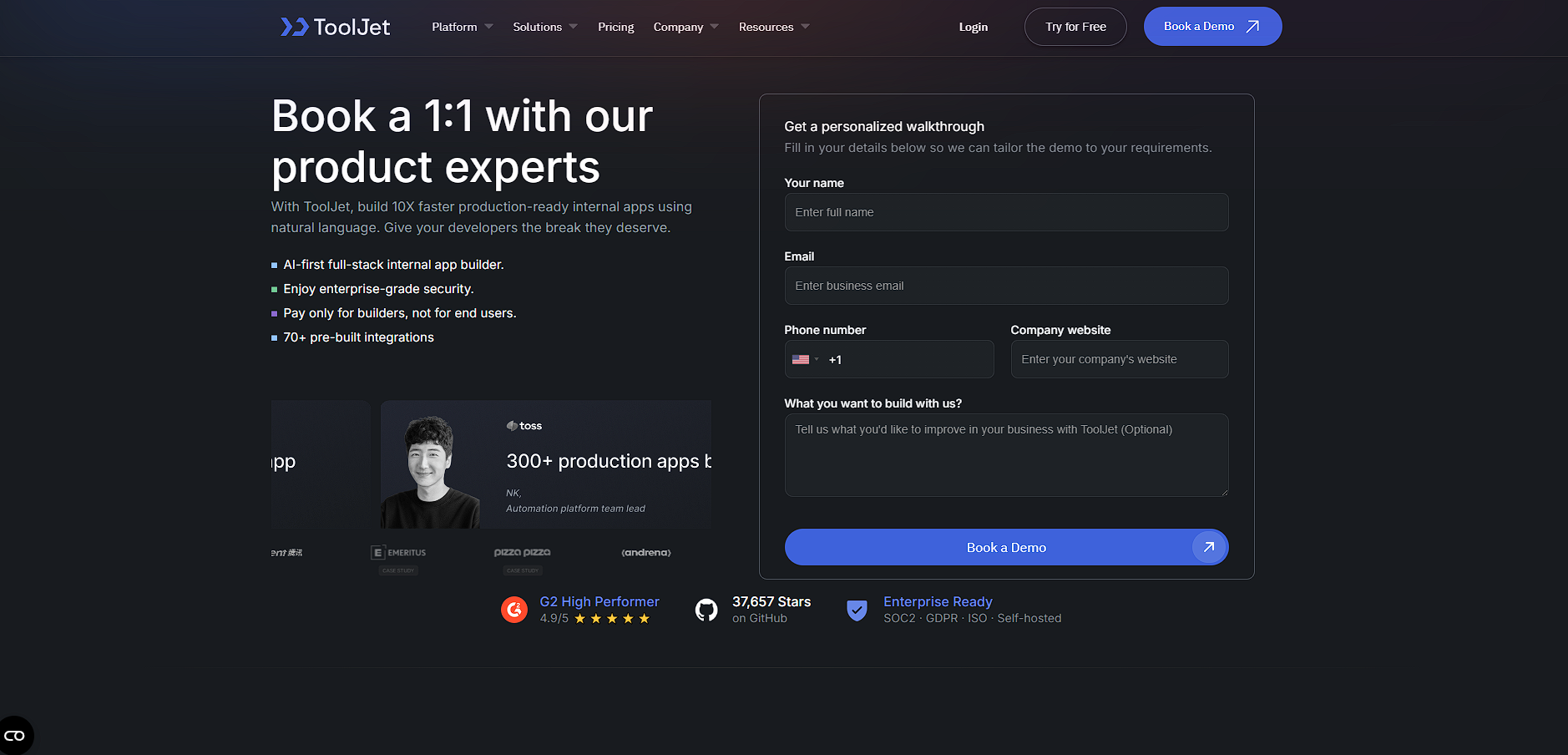
A curated gallery of real screenshots and use cases from the product, so you can see how it works before trying it.

Tooljet Full Screen Icon
https://www.youtube.com/watch?v=nwEHSp1A_WU
Full Screen Icon
Tooljet
Tooljet
Video thumbnail
Tooljet
Tooljet

Alternatives to Tooljet
info Icon

A list of platforms similar to Tooljet, helping you evaluate which tool best matches your needs.

How to cancel Tooljet

Need to cancel Tooljet? Here is how
info Icon

Thinking about how to cancel Tooljet this is how you do it!

  • Log in to your ToolJet account
  • Go to billing or subscription settings
  • Select your active plan
  • Cancel or disable auto-renewal
  • Confirm cancellation before the next billing cycle

How to Cancel the Tooljet

  • Log in to your ToolJet account
  • Go to billing or subscription settings
  • Select your active plan
  • Cancel or disable auto-renewal
  • Confirm cancellation before the next billing cycle

FAQs about Tooljet

Every else you need to know about Tooljet
info Icon

A collection of FAQs, guides, alternatives, and comparisons to help you quickly understand if Tooljet is right for you.

Manage your Tooljet profile

Create profile

Want to list your product on Subscribed.fyi? Create a profile to reach more buyers.

Pricing Range
info Icon

This only an estimated pricing range, visit Tooljet pricing page to access all the information by clicking “Visit Now”.

Custom (No Public plans)
Visit Now