Project management tools like , Notion, Basecamp, Lark, Slack, Asana and Trello.
AI chatbot tools like ChatGPT, Grok, Perplexity, Claude, Gemini and Copilot.
Marketing analytics platforms like Google Analytics, Similarweb and Semrush.
CRM systems like HubSpot, Apollo.io Pipedrive, Zoho CRM, and Salesforce.
VPNs, SSO providers, and password managers like NordVPN, Okta, and LastPass.
Email marketing and campaign tools like MailerLite, Instantly, and Mailchimp.
Website builders, hosting tools like Hostinger, Webflow, Framer, and Shopify
HR and recruiting software like ATS platforms, BambooHR, Workday, and Lever.
Automate finances with confidence like Quickbooks, Stripe, Brex, and Mercury.
Design and editing tools like Figma, Canva, Adobe Creative Cloud, CapCut.
Workflow automation tools like Zapier, Make, Clay, and Reclaim.ai.
No-code and AI-native dev tools like Cursor, Windsurf, Lovable and Bubble.

Chat to find tools, compare options,

Discover the best-performing
Manage profile with subsig, and
unlock 23+ social and review monitoring. Get partnership options with
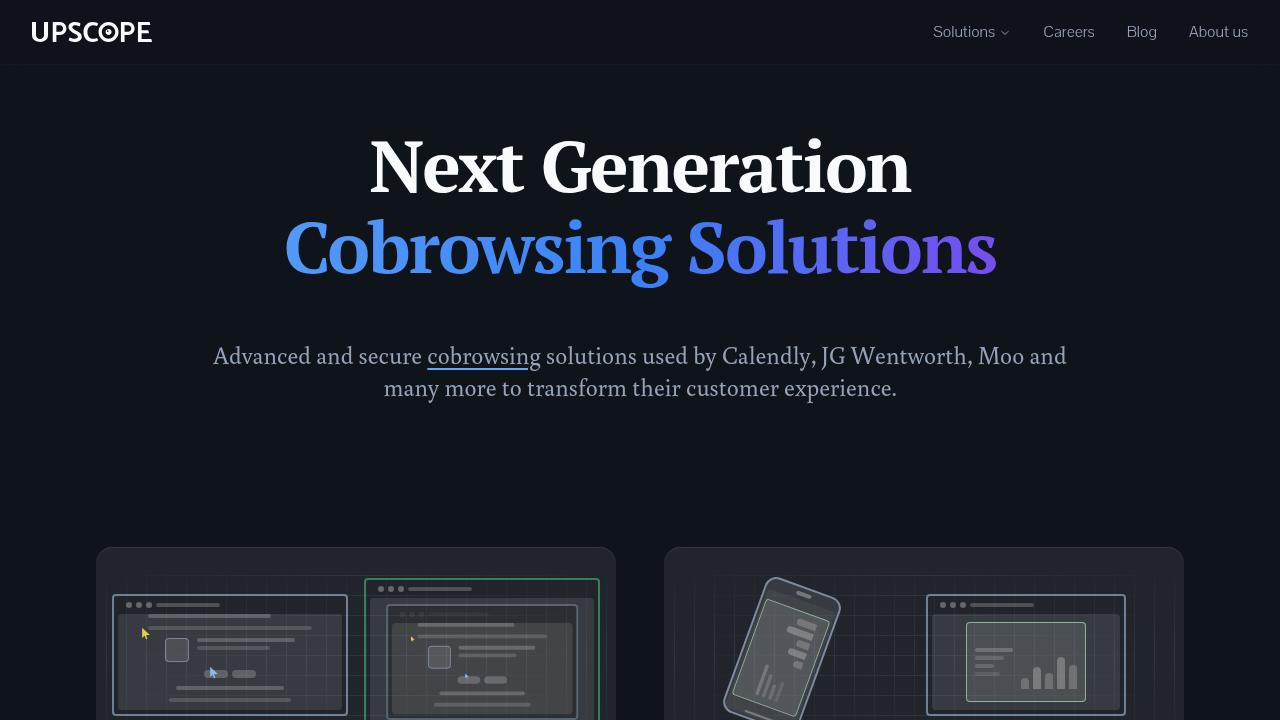
Upscope is a comprehensive remote support and co-browsing platform designed to enhance customer experience and support operations. The platform combines screen sharing, co-browsing, and remote control capabilities to enable teams to communicate complex topics effectively online and over the phone.
Why Use Upscope?
Advanced Communication Tools: Upscope offers multiple solutions tailored to different business needs, including UserView for real-time screen viewing, HelloScreen for modernized customer experience, and CobrowsingAPI for seamless integration into existing tech stacks.
Key Features and Benefits
Who is Upscope For?
Upscope serves startups, SMEs, agencies, and enterprises across various industries. It’s ideal for customer support teams, sales organizations, and businesses requiring advanced remote communication capabilities. The platform is compatible with iOS and Android devices, making it accessible across multiple platforms.
Upscope is a comprehensive remote support and co-browsing platform designed to enhance customer experience and support operations. The platform combines screen sharing, co-browsing, and remote control capabilities to enable teams to communicate complex topics effectively online and over the phone.
Why Use Upscope?
Advanced Communication Tools: Upscope offers multiple solutions tailored to different business needs, including UserView for real-time screen viewing, HelloScreen for modernized customer experience, and CobrowsingAPI for seamless integration into existing tech stacks.
Key Features and Benefits
Who is Upscope For?
Upscope serves startups, SMEs, agencies, and enterprises across various industries. It’s ideal for customer support teams, sales organizations, and businesses requiring advanced remote communication capabilities. The platform is compatible with iOS and Android devices, making it accessible across multiple platforms.
Learn what people say about Upscope
Upscope is a comprehensive remote support and co-browsing platform designed to enhance customer experience and support operations. The platform combines screen sharing, co-browsing, and remote control capabilities to enable teams to communicate complex topics effectively online and over the phone.
Why Use Upscope?
Advanced Communication Tools: Upscope offers multiple solutions tailored to different business needs, including UserView for real-time screen viewing, HelloScreen for modernized customer experience, and CobrowsingAPI for seamless integration into existing tech stacks.
Key Features and Benefits
Who is Upscope For?
Upscope serves startups, SMEs, agencies, and enterprises across various industries. It’s ideal for customer support teams, sales organizations, and businesses requiring advanced remote communication capabilities. The platform is compatible with iOS and Android devices, making it accessible across multiple platforms.
To cancel Upscope, log into your account, navigate to subscription settings, select your plan, and confirm cancellation. Changes typically take effect at the end of your billing cycle. For enterprise plans or additional assistance, contact Upscope support directly.
Want to list your product on Subscribed.fyi? Create a profile to reach more buyers.