Discord Reviews 2026: Details, Pricing, & Features | Subscribed.fyi
Sign in to review
Join our community of software reviewers on Subscribed.fyi

Continue With Google
Continue With LinkedIn
Continue Review with Email
Continue with Email
Enter your email to continue.
Continue
Enter your password
Enter your password to finish setting up your account.
Continue
Activate your email
Enter activation code we sent to your email.
Submit
Reset your password
Enter activation code we sent to your email.
Submit
Set your new password
Enter a new password for your account.
Submit
Categories
For Business
Log in
Provide My Insights

Discord Reviews, Pricing, Features & Alternatives (2026)

4.1/5
(9)

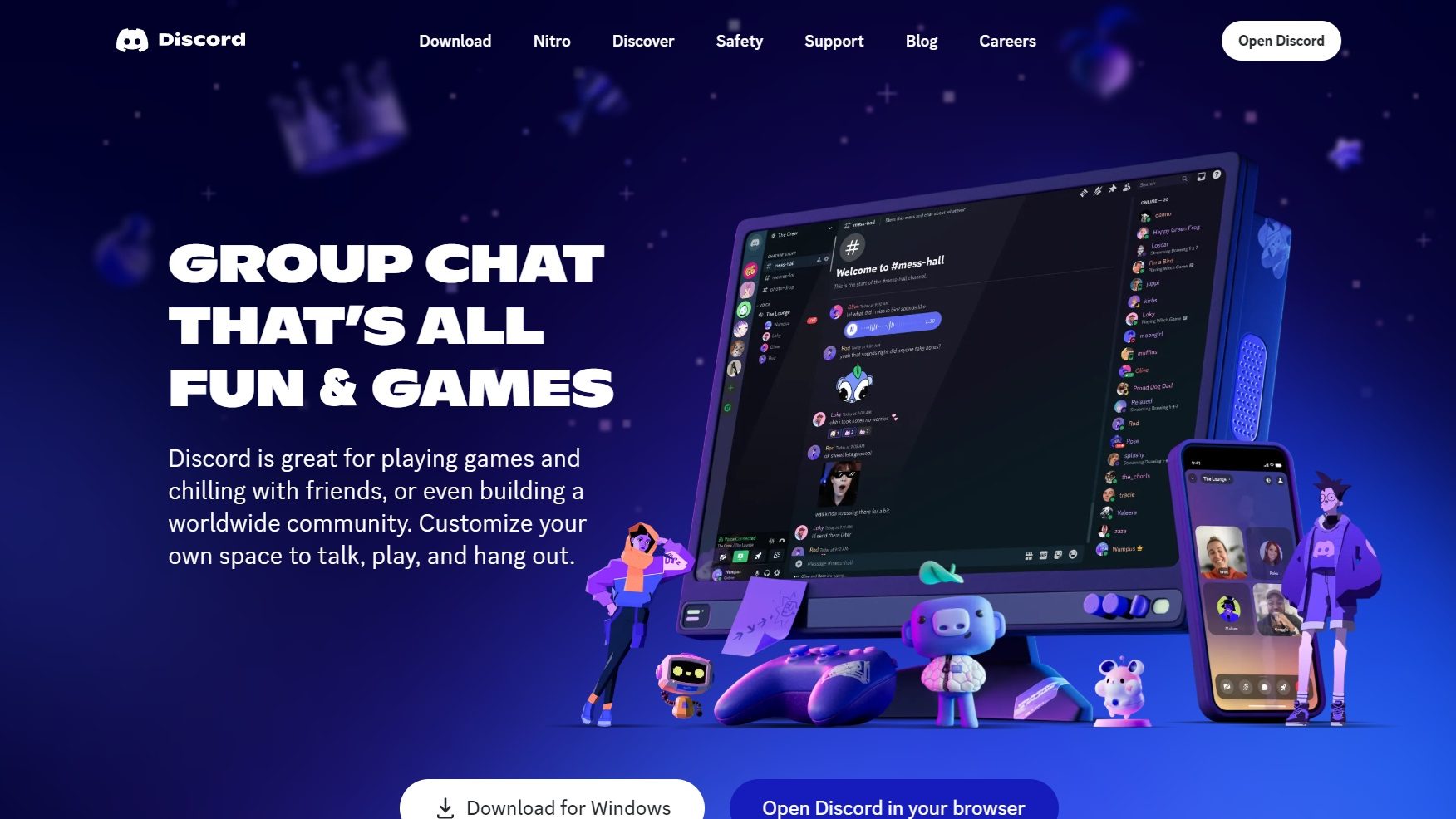
Discord is a communication platform for gamers offering seamless communication, community building, rich multimedia support, and integration with games. It caters to gamers, streamers, esports teams, and content creators, enhancing the gaming experience.

Discord Overview

What is Discord?

4.1
9
Reviews
87%
Subscribed Score

Available for Claim - This listing is available to be claimed
Claim Profile For Free

Unclaimed

Manage profile with subsig, and unlock 23+ social and review monitoring. Get partnership options with

Claim Profile For Free

Why teams choose Discord

Key Features

Plug & Play Setup
Plug & Play Setup
Get started in minutes, not weeks.
Fully Customizable
Fully Customizable
Tailor it to your brand and workflow.
Secure by Design
Secure by Design
Data protection and compliance built in.

Who is Discord for?

Connect and Collaborate with Discord – The Ultimate Communication Platform

Discord, a leader in the Video Communication category, goes beyond gaming, offering seamless text, voice, and video chat for gamers and communities alike. With its intuitive interface and robust features, Discord enhances not only the gaming experience but also team collaboration and social interactions. Don’t miss out on exclusive deals to get the most out of your Discord experience. For more communication tools, check out ZoomGoTo Meeting, and OpusClip.

Why Use Discord?

In the realm of gaming communication platforms, Discord stands out by:

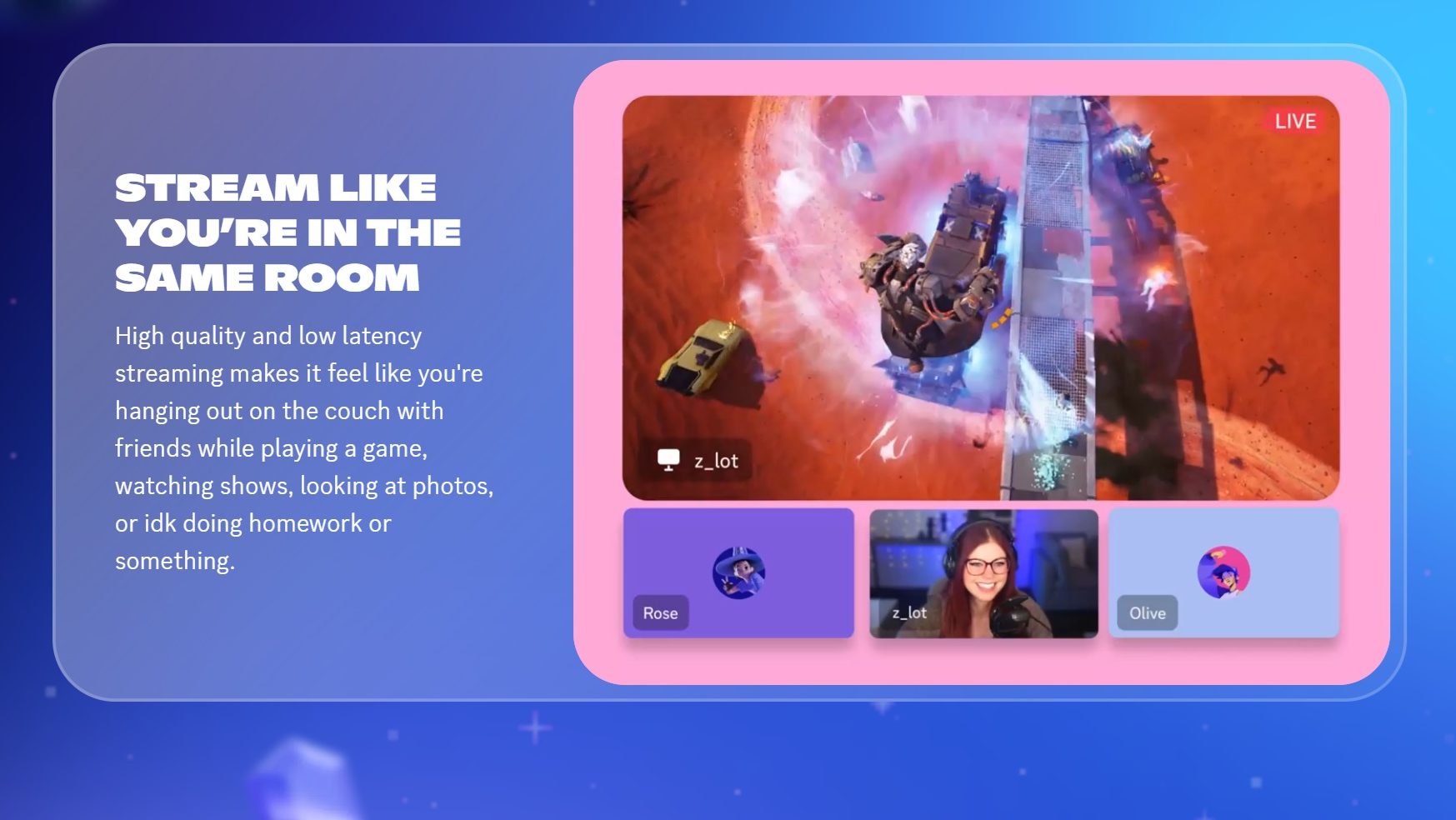
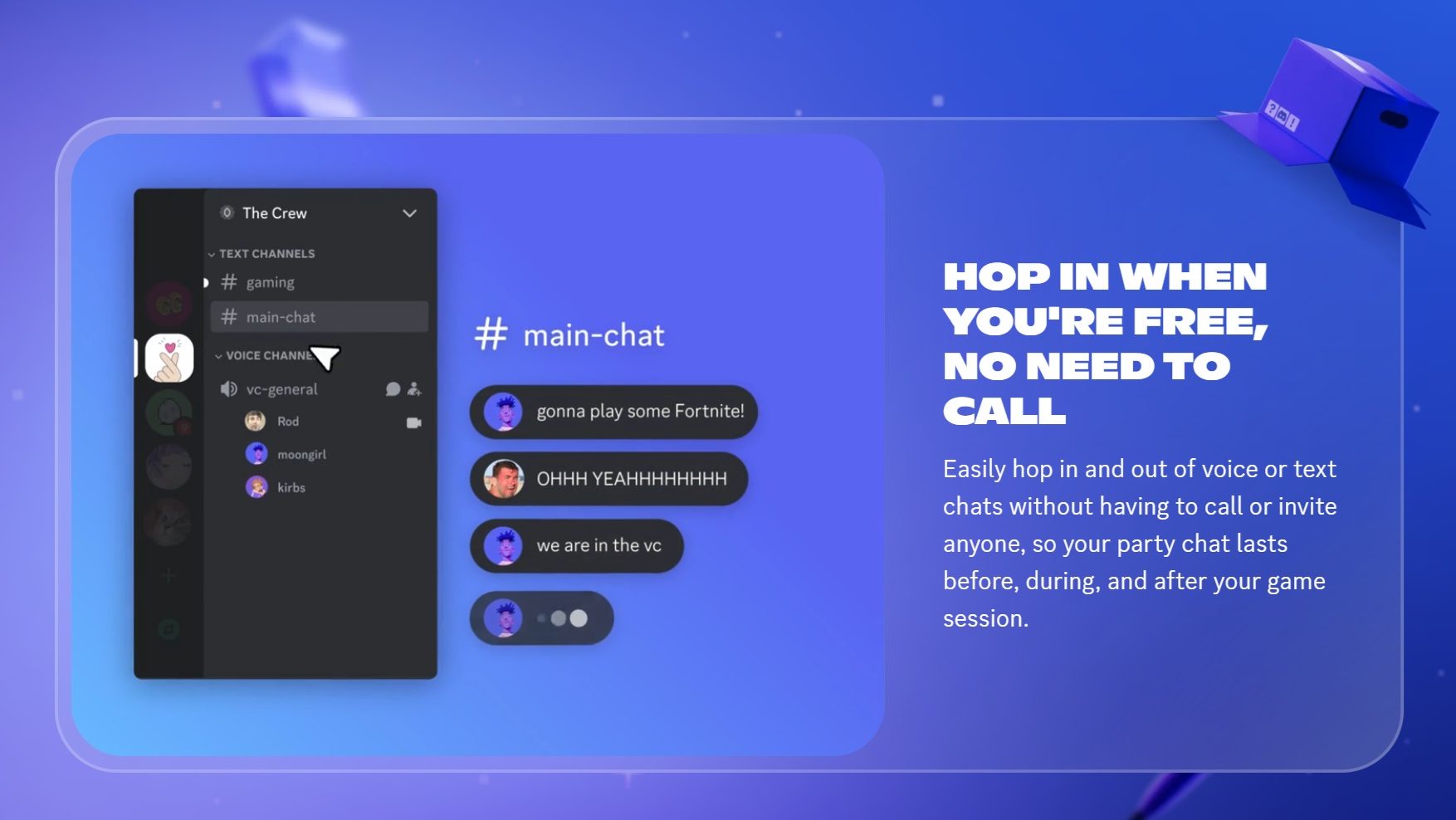
  1. Seamless Communication: Discord provides a seamless way for gamers to communicate with each other through text, voice, and video channels, ensuring clear and efficient communication during gameplay.
  2. Community Building: With features like servers, channels, and roles, Discord allows gamers to build and customize their own communities, fostering a sense of belonging and camaraderie among players.
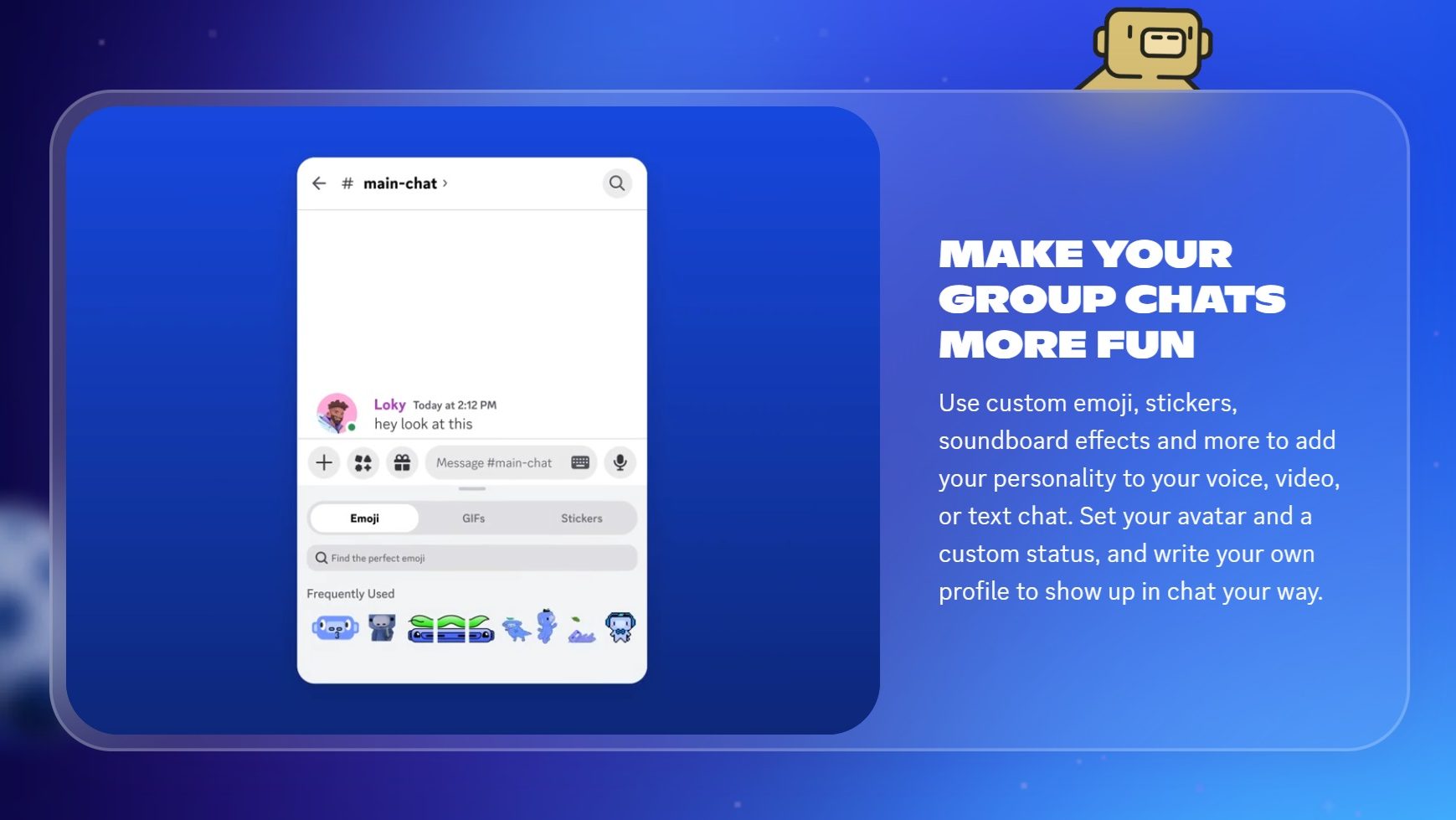
  3. Rich Multimedia Support: Discord supports sharing images, videos, and links within chats, making it easy for gamers to share game highlights, strategies, and resources with their fellow players.
  4. Integration with Games: Discord integrates with various games, allowing players to see what their friends are playing, join games together, and even launch games directly from the platform.

Who is Discord For?

Discord caters to a wide range of users within the gaming community:

  1. Gamers: Gamers use Discord to communicate with friends, form gaming communities, and coordinate gameplay sessions. It enhances the overall gaming experience by providing a platform for social interaction.
  2. Streamers: Streamers utilize Discord to engage with their audience, create dedicated communities, and collaborate with other content creators. It serves as a hub for building and nurturing fan bases.
  3. Esports Teams: Esports teams leverage Discord for team communication, strategy discussions, and coordination during tournaments. It offers a centralized platform for team management and coordination.
  4. Content Creators: Content creators use Discord to interact with their followers, share updates, and collaborate on projects. It provides a space for building a loyal fan base and fostering community engagement.

In summary, Discord is a versatile communication platform that enhances the gaming experience by providing a seamless way for gamers to connect, communicate, and collaborate. Whether you’re a gamer, streamer, esports team, or content creator, Discord offers the tools and features needed to build and nurture communities within the gaming world.


Discord Summary

Connect and Collaborate with Discord – The Ultimate Communication Platform

Discord, a leader in the Video Communication category, goes beyond gaming, offering seamless text, voice, and video chat for gamers and communities alike. With its intuitive interface and robust features, Discord enhances not only the gaming experience but also team collaboration and social interactions. Don’t miss out on exclusive deals to get the most out of your Discord experience. For more communication tools, check out ZoomGoTo Meeting, and OpusClip.

Why Use Discord?

In the realm of gaming communication platforms, Discord stands out by:

  1. Seamless Communication: Discord provides a seamless way for gamers to communicate with each other through text, voice, and video channels, ensuring clear and efficient communication during gameplay.
  2. Community Building: With features like servers, channels, and roles, Discord allows gamers to build and customize their own communities, fostering a sense of belonging and camaraderie among players.
  3. Rich Multimedia Support: Discord supports sharing images, videos, and links within chats, making it easy for gamers to share game highlights, strategies, and resources with their fellow players.
  4. Integration with Games: Discord integrates with various games, allowing players to see what their friends are playing, join games together, and even launch games directly from the platform.

Who is Discord For?

Discord caters to a wide range of users within the gaming community:

  1. Gamers: Gamers use Discord to communicate with friends, form gaming communities, and coordinate gameplay sessions. It enhances the overall gaming experience by providing a platform for social interaction.
  2. Streamers: Streamers utilize Discord to engage with their audience, create dedicated communities, and collaborate with other content creators. It serves as a hub for building and nurturing fan bases.
  3. Esports Teams: Esports teams leverage Discord for team communication, strategy discussions, and coordination during tournaments. It offers a centralized platform for team management and coordination.
  4. Content Creators: Content creators use Discord to interact with their followers, share updates, and collaborate on projects. It provides a space for building a loyal fan base and fostering community engagement.

In summary, Discord is a versatile communication platform that enhances the gaming experience by providing a seamless way for gamers to connect, communicate, and collaborate. Whether you’re a gamer, streamer, esports team, or content creator, Discord offers the tools and features needed to build and nurture communities within the gaming world.

Discord reviews and insights

Learn what people say about Discord

4.1
9 Reviews
87%
Subscribed Score

Lear more here about the Subscribed score on how it is composed. Learn more Click here

Overall rating

5
4
3
2
1
CX 4/6

How good is the customer support based on subscribed’s assessment

CX Icon
Security 5/6

How secure is the product based on Subscribed’s assessment?

Security Icon
Ease of Use 6/6

How easy is the product to use, based on Subscribed’s assessment?

EOU Icon
Value 5/6

What is the value for money based on Subscribed’s assessment?

coin Icon
Integration 6/6

How many integrations does the product offer?

gear Icon
Popularity 6/6

How popular is the product?

star
3 weeks ago
Share
What exceeded your expectations?
The real-time communication and community features exceeded my expectations. It’s very easy to create and manage servers with different channels for specific topics, and voice/chat quality is generally very good.
Is there something that almost made you stop using it?
The amount of noise and notifications in busy servers can be overwhelming. Without careful settings, it’s easy to get distracted or miss important messages.
What problem did this product solve for you?
It solved the need for organized group communication, especially for communities, teams, or friends. It combines chat, voice, and file sharing in one platform, making collaboration and social interaction much easier.
Final thoughts, wrap up what you think
Very Useful
Upvote
monikakumar2108 Organic
software tester
3 weeks ago
Share
How has it made your work/life easier?
Discord is good to connect friends and do small projects with your peers.It free for most use cases.It has been a reliable and convenient platform for communication.
Have you experienced any bugs or errors?
Find difficulty in sending big large files and high quality videos and images.
What could make it even better?
To enhance more features so that it can compete with other competitors.
Final thoughts, wrap up what you think
It's good in some features but require more enhancement .
Upvote
Marco Organic
Marketing
4 weeks ago
Share
What exceeded your expectations?
How I was being notified by the system. My friends and colleagues messages always got to me since the notification system was consistent. Also, I like how I am able to get on the Discord platform even through Xbox.
What feature doesn’t work as expected?
I think the message boards is a little unorganized. There is too much customizations that I would get confused on which chat boards are which.
What could make it even better?
I think a simple interface would make it even better. An interface where it would simply show who the person you are messaging is.
Final thoughts, wrap up what you think
I prefer Slack
Upvote
Hans Benson Dy Tuan Incentivized
Cyber and Information Security Associate
See My Portfolio
2 months ago
Share
What feature do you use most often?
I have used this software for years. Mostly for talking with my friends, classmates and new found online friends. Also we used this one as a alternative platform for online classes.
What’s been frustrating in your experience?
We usually have movie marathon every weekends with my friends. The frustating part for me would be the need to subscribe for a nitro to have a high quality streams.
What’s still missing for your needs?
As a developer, I still get confused with how Discord navigation works. I'm kinda dont get how and where the settings are, you would need to use discord for months before you even get comfortable using the application.
Final thoughts, wrap up what you think
The audio quality is so good because they have built-in noise cancelling. Also the numbers in for voice-calls are not that limited.
Upvote (1)

Discord User Reviews

9 User Reviews

Reviews from G2, Capterra, Trustpilot
info Icon

These ratings come directly from third-party platforms like G2, Capterra, and Trustpilot. They reflect real user feedback collected independently on those sites.

Discord pricing

Pricing model

No Pricing Yet

We’re still collecting pricing info for this product, Check the website for the latest details.

Deals Available

This product comes with a special deal, see details

Visit Now
✨ Ask AI about pricing
87% Subscribed Score
info Icon

The Subscribed Score is an independent rating that combines user reviews, features, and value-for-money from multiple trusted sources. It’s designed as a quick benchmark, not a guarantee of individual experience.

Overview

Connect and Collaborate with Discord – The Ultimate Communication Platform

Discord, a leader in the Video Communication category, goes beyond gaming, offering seamless text, voice, and video chat for gamers and communities alike. With its intuitive interface and robust features, Discord enhances not only the gaming experience but also team collaboration and social interactions. Don’t miss out on exclusive deals to get the most out of your Discord experience. For more communication tools, check out ZoomGoTo Meeting, and OpusClip.

Why Use Discord?

In the realm of gaming communication platforms, Discord stands out by:

  1. Seamless Communication: Discord provides a seamless way for gamers to communicate with each other through text, voice, and video channels, ensuring clear and efficient communication during gameplay.
  2. Community Building: With features like servers, channels, and roles, Discord allows gamers to build and customize their own communities, fostering a sense of belonging and camaraderie among players.
  3. Rich Multimedia Support: Discord supports sharing images, videos, and links within chats, making it easy for gamers to share game highlights, strategies, and resources with their fellow players.
  4. Integration with Games: Discord integrates with various games, allowing players to see what their friends are playing, join games together, and even launch games directly from the platform.

Who is Discord For?

Discord caters to a wide range of users within the gaming community:

  1. Gamers: Gamers use Discord to communicate with friends, form gaming communities, and coordinate gameplay sessions. It enhances the overall gaming experience by providing a platform for social interaction.
  2. Streamers: Streamers utilize Discord to engage with their audience, create dedicated communities, and collaborate with other content creators. It serves as a hub for building and nurturing fan bases.
  3. Esports Teams: Esports teams leverage Discord for team communication, strategy discussions, and coordination during tournaments. It offers a centralized platform for team management and coordination.
  4. Content Creators: Content creators use Discord to interact with their followers, share updates, and collaborate on projects. It provides a space for building a loyal fan base and fostering community engagement.

In summary, Discord is a versatile communication platform that enhances the gaming experience by providing a seamless way for gamers to connect, communicate, and collaborate. Whether you’re a gamer, streamer, esports team, or content creator, Discord offers the tools and features needed to build and nurture communities within the gaming world.

Subscribed Score Metrics
32/36 Metric achieved
MetricsScore
Customer Support4/6
Security5/6
Ease of Use6/6
Value of Money5/6
Integration6/6
Popularity6/6
Radar Chart Table View
Ease of Use
Measures how simple and intuitive the product is to use, including setup, navigation, and overall user experience
6/6 Metric Checks
Security
Compares the product`s features, quality, and pricing to determine its overall cost-effectiveness.
5/6 Metric Checks
Value of Money
Assesses the product`s ability to protect data, prevent breaches, and comply with industry standards.
5/6 Metric Checks
Customer Support
Reflects the responsiveness, helpfulness, and quality of assistance provided by the product`s support team.
4/6 Metric Checks
Integrations
Evaluates how well the product connects with other tools and platforms, enabling seamless workflows.
6/6 Metric Checks
Discord Pricing Range
No Pricing Yet

Discord in action
info Icon

A curated gallery of real screenshots and use cases from the product, so you can see how it works before trying it.

Discord screenshot Full Screen Icon
https://www.youtube.com/watch?v=TJ13BA3-NR4?feature=oembed
Full Screen Icon
Video thumbnail
Discord screenshot
Discord screenshot
Discord screenshot
Discord screenshot
Discord screenshot

Alternatives to Discord
info Icon

A list of platforms similar to Discord, helping you evaluate which tool best matches your needs.

How to cancel Discord

Need to cancel Discord? Here is how
info Icon

Thinking about how to cancel Discord this is how you do it!

Steps to Cancel Discord Subscription.

Canceling your Discord Subscription is a straightforward process. You can follow a few simple steps to initiate the cancellation or explore options to switch to a different plan. For detailed instructions, refer to Discord Cancellation Guide.

How to Cancel the Discord

Steps to Cancel Discord Subscription.

Canceling your Discord Subscription is a straightforward process. You can follow a few simple steps to initiate the cancellation or explore options to switch to a different plan. For detailed instructions, refer to Discord Cancellation Guide.

FAQs about Discord

Every else you need to know about Discord
info Icon

A collection of FAQs, guides, alternatives, and comparisons to help you quickly understand if Discord is right for you.

Manage your Discord profile

Create profile

Want to list your product on Subscribed.fyi? Create a profile to reach more buyers.

No Pricing Yet

Ask Curious AI
Visit Now
Deals Available

This product comes with a special deal, see details

This product comes with a special deal, see details