Mobiscroll Reviews 2026: Details, Pricing, & Features | Subscribed.fyi
Sign in to review
Join our community of software reviewers on Subscribed.fyi

Continue With Google
Continue With LinkedIn
Continue Review with Email
Continue with Email
Enter your email to continue.
Continue
Enter your password
Enter your password to finish setting up your account.
Continue
Activate your email
Enter activation code we sent to your email.
Submit
Reset your password
Enter activation code we sent to your email.
Submit
Set your new password
Enter a new password for your account.
Submit
Categories
For Business
Log in
Provide My Insights

Mobiscroll Reviews, Pricing, Features & Alternatives (2026)

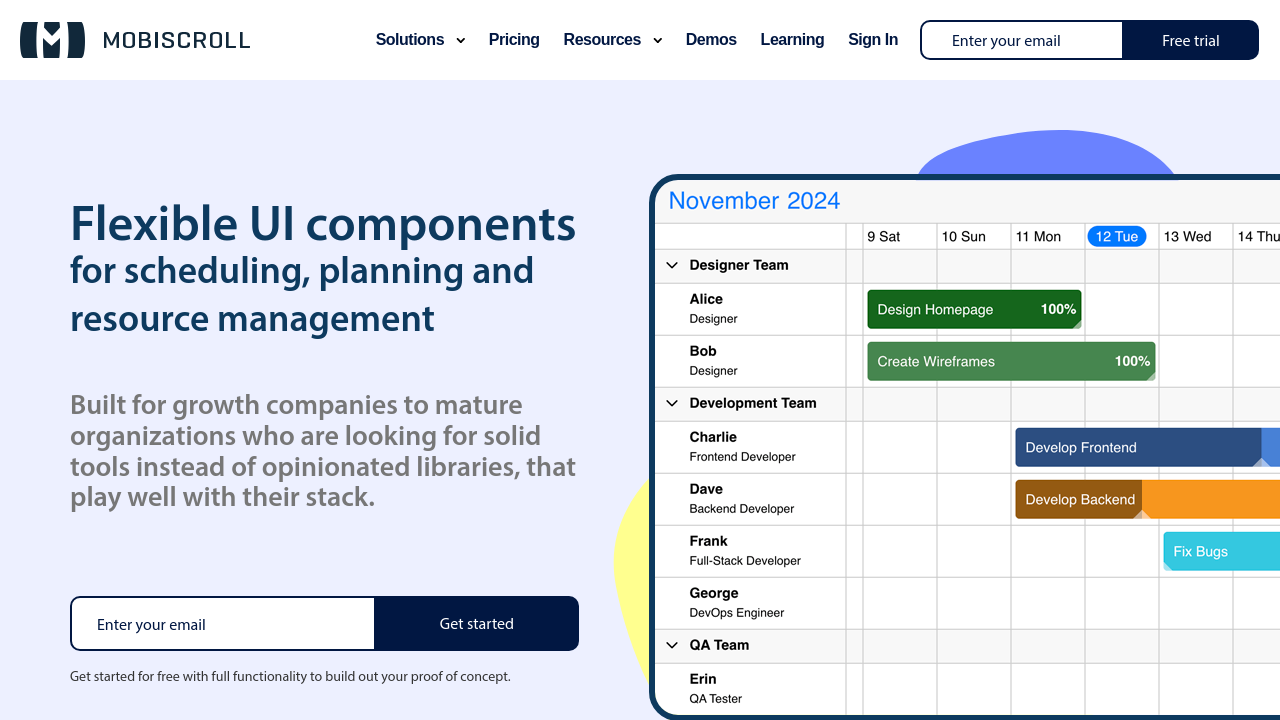
Mobiscroll is a versatile UI library designed for scheduling, calendaring, and enhancing web and mobile applications. Its mobile-first approach ensures excellent performance across devices while offering flexible, highly customizable components. Developers can save significant time with its pre-built features, comprehensive documentation, and responsive support team. Perfect for building efficient, user-friendly apps with consistent design across platforms.

Mobiscroll Overview

What is Mobiscroll?

N/A
0
Reviews
68%
Subscribed Score

Available for Claim - This listing is available to be claimed
Claim Profile For Free

Unclaimed

Manage profile with subsig, and unlock 23+ social and review monitoring. Get partnership options with

Claim Profile For Free

Why teams choose Mobiscroll

Key Features

Built for Flexibility
Adaptable for multiple use cases.
Affordable Pricing
Affordable Pricing
Transparent plans to fit any budget.
Smart Automation
Smart Automation
Save time with AI-powered workflows.

Who is Mobiscroll for?

Mobiscroll is a powerful library for creating robust and responsive user interfaces, aimed at simplifying development for progressive web apps and hybrid applications. As part of the UI Components category, Mobiscroll delivers high-performing JavaScript UI components tailored for scheduling, calendaring, and resource management solutions. Its mobile-first approach ensures optimal usability across touch and desktop devices, giving developers a comprehensive toolkit for efficient app development. Explore exclusive deals. For more UI solutions, consider GitHubJIRA, and Bootstrap.

Why Use Mobiscroll?

Mobiscroll provides several exceptional advantages in UI development:

  • Comprehensive Component Library: Offers a robust suite of tools for date pickers, calendars, schedulers, and resource planners, essential for organizing and managing data-heavy applications.
  • Mobile-First Design: Optimized for effortless responsiveness across all platforms and devices, ensuring consistency and accessibility for users on mobile and desktop environments.
  • Customization and Themes: Equipped with pre-configured themes and an easy-to-use theme builder, developers can achieve seamless design adaptations to match app aesthetics.
  • Time Efficiency: Pre-built UI components accelerate development time by reducing the effort needed for creating and testing custom elements from scratch.
  • Exceptional Documentation and Support: Hundreds of examples, detailed documentation, and a responsive support team are available for troubleshooting and integration success.

Who is Mobiscroll For?

Mobiscroll caters to various audiences in the development ecosystem:

  • Software Developers: Eases the creation of feature-rich applications by providing ready-to-use UI components that minimize the need for extensive custom coding.
  • Enterprises: Suitable for businesses aiming to integrate scheduling, booking, or management functionalities into their internal systems or SaaS products.
  • Startups: Ideal for early-stage projects needing scalable and high-quality UI solutions for faster deployment.

Mobiscroll enables adaptive, efficient, and visually engaging web app development, making it indispensable for individuals and teams aiming to build modern, user-friendly applications. Enhance digital experiences effortlessly with Mobiscroll now.

Mobiscroll Summary

Mobiscroll is a powerful library for creating robust and responsive user interfaces, aimed at simplifying development for progressive web apps and hybrid applications. As part of the UI Components category, Mobiscroll delivers high-performing JavaScript UI components tailored for scheduling, calendaring, and resource management solutions. Its mobile-first approach ensures optimal usability across touch and desktop devices, giving developers a comprehensive toolkit for efficient app development. Explore exclusive deals. For more UI solutions, consider GitHubJIRA, and Bootstrap.

Why Use Mobiscroll?

Mobiscroll provides several exceptional advantages in UI development:

  • Comprehensive Component Library: Offers a robust suite of tools for date pickers, calendars, schedulers, and resource planners, essential for organizing and managing data-heavy applications.
  • Mobile-First Design: Optimized for effortless responsiveness across all platforms and devices, ensuring consistency and accessibility for users on mobile and desktop environments.
  • Customization and Themes: Equipped with pre-configured themes and an easy-to-use theme builder, developers can achieve seamless design adaptations to match app aesthetics.
  • Time Efficiency: Pre-built UI components accelerate development time by reducing the effort needed for creating and testing custom elements from scratch.
  • Exceptional Documentation and Support: Hundreds of examples, detailed documentation, and a responsive support team are available for troubleshooting and integration success.

Who is Mobiscroll For?

Mobiscroll caters to various audiences in the development ecosystem:

  • Software Developers: Eases the creation of feature-rich applications by providing ready-to-use UI components that minimize the need for extensive custom coding.
  • Enterprises: Suitable for businesses aiming to integrate scheduling, booking, or management functionalities into their internal systems or SaaS products.
  • Startups: Ideal for early-stage projects needing scalable and high-quality UI solutions for faster deployment.

Mobiscroll enables adaptive, efficient, and visually engaging web app development, making it indispensable for individuals and teams aiming to build modern, user-friendly applications. Enhance digital experiences effortlessly with Mobiscroll now.

Mobiscroll reviews and insights

Learn what people say about Mobiscroll

N/A
0 Reviews
68%
Subscribed Score

Lear more here about the Subscribed score on how it is composed. Learn more Click here

Overall rating

5
4
3
2
1
CX 5/6

How good is the customer support based on subscribed’s assessment

CX Icon
Security 4/6

How secure is the product based on Subscribed’s assessment?

Security Icon
Ease of Use 5/6

How easy is the product to use, based on Subscribed’s assessment?

EOU Icon
Value 4/6

What is the value for money based on Subscribed’s assessment?

coin Icon
Integration 4/6

How many integrations does the product offer?

gear Icon
Popularity 3/6

How popular is the product?

star

No Reviews Yet!

Be the first to share your experience and help others in the community.

Mobiscroll User Reviews

0 User Reviews

Reviews from G2, Capterra, Trustpilot
info Icon

These ratings come directly from third-party platforms like G2, Capterra, and Trustpilot. They reflect real user feedback collected independently on those sites.

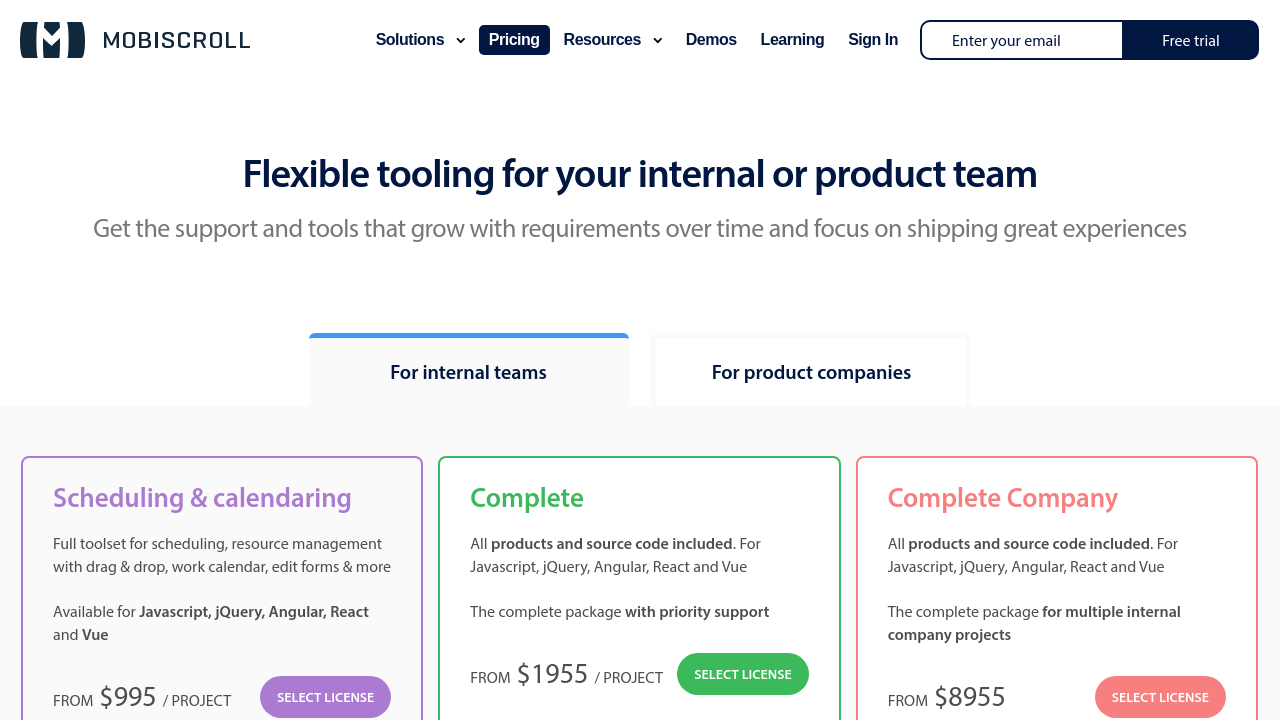
Mobiscroll pricing

Pricing model

Pricing Range
info Icon

This only an estimated pricing range, visit Mobiscroll pricing page to access all the information by clicking “Visit Now”.

Not specified
Deals Available

This product comes with a special deal, see details

Visit Now
✨ Ask AI about pricing
68% Subscribed Score
info Icon

The Subscribed Score is an independent rating that combines user reviews, features, and value-for-money from multiple trusted sources. It’s designed as a quick benchmark, not a guarantee of individual experience.

Overview

Mobiscroll is a powerful library for creating robust and responsive user interfaces, aimed at simplifying development for progressive web apps and hybrid applications. As part of the UI Components category, Mobiscroll delivers high-performing JavaScript UI components tailored for scheduling, calendaring, and resource management solutions. Its mobile-first approach ensures optimal usability across touch and desktop devices, giving developers a comprehensive toolkit for efficient app development. Explore exclusive deals. For more UI solutions, consider GitHubJIRA, and Bootstrap.

Why Use Mobiscroll?

Mobiscroll provides several exceptional advantages in UI development:

  • Comprehensive Component Library: Offers a robust suite of tools for date pickers, calendars, schedulers, and resource planners, essential for organizing and managing data-heavy applications.
  • Mobile-First Design: Optimized for effortless responsiveness across all platforms and devices, ensuring consistency and accessibility for users on mobile and desktop environments.
  • Customization and Themes: Equipped with pre-configured themes and an easy-to-use theme builder, developers can achieve seamless design adaptations to match app aesthetics.
  • Time Efficiency: Pre-built UI components accelerate development time by reducing the effort needed for creating and testing custom elements from scratch.
  • Exceptional Documentation and Support: Hundreds of examples, detailed documentation, and a responsive support team are available for troubleshooting and integration success.

Who is Mobiscroll For?

Mobiscroll caters to various audiences in the development ecosystem:

  • Software Developers: Eases the creation of feature-rich applications by providing ready-to-use UI components that minimize the need for extensive custom coding.
  • Enterprises: Suitable for businesses aiming to integrate scheduling, booking, or management functionalities into their internal systems or SaaS products.
  • Startups: Ideal for early-stage projects needing scalable and high-quality UI solutions for faster deployment.

Mobiscroll enables adaptive, efficient, and visually engaging web app development, making it indispensable for individuals and teams aiming to build modern, user-friendly applications. Enhance digital experiences effortlessly with Mobiscroll now.

Where Mobiscroll performs best

What users like
  • Highly customizable and versatile UI components
  • Easy to implement with clear documentation
  • Responsive design and mobile-first approach
  • Excellent customer support and timely updates

Where Mobiscroll falls short

What users dislike
  • Pricing is considered high by some users
  • Inconsistent behavior across desktop and mobile
  • Heavyweight CSS and JS files
  • Limited styling customization options
Subscribed Score Metrics
25/36 Metric achieved
MetricsScore
Customer Support5/6
Security4/6
Ease of Use5/6
Value of Money4/6
Integration4/6
Popularity3/6
Radar Chart Table View
Ease of Use
Measures how simple and intuitive the product is to use, including setup, navigation, and overall user experience
5/6 Metric Checks
Security
Compares the product`s features, quality, and pricing to determine its overall cost-effectiveness.
4/6 Metric Checks
Value of Money
Assesses the product`s ability to protect data, prevent breaches, and comply with industry standards.
4/6 Metric Checks
Customer Support
Reflects the responsiveness, helpfulness, and quality of assistance provided by the product`s support team.
5/6 Metric Checks
Integrations
Evaluates how well the product connects with other tools and platforms, enabling seamless workflows.
4/6 Metric Checks
Mobiscroll Pricing Range
Not specified

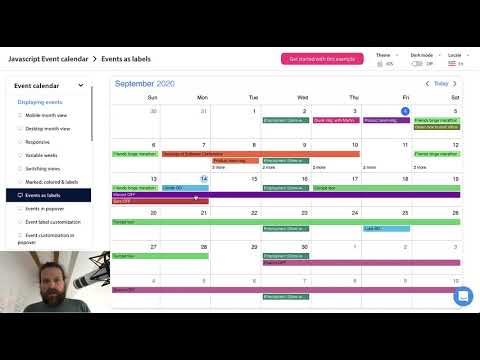
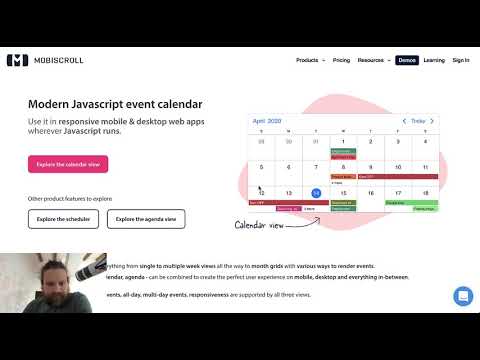
Mobiscroll in action
info Icon

A curated gallery of real screenshots and use cases from the product, so you can see how it works before trying it.

Mobiscroll Full Screen Icon
https://www.youtube.com/watch?v=Jvqr8B-SW8Y
Full Screen Icon
https://www.youtube.com/watch?v=JQdDtuE-X8g
Full Screen Icon
Mobiscroll
Mobiscroll
Video thumbnail
Video thumbnail
Mobiscroll
Mobiscroll

Alternatives to Mobiscroll
info Icon

A list of platforms similar to Mobiscroll, helping you evaluate which tool best matches your needs.

How to cancel Mobiscroll

Need to cancel Mobiscroll? Here is how
info Icon

Thinking about how to cancel Mobiscroll this is how you do it!

To cancel a temporary event in Mobiscroll Scheduler:

  • Use the onClose callback to clear the temporary event.
  • Implement a clearTempEvent function to filter out the temporary event from the event list.
  • Optionally, intercept the ESC key to trigger a mouseup event and cancel the drag-and-drop process.
  • Ensure to update the state and UI accordingly to reflect the cancellation.

How to Cancel the Mobiscroll

To cancel a temporary event in Mobiscroll Scheduler:

  • Use the onClose callback to clear the temporary event.
  • Implement a clearTempEvent function to filter out the temporary event from the event list.
  • Optionally, intercept the ESC key to trigger a mouseup event and cancel the drag-and-drop process.
  • Ensure to update the state and UI accordingly to reflect the cancellation.

FAQs about Mobiscroll

Every else you need to know about Mobiscroll
info Icon

A collection of FAQs, guides, alternatives, and comparisons to help you quickly understand if Mobiscroll is right for you.

Manage your Mobiscroll profile

Create profile

Want to list your product on Subscribed.fyi? Create a profile to reach more buyers.

Pricing Range
info Icon

This only an estimated pricing range, visit Mobiscroll pricing page to access all the information by clicking “Visit Now”.

Not specified
Visit Now
Deals Available

This product comes with a special deal, see details

This product comes with a special deal, see details