Slack Reviews 2026: Details, Pricing, & Features | Subscribed.fyi
Sign in to review
Join our community of software reviewers on Subscribed.fyi

Continue With Google
Continue With LinkedIn
Continue Review with Email
Continue with Email
Enter your email to continue.
Continue
Enter your password
Enter your password to finish setting up your account.
Continue
Activate your email
Enter activation code we sent to your email.
Submit
Reset your password
Enter activation code we sent to your email.
Submit
Set your new password
Enter a new password for your account.
Submit
Categories
For Business
Log in
Provide My Insights
Collaboration & Remote Work Most Loved Award award

Slack Reviews, Pricing, Features & Alternatives (2026)

4.5/5
(10)

Slack is a collaborative messaging platform that simplifies team communication. With channels, direct messaging, and integrations, it centralizes work-related conversations, enhancing productivity and fostering seamless collaboration within organizations of any size.

Collaboration & Remote Work Most Loved Award award

Slack Overview

What is Slack?

Collaboration & Remote Work Most Loved Award award
Collaboration & Remote Work
Most Loved Award
2026

All Awards

Collaboration & Remote Work
Most Loved Award
2026
Work Hub
Most Loved Award
2026
4.5
10
Reviews
90%
Subscribed Score

Available for Claim - This listing is available to be claimed
Claim Profile For Free

Unclaimed

Manage profile with subsig, and unlock 23+ social and review monitoring. Get partnership options with

Claim Profile For Free

Why teams choose Slack

Key Features

Expert Support
Expert Support
Help available when you need it.
Eco-Friendly
Eco-Friendly
Designed with sustainability in mind.
Seamless Integrations
Connect easily with your favorite tools.

Who is Slack for?

Slack is a popular team collaboration platform that enhances communication and streamlines workflows within organizations. It provides a centralized space for teams to engage via channels, share files, and integrate with third-party applications, fostering real-time collaboration. If you’re looking for alternatives in the Worksuite category, consider options like Notion, Microsoft 365, Google Workspace, and Calendly. Don’t forget to check out our deals page for exclusive offers!

Why Use Slack?

Slack provides several key features:

  • Channel-Based Communication: Teams can organize conversations into channels based on topics, projects, or departments, allowing for focused discussions and easy navigation.
  • Real-Time Messaging: Slack supports real-time messaging, enabling teams to communicate instantly, share updates, and collaborate seamlessly across different devices.
  • File Sharing and Collaboration: Users can share files, documents, and other media directly within Slack, promoting collaborative work without the need for constant email exchanges.
  • Integration Capabilities: Slack integrates with a vast array of third-party applications, allowing users to bring external tools and services into the Slack environment for a more streamlined workflow.

Who is Slack For?

Slack is suitable for a diverse range of users:

  • Business Teams: Slack is commonly used by business teams for internal communication, project collaboration, and information sharing in a centralized platform.
  • Remote Teams: Remote teams benefit from Slack’s real-time communication features, fostering connectivity and collaboration among team members working from different locations.
  • Developers: Developers appreciate Slack’s integration capabilities and the availability of bots, allowing them to receive notifications, updates, and perform actions directly within the Slack workspace.

In conclusion, Slack is a versatile and user-friendly team collaboration platform that enhances communication and collaboration within organizations. Whether used by business teams, remote workers, or developers, Slack provides a centralized hub for streamlined communication and efficient collaboration.

Slack Summary

Slack is a popular team collaboration platform that enhances communication and streamlines workflows within organizations. It provides a centralized space for teams to engage via channels, share files, and integrate with third-party applications, fostering real-time collaboration. If you’re looking for alternatives in the Worksuite category, consider options like Notion, Microsoft 365, Google Workspace, and Calendly. Don’t forget to check out our deals page for exclusive offers!

Why Use Slack?

Slack provides several key features:

  • Channel-Based Communication: Teams can organize conversations into channels based on topics, projects, or departments, allowing for focused discussions and easy navigation.
  • Real-Time Messaging: Slack supports real-time messaging, enabling teams to communicate instantly, share updates, and collaborate seamlessly across different devices.
  • File Sharing and Collaboration: Users can share files, documents, and other media directly within Slack, promoting collaborative work without the need for constant email exchanges.
  • Integration Capabilities: Slack integrates with a vast array of third-party applications, allowing users to bring external tools and services into the Slack environment for a more streamlined workflow.

Who is Slack For?

Slack is suitable for a diverse range of users:

  • Business Teams: Slack is commonly used by business teams for internal communication, project collaboration, and information sharing in a centralized platform.
  • Remote Teams: Remote teams benefit from Slack’s real-time communication features, fostering connectivity and collaboration among team members working from different locations.
  • Developers: Developers appreciate Slack’s integration capabilities and the availability of bots, allowing them to receive notifications, updates, and perform actions directly within the Slack workspace.

In conclusion, Slack is a versatile and user-friendly team collaboration platform that enhances communication and collaboration within organizations. Whether used by business teams, remote workers, or developers, Slack provides a centralized hub for streamlined communication and efficient collaboration.

Slack reviews and insights

Learn what people say about Slack

4.5
10 Reviews
90%
Subscribed Score

Lear more here about the Subscribed score on how it is composed. Learn more Click here

Overall rating

5
4
3
2
1
CX 4/6

How good is the customer support based on subscribed’s assessment

CX Icon
Security 5/6

How secure is the product based on Subscribed’s assessment?

Security Icon
Ease of Use 6/6

How easy is the product to use, based on Subscribed’s assessment?

EOU Icon
Value 5/6

What is the value for money based on Subscribed’s assessment?

coin Icon
Integration 6/6

How many integrations does the product offer?

gear Icon
Popularity 6/6

How popular is the product?

star
Ted Downs Invitation
Customer Success
See My Portfolio
4 weeks ago
Share
What feature do you use most often?
The threads act like a bulletin board allowing the most important information to be released and discussed. The other features allow files to be shared and organized. The direct messaging allows you to track down people in the organization.
What feature doesn’t work as expected?
The search button doesn't have full contact information, so it was difficult to determine if I was contacting the correct person. Also, some of the files that are shared are hard to find on the app perhaps because the text is too small or all the same sizes.
What could make it even better?
For recurring events, some of the links were inactive on the calendar. Perhaps they could have a system where this is not possible because it became confusing when an actual meeting was to take place.
Final thoughts, wrap up what you think
Makes a large, shared project easier. Makes communication easier even between people on the same project that really have never met each other in-person.
Upvote
1 month ago
Share
What exceeded your expectations?
Slack is really smooth when it comes to team communication and organizing conversations. I like how everything is in channels, so it doesn’t get too messy.
What’s been frustrating in your experience?
Sometimes notifications can get overwhelming, especially in busy channels. It’s also easy to miss important messages if there’s too much going on.
What problem did this product solve for you?
It made team communication much easier instead of relying on emails all the time. Everything is faster and more organized in one place.
Final thoughts, wrap up what you think
Very Useful
Upvote
monikakumar2108 Organic
software tester
2 months ago
Share
What do you like best about this product?
Slack is a good platform for cloud based team communication and email and streamline workflow.Easily share the files and give the project updates
What do you dislike about this product?
Not able to send heavy files .
What could make it even better?
Should be able to send big videos and make it more robust in terms of sending files.
Final thoughts, wrap up what you think
Very much
Upvote
Marco Organic
Marketing
2 months ago
Share
What was your first impression when you started using it?
My first impression was that it seemed like a fun way to chat co-workers. I loved how simple the interface was and easy to access.
What feature doesn’t work as expected?
The signup process was horrible and difficult. I had signed up with multiple accounts for both personal and organizations and the system was confused which made it difficult to signup and I had to use other emails.
Is there a workflow that could be simpler?
The workflow was smooth. I think the only thing that could be simpler is the signup process.
Final thoughts, wrap up what you think
I love to use Slack for personal and professional work.
Upvote

Slack User Reviews

10 User Reviews

Reviews from G2, Capterra, Trustpilot
info Icon

These ratings come directly from third-party platforms like G2, Capterra, and Trustpilot. They reflect real user feedback collected independently on those sites.

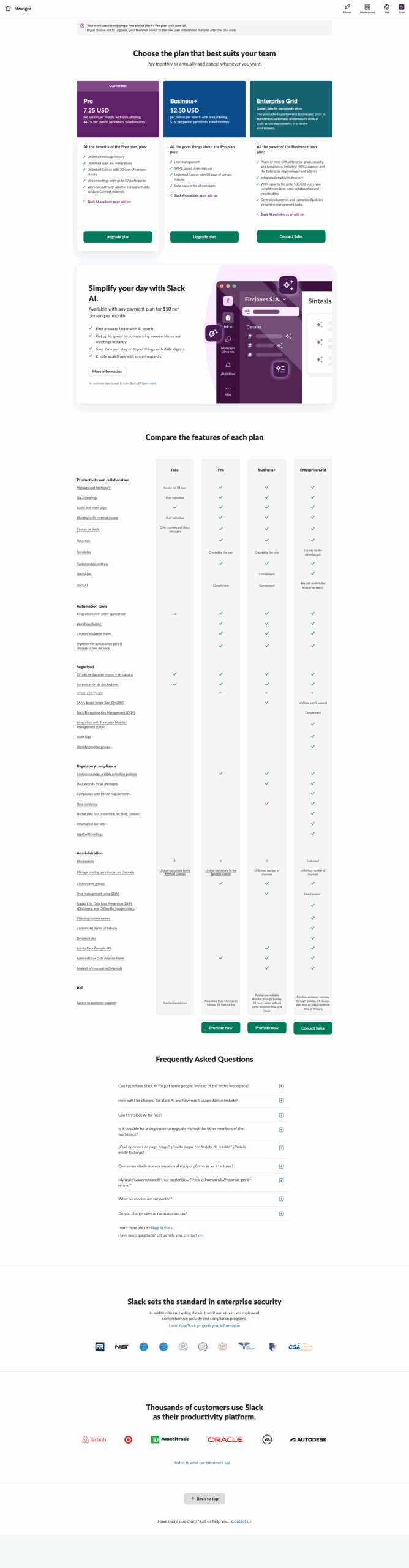
Slack pricing

Pricing model

Collaboration & Remote Work Most Loved Award award
Pricing Range
info Icon

This only an estimated pricing range, visit Slack pricing page to access all the information by clicking “Visit Now”.

$0-$15 / Month
Deals Available

This product comes with a special deal, see details

Visit Now
✨ Ask AI about pricing
90% Subscribed Score
info Icon

The Subscribed Score is an independent rating that combines user reviews, features, and value-for-money from multiple trusted sources. It’s designed as a quick benchmark, not a guarantee of individual experience.

Overview

Slack is a popular team collaboration platform that enhances communication and streamlines workflows within organizations. It provides a centralized space for teams to engage via channels, share files, and integrate with third-party applications, fostering real-time collaboration. If you’re looking for alternatives in the Worksuite category, consider options like Notion, Microsoft 365, Google Workspace, and Calendly. Don’t forget to check out our deals page for exclusive offers!

Why Use Slack?

Slack provides several key features:

  • Channel-Based Communication: Teams can organize conversations into channels based on topics, projects, or departments, allowing for focused discussions and easy navigation.
  • Real-Time Messaging: Slack supports real-time messaging, enabling teams to communicate instantly, share updates, and collaborate seamlessly across different devices.
  • File Sharing and Collaboration: Users can share files, documents, and other media directly within Slack, promoting collaborative work without the need for constant email exchanges.
  • Integration Capabilities: Slack integrates with a vast array of third-party applications, allowing users to bring external tools and services into the Slack environment for a more streamlined workflow.

Who is Slack For?

Slack is suitable for a diverse range of users:

  • Business Teams: Slack is commonly used by business teams for internal communication, project collaboration, and information sharing in a centralized platform.
  • Remote Teams: Remote teams benefit from Slack’s real-time communication features, fostering connectivity and collaboration among team members working from different locations.
  • Developers: Developers appreciate Slack’s integration capabilities and the availability of bots, allowing them to receive notifications, updates, and perform actions directly within the Slack workspace.

In conclusion, Slack is a versatile and user-friendly team collaboration platform that enhances communication and collaboration within organizations. Whether used by business teams, remote workers, or developers, Slack provides a centralized hub for streamlined communication and efficient collaboration.

Where Slack performs best

What users like
  • User-friendly interface and ease of use
  • Strong integration with apps and platforms
  • Efficient team collaboration and communication
  • Valuable features like huddles and threads

Where Slack falls short

What users dislike
  • Search functionality needs improvement
  • Overwhelming notifications for some users

  • Limited features in the free plan
  • Dependence on user knowledge for optimal use
Subscribed Score Metrics
32/36 Metric achieved
MetricsScore
Customer Support4/6
Security5/6
Ease of Use6/6
Value of Money5/6
Integration6/6
Popularity6/6
Radar Chart Table View
Ease of Use
Measures how simple and intuitive the product is to use, including setup, navigation, and overall user experience

6/6 Metric Checks
Security
Compares the product`s features, quality, and pricing to determine its overall cost-effectiveness.
5/6 Metric Checks
Value of Money
Assesses the product`s ability to protect data, prevent breaches, and comply with industry standards.
5/6 Metric Checks
Customer Support
Reflects the responsiveness, helpfulness, and quality of assistance provided by the product`s support team.
4/6 Metric Checks
Integrations
Evaluates how well the product connects with other tools and platforms, enabling seamless workflows.
6/6 Metric Checks
Slack Pricing Range
$0-$15 / Month

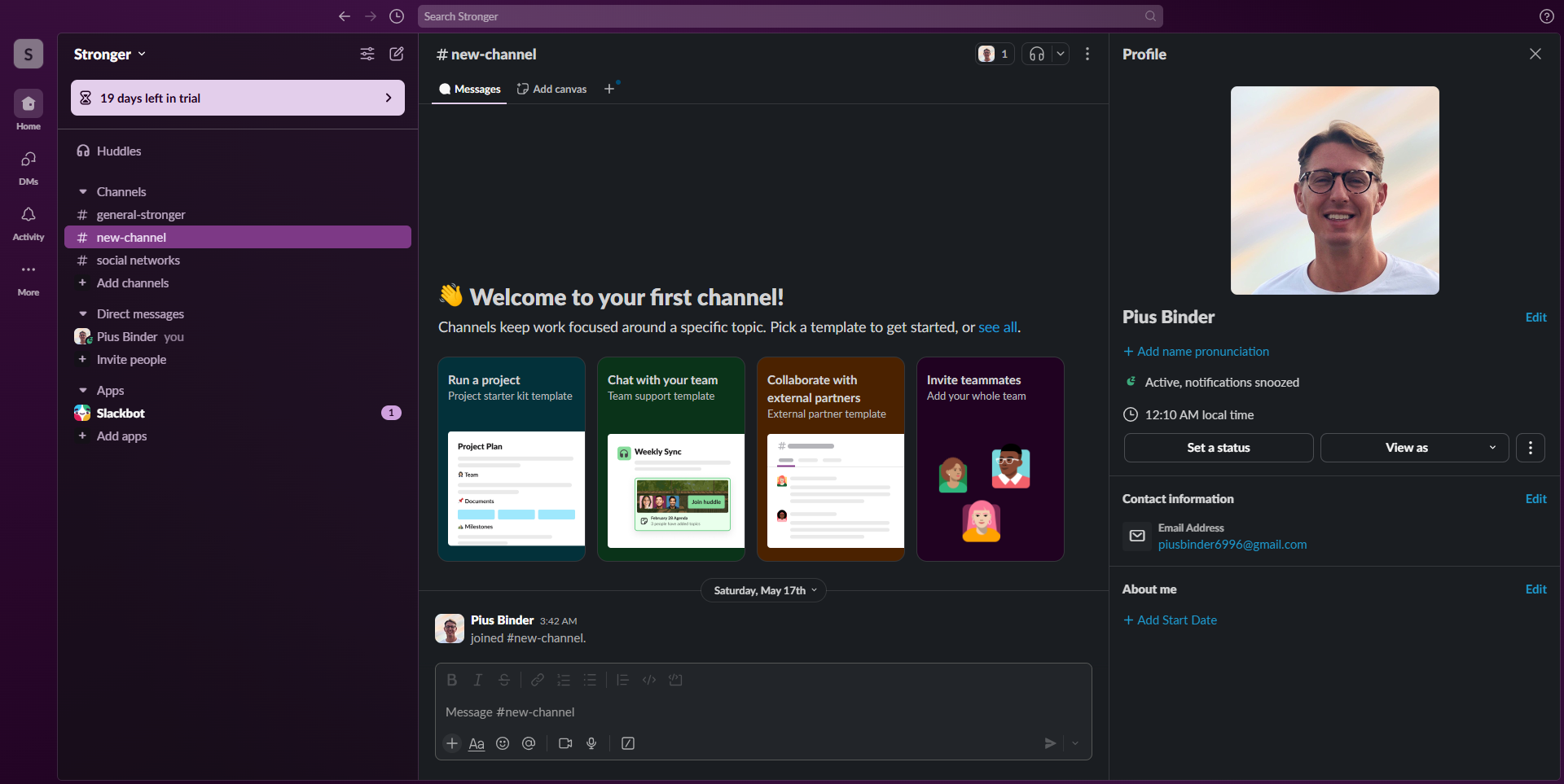
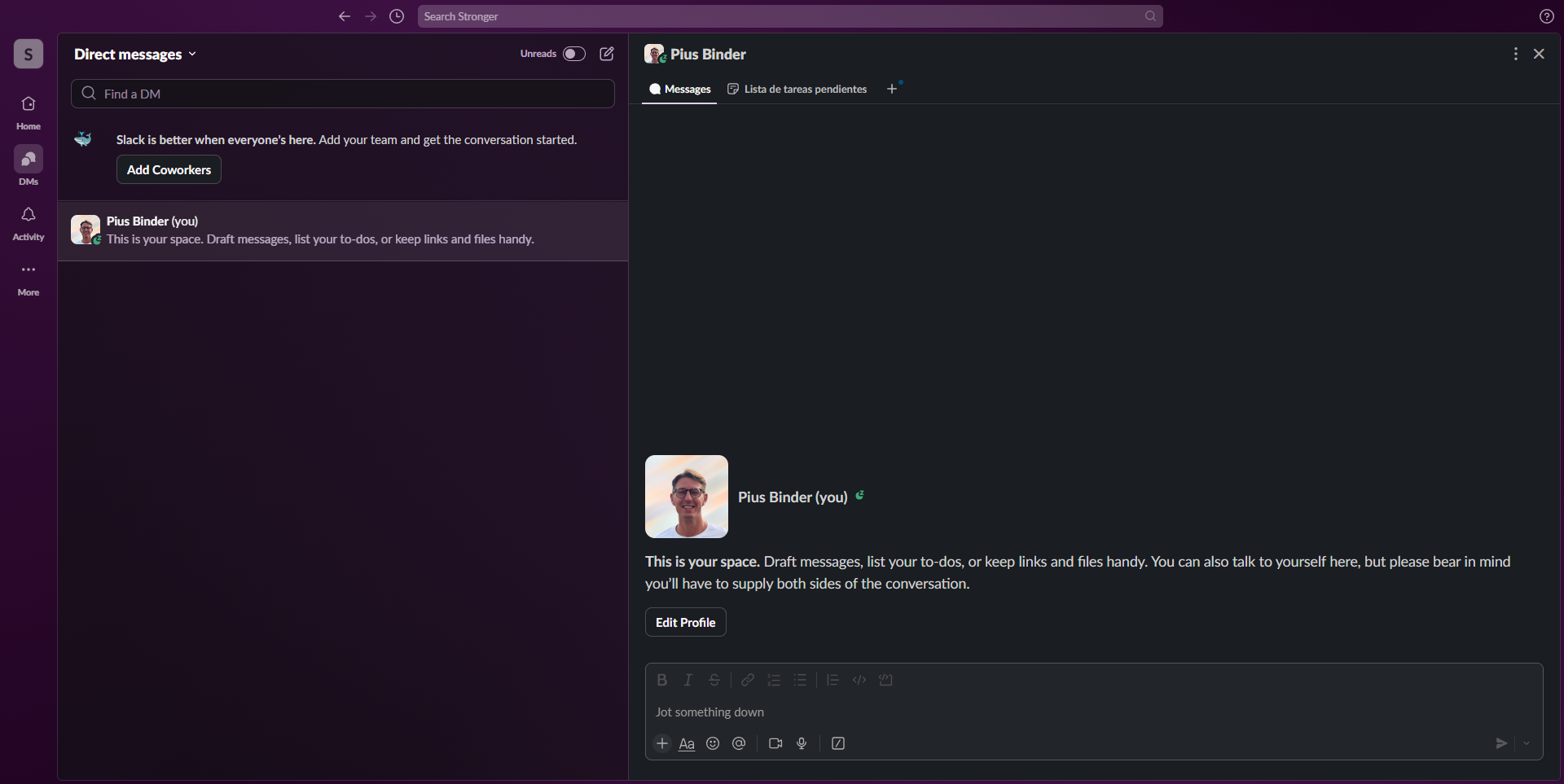
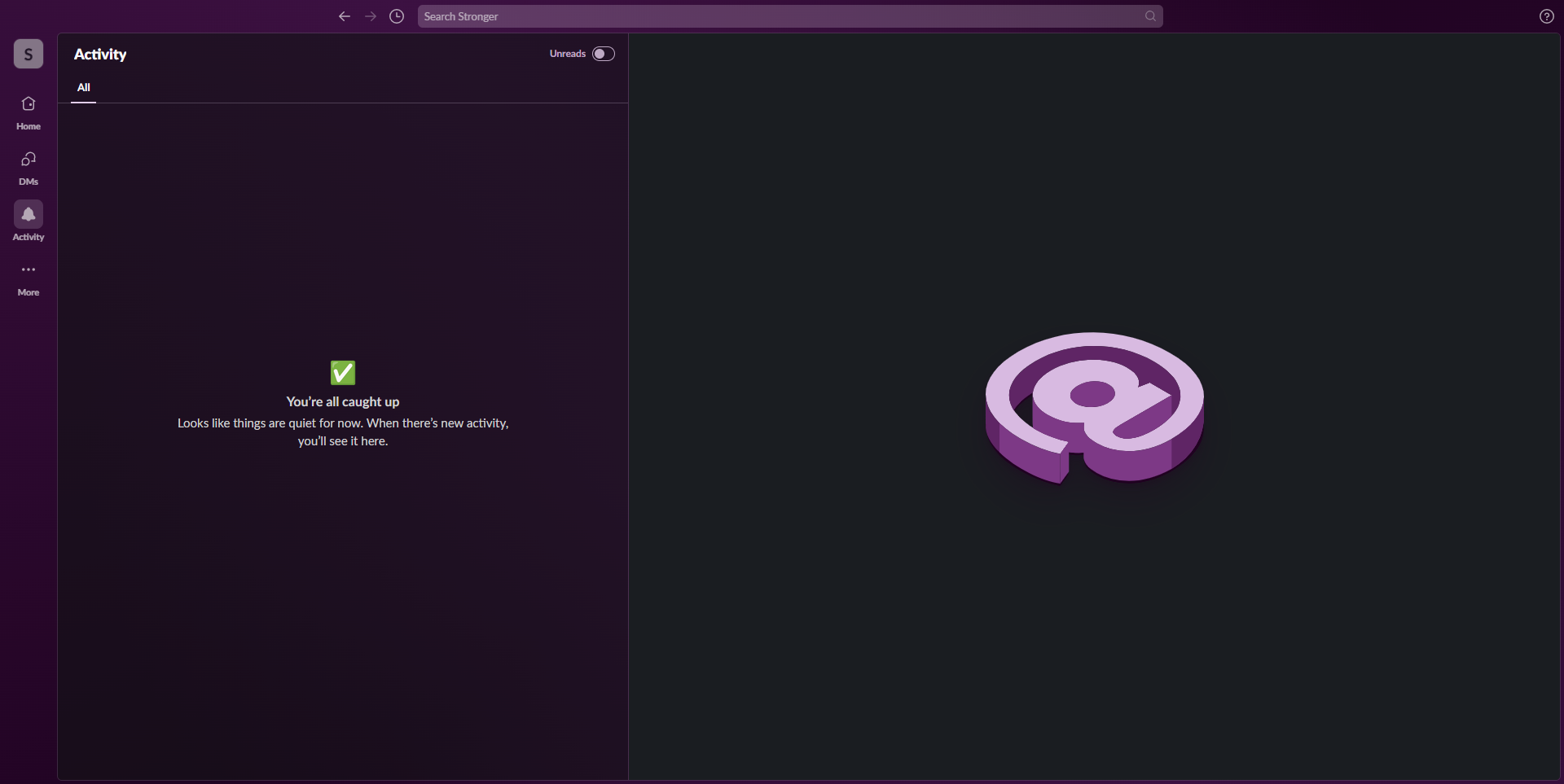
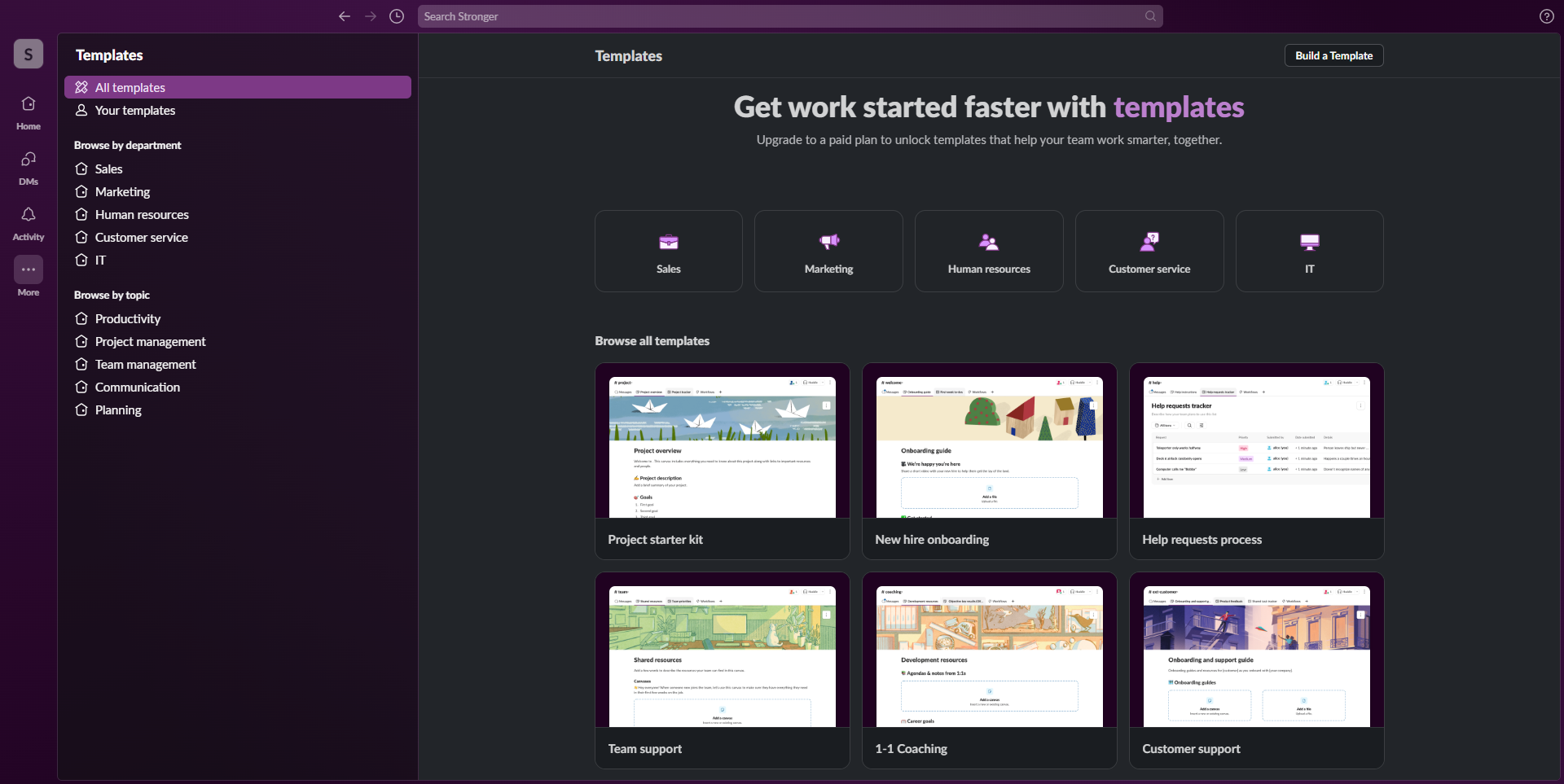
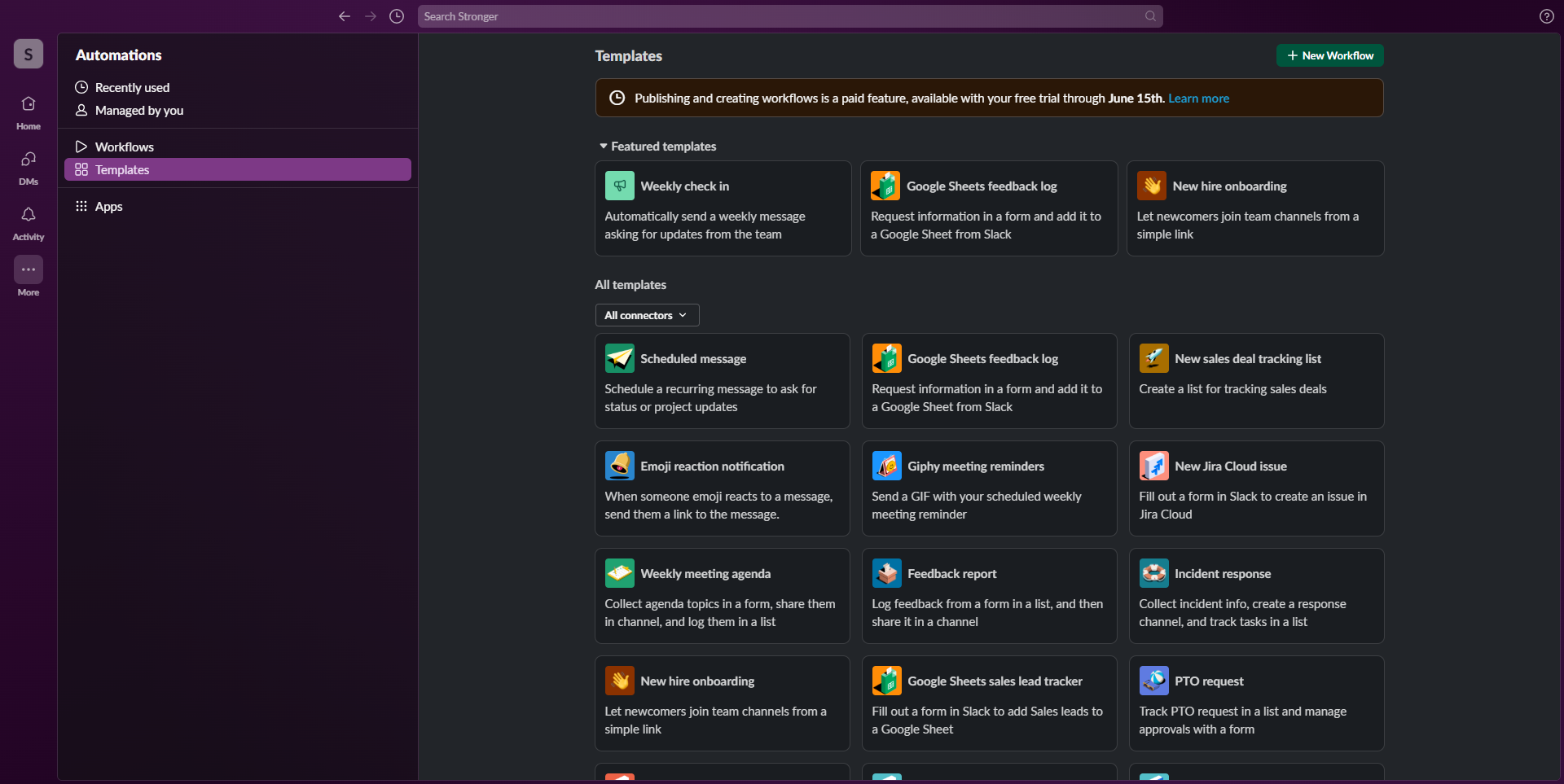
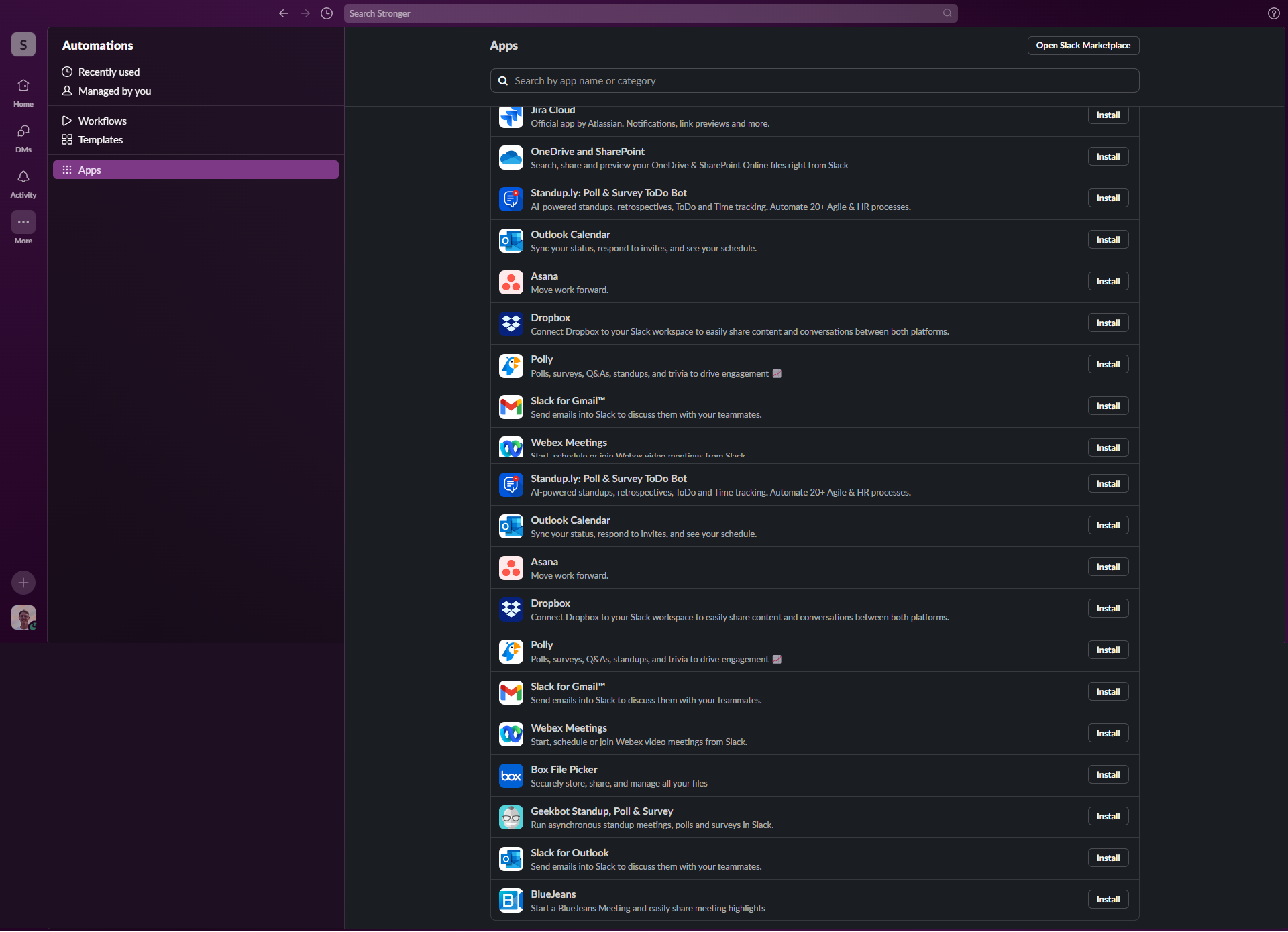
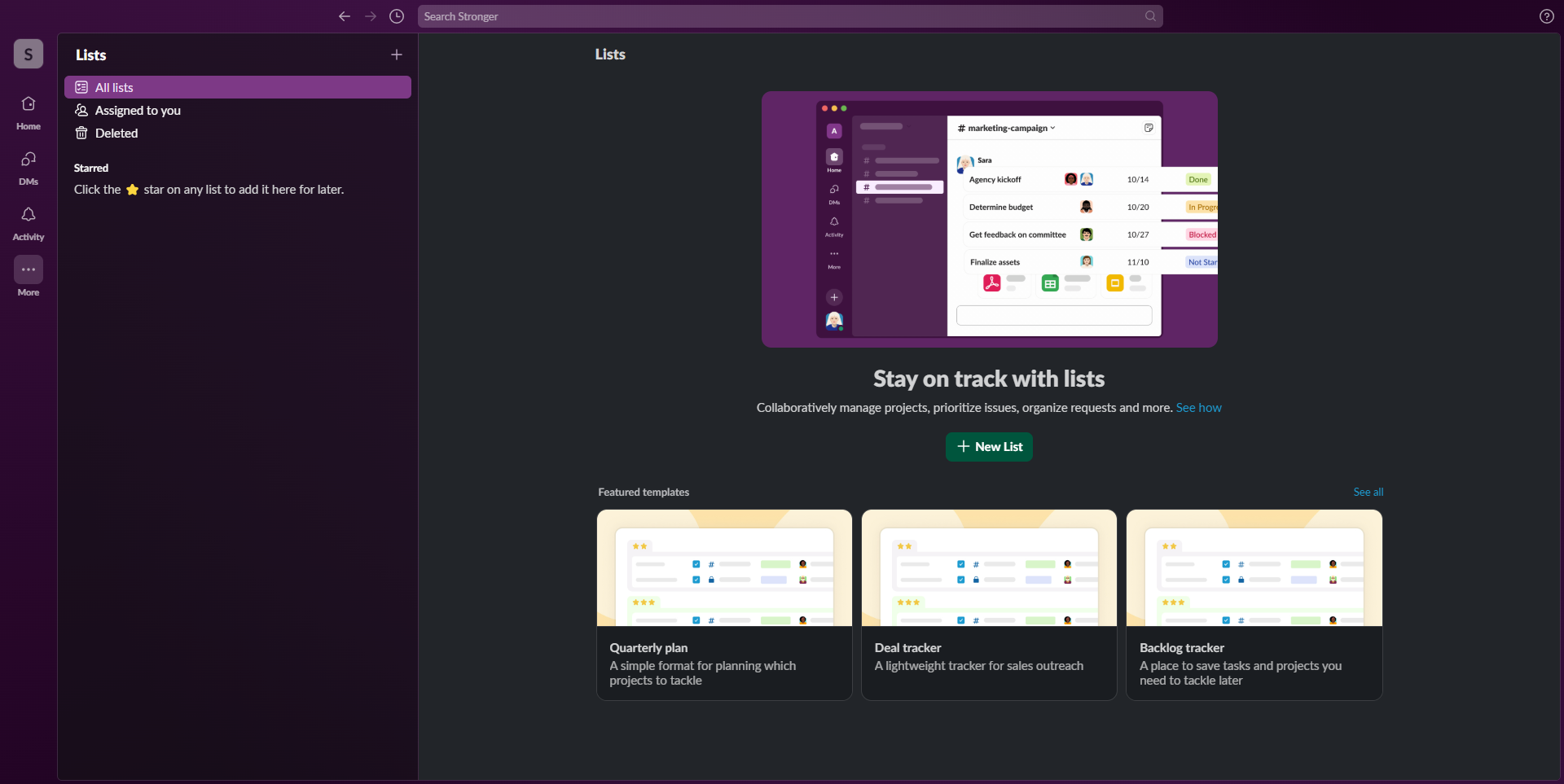
Slack in action
info Icon

A curated gallery of real screenshots and use cases from the product, so you can see how it works before trying it.

Slack screenshot Full Screen Icon
https://www.youtube.com/watch?v=RRxQQxiM7AA?feature=oembed
Full Screen Icon
Video thumbnail
Slack screenshot
Slack screenshot
Slack screenshot
Slack screenshot
Slack screenshot
Slack screenshot
Slack screenshot
Slack screenshot
Slack screenshot
Slack screenshot

Alternatives to Slack
info Icon

A list of platforms similar to Slack, helping you evaluate which tool best matches your needs.

How to cancel Slack

Need to cancel Slack? Here is how
info Icon

Thinking about how to cancel Slack this is how you do it!

Steps to Cancel Slack Subscription

To cancel your Slack subscription, log in to your account, navigate to the billing settings, click on “Cancel Subscription,” and follow the prompts; for specific instructions and the latest information, visit the official Slack Help Center.

How to Cancel the Slack

Steps to Cancel Slack Subscription

To cancel your Slack subscription, log in to your account, navigate to the billing settings, click on “Cancel Subscription,” and follow the prompts; for specific instructions and the latest information, visit the official Slack Help Center.

FAQs about Slack

Every else you need to know about Slack
info Icon

A collection of FAQs, guides, alternatives, and comparisons to help you quickly understand if Slack is right for you.

Manage your Slack profile

Create profile

Want to list your product on Subscribed.fyi? Create a profile to reach more buyers.

Pricing Range
info Icon

This only an estimated pricing range, visit Slack pricing page to access all the information by clicking “Visit Now”.

$0-$15 / Month
Visit Now
Deals Available

This product comes with a special deal, see details

This product comes with a special deal, see details